
Stock Request Report
Gives a report on all stock request completed in various statuses
Inventory module> Reports> Reports List
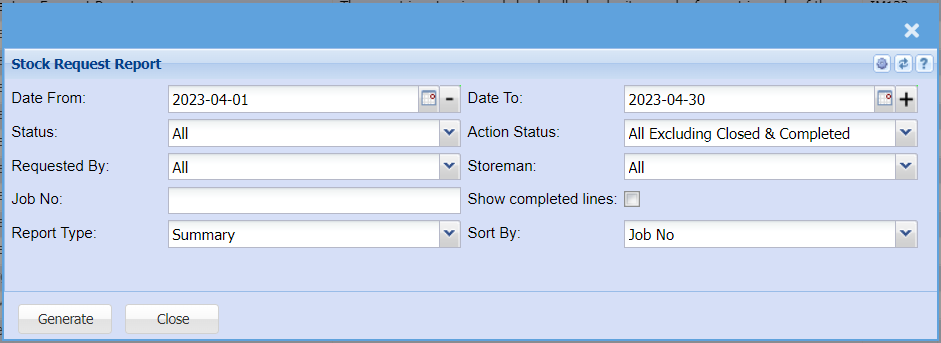
| Date From / To |
Choose the date range for which you want to view the report from Select a date range of when you want to see the |
| Status |
If you select all the report will pull all statuses If you want to view the report by status, select the status on the |
| Requested By | Select one option from the |
| Job No | Select one option from the |
| Report Type | Select the type of the report from the |
| Action Status | Select action status on the |
|
Select a If you want the report to show all |
|
| Show completed lines | Put a tick on to show all completed lines on the report |
| Sort By | sort the report by selecting one from the |