
Sales Order Stock Items
Inventory module> Reports> Reports List
Report on stock items on Shelf and Sales Orders
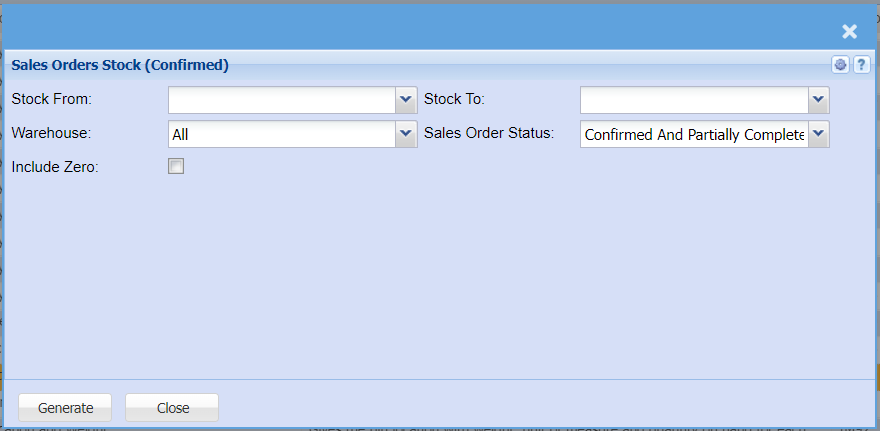
| Stock From / Stock To |
If you leave the stock item fields blank, all stock items will be displayed on the report. If you choose specific stock items, the report will sort information by stock item code from and to the selected codes rather than description. |
| Warehouse |
If you select all warehouses the report will fetch data from all warehouses If you want to search by a specific report, select the report on the warehouse selection |
| Include Zero | Put a tick on to include all items with zero |
| Sales Order Status | Select the Sales order status you want to filter your report by on the drop-down menu selection |
| Generate Button |
Click the "Generate" button to open the report You will have options to copy, email, or print the report To view the report in an Excel document, copy the report and paste it into an Excel file |