
Inventory Valuation Summary
Inventory module> Reports> Reports List
Gives a report similar to the inventory valuation report except it gives it by group and then broken down into individual items.items
Inventory module> Reports> Reports List
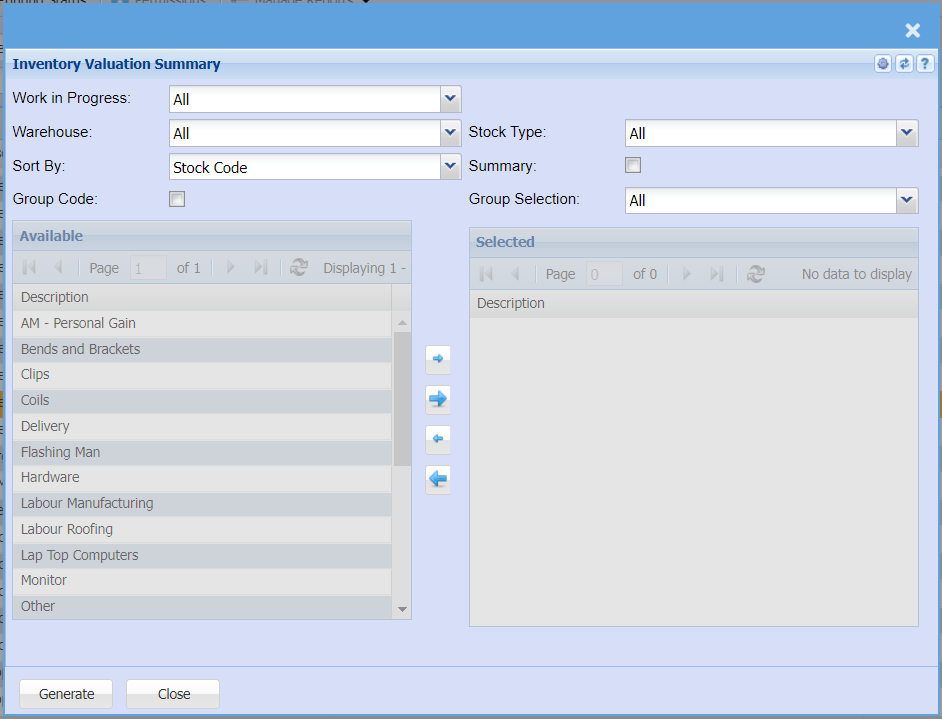
To run the report, select work in progress, warehouse, stock type and sort by options from the drop-down arrows.
| Work in Progress |
Select a work in progress document on the drop-down menu selection If you leave it on ALL report will display all work in progress documents |
| Warehouse | If you select all warehouses the report will fetch data from all warehouse If you want to search by a specific report, select the report on the warehouse selection |
| Sort By | Sort the report by selecting one option from the drop down arrow |
| Group Code | |
| Stock Type | Select the stock type you wish to filter the report by |
| Summary | |
| Group Selection | Select a group selection on the drop down and move the group codes you wish to filter your report by to the selected window |
| Generate Button |
Click the "Generate" button to open the report You will have options to copy, email, or print the report To view the report in an Excel document, copy the report and paste it into an Excel file |