
Inventory Valuation Summary
Inventory module> Reports> Reports List
Gives a report similar to the inventory valuation report except it gives it by group and then broken down into individual items.
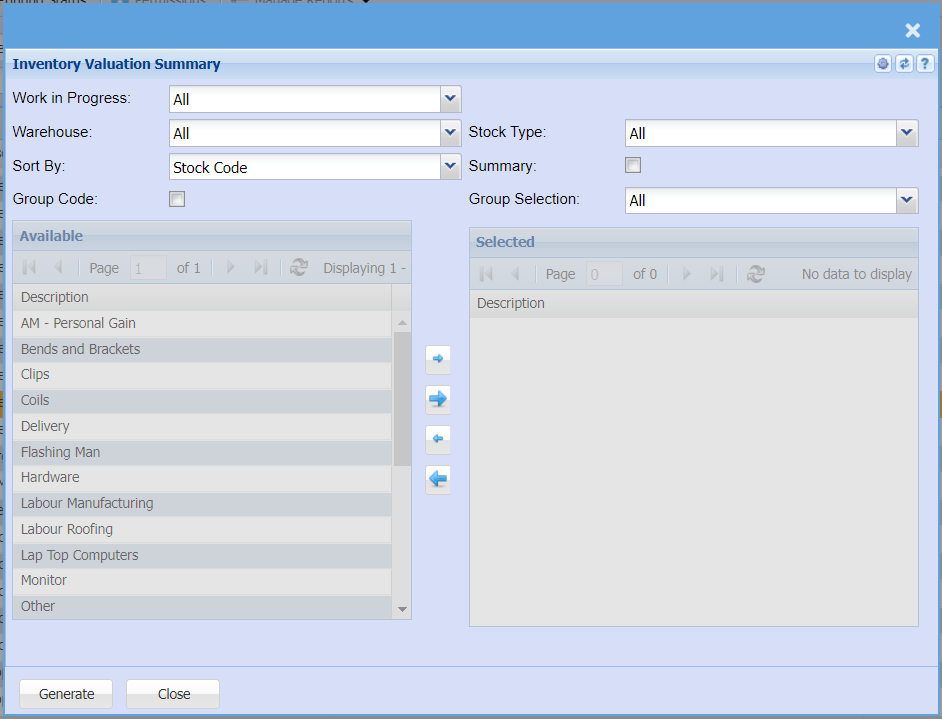
To run the report, select work in progress, warehouse, stock type and sort by options from the drop-down arrows.
| Work in Progress | |
| Warehouse | |
| Sort By | |
| Group Code | it’s used to select the group codes by using the arrow |
| Stock Type | |
| Summary | when selecting this option, the report will only show group code on hand and total |
| Group |
Generate button – to run the report Close – to close the form