
Inventory Cost Methods
Inventory> Reports> Reports List
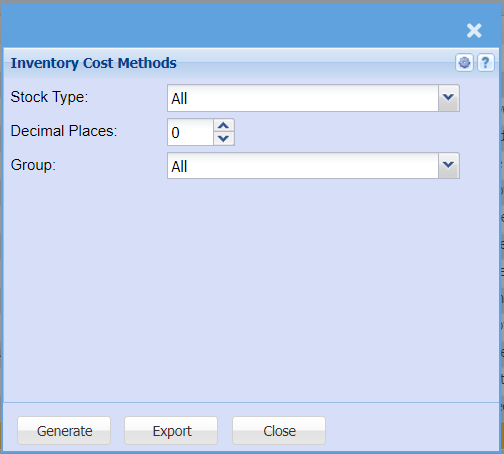
| Stock Type | Select the stock type from the drop down arrow |
| Decimal Places |
It is advisable to set decimals to two places You can view the report with any number of decimal places |
| Group |
If you leave the group codes on all, the report will pull all group codes Select a code if you wish to run a report by a specific group code |
| Generate Button |
Click the "Generate" button to open the report You will have options to copy, email, or print the report To view the report in an Excel document, click copy on the report and past it into an Excel file |
| Export Button | This allows you to export your report to an Excel file |