
BOM Value Report
Inventory module>Reports> Reports List
Summary report showing the stock, service and custom type items values for each BOM and total value of the BOM.
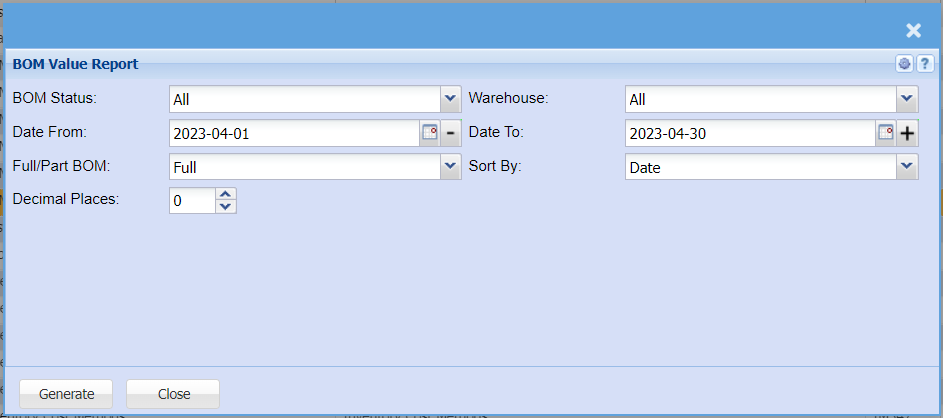
| BOM Status |
Leave a report criteria on all to search for all BOM statuses If you wish to view a report by a specific BOM status, select the BOM status from drop down selection |
| Date From / To |
Choose the date range for which you want to view the report from |
| Full / Part BOM | Select which BOM you wish to display on your report |
| Decimal Places |
It is advisable to set decimals to two places You can view the report with any number of decimal places. |
| Warehouse |
If you select all warehouses the report will fetch data from all If you want to search by a specific |
| Sort By | Select what you wish to sort your report by on the |
| Generate Button |
Click the "Generate" button to open the report You will have options to copy, email, or print the report To view the report in an Excel document, copy the report and paste it into an Excel file |