
BOM - Distribution of Inventory Items in BOMS
Distribution of inventory items in BOMS Report
Inventory module> Reports> Reports List
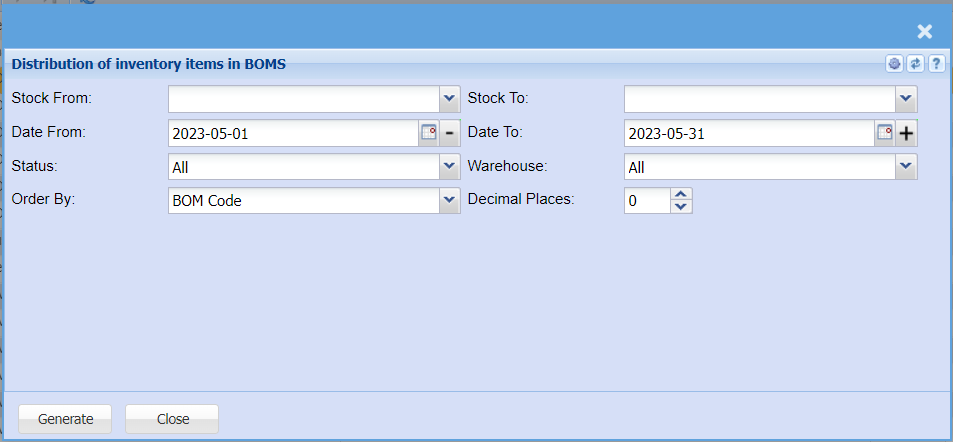
| Stock From / Stock To |
Select a item you would like to view the report from and a stock item where the report should stop If you leave the stock item fields blank, all stock items will be displayed on the report If you choose specific stock items, the report will sort information by stock item code rather than description |
| Date From / Date To |
Choose the date range for which you want to view the report Select the date from on the menu drop down selection Select a date range of when you want to see the report to |
| Status |
If you select all the report will pull all statuses If you want to view report by status, select the status on the |
| Warehouse |
If you select all warehouses the report will fetch data from all If you want to search by a specific |
| Order By | Select order by on the |
| Decimal Places |
It is advisable to set decimals to two You can |
| Generate Button |
Click the "Generate" button to open the report You will have options to copy, email, or print the report To view the report in an Excel document, copy the report and paste it into an Excel file |