
Analysis of Monthly Sales Figures
Inventory module>Analysis >Reports List
Analysis of Monthly Sales figures - Showing Costs and Profit
Summary Income Report
Income statement report shows an income statement for the selected month or a financial period
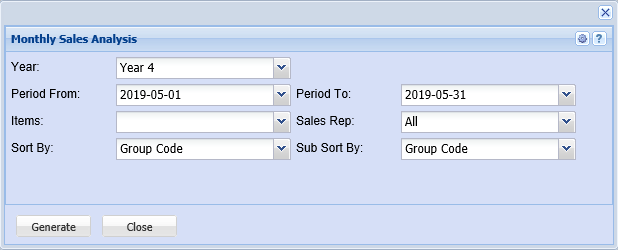
The user has to select to generate a report or graph report type then select the following from the drop down arrows
From Year – to select the year from and the year to
From Period – to select the period from and period to
Type – to select the type from the drop down arrow
Old Picture
Standard Tab
Generate button – to run the report
Close button – to close the form
Options Tab has one button
Recalculate button – to recalculate the report