Audit Trail
Run the audit trail to which shows all transactions in the system.
- Verify transactions
- Look at audit trail number
- Check for out of balance entries
- Look for Audit date different from transaction date
General Ledger>Reports>Audit Trail
.png)
.png)
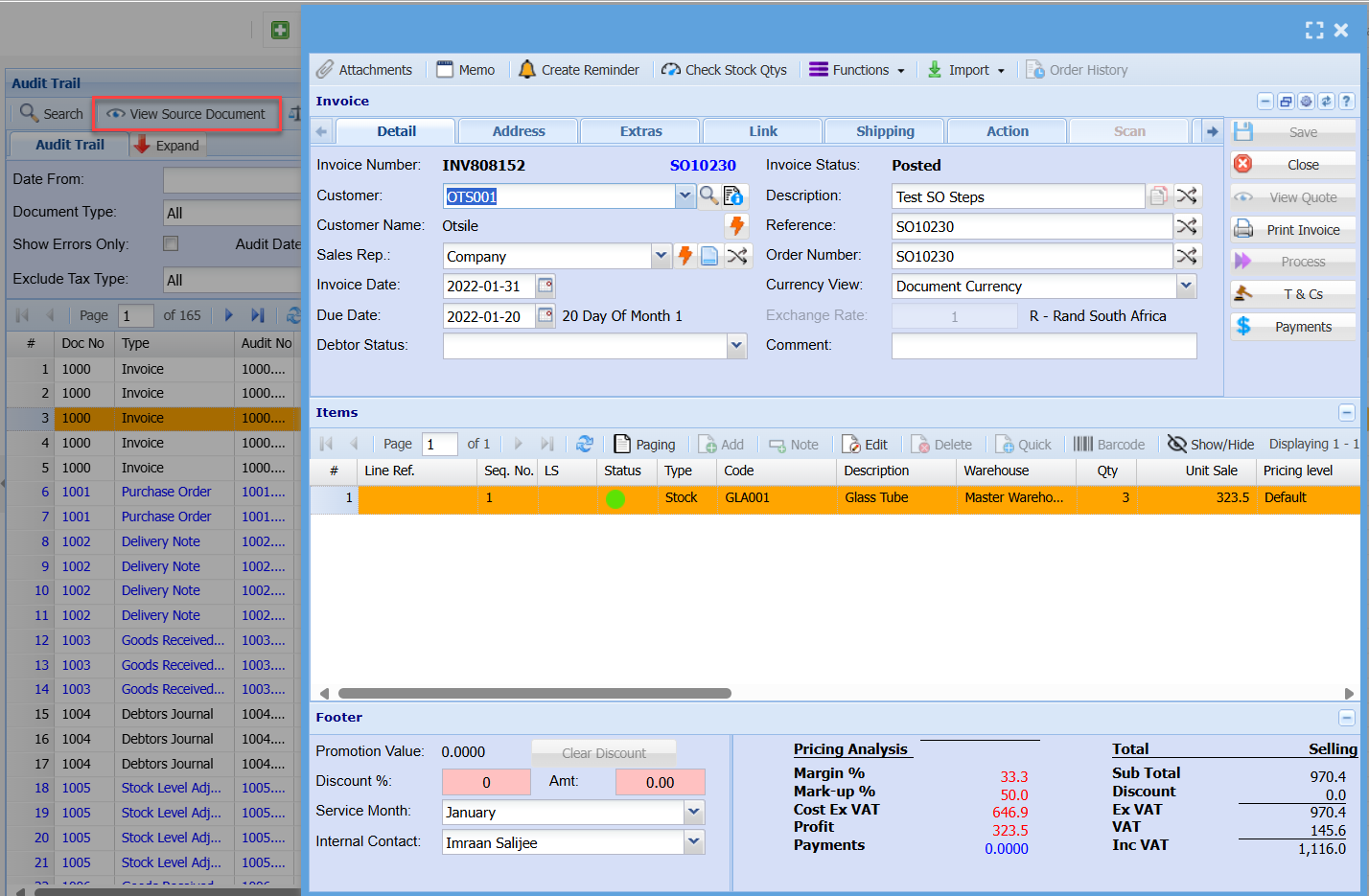
View Source Document

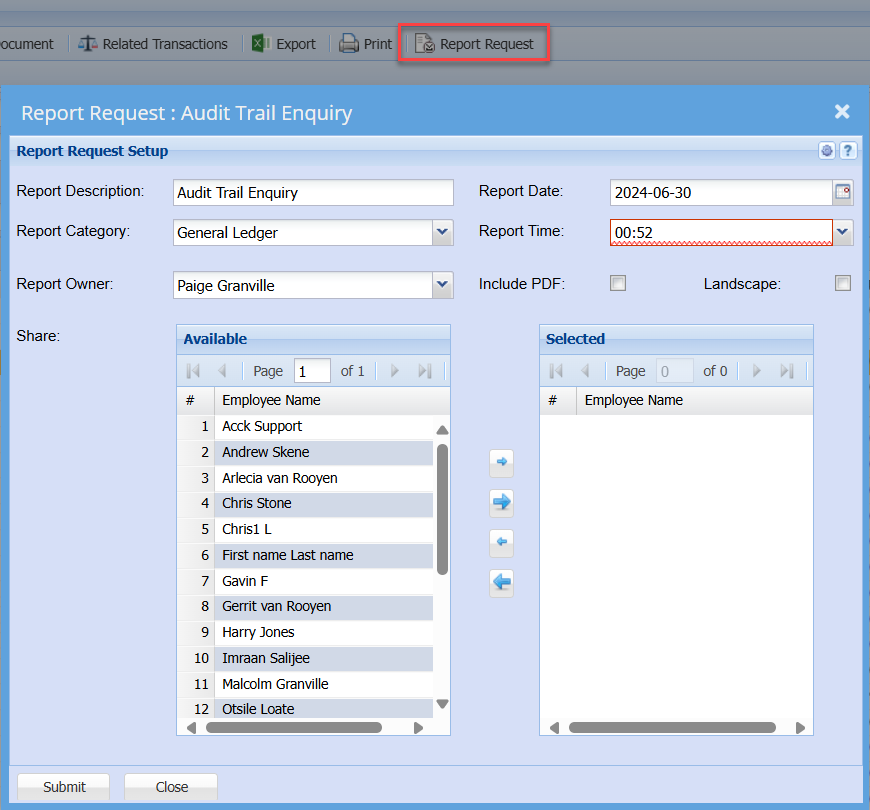
Report Request
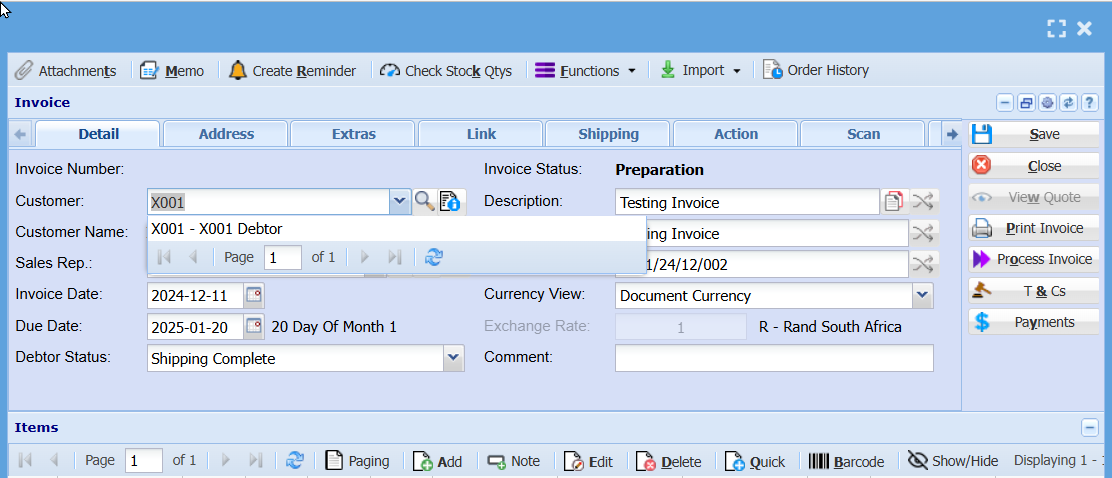
Keyboard quick keys for Invoice Detail
Quick keys help access functions using the keyboard
Used with Alt + Letter
| Attachment | Alt + t | Opens the Attachment window |
| Memo | Alt + m | Opens the Memo window |
| Create Reminder | Alt + r | Opens the Reminder window |
| Check Stock Qtys | Alt + k | Opens the Stock Quantity window |
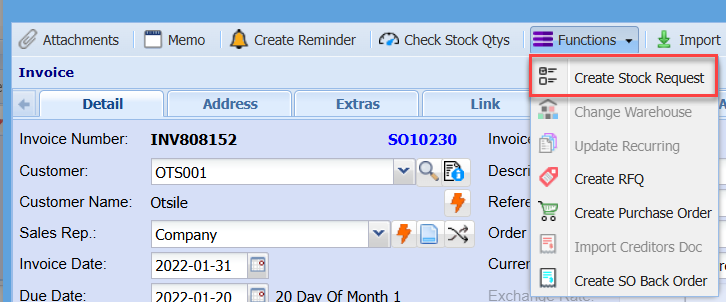
| Functions | Alt + f | Focus on the Function split button |
| Save | Alt + s | Saves the Invoice |
| Close | Alt + c | Closes the Invoice window |
| View Quote | Alt + w | Opens the quote associated with this invoice |
| Print Invoice | Alt + p |
Print the Invoice |
| Process Invoice | Alt + o |
Process the Invoice |
| T & Cs | Alt + 7 |
Opens the Terms and Conditions setup window |
| Payments | Alt + y |
Opens the Point Of Sale payments process window |
| Add |
Alt + a |
Opens a New Quote Line Detail window |
| Edit | Alt + e |
Opens the Quote Line Detail window for the selected quote line |
| Delete | Alt + d |
Deletes the selected line from the quote |
| Quick Add | Alt + q |
Opens the quick add window to add a quote line to the quote |
| Dimension | Alt + n |
Opens the Dimensions wind for the selected quote line |
| Tab Quote Detail | Alt + 1 | Sets the tab notebook to the Quote Detail tab |
| Alt + 2 | Pressing Alt + 2 repeatedly will step through the various tabs in the tabnotebook |
Keyboard quick keys for Quote Line Item Detail
Quick keys help access functions using the keyboard
Used with Alt + Letter


| Inventory Overview | Alt + t | Opens the Inventory Overview window |
| View Image | Alt + i | Opens the View Image window |
| Special Item | Alt + s | Opens the Special Item window |
| Close | Alt + c | Closes the quote window |
| Reminder | Alt + r | Opens the Reminder window |
| Functions | Alt + f | Focus on the Function split button |
| Save & New | Alt + n |
Saves the Quote Item Detail window and opens a new Quote Item window |
| Save & Close | Alt + v |
Saves the Quote Item Detail window and then closes the window |
| Update Cost |
Alt + u |
Updates the cost of the selected item to the latest cost price |
| Tab Quote Item Detail | Alt + 1 | Sets the tab notebook to the Quote Item Detail tab |
| Alt + 2 | Pressing Alt + 2 repeatedly will step through the various tabs in the tab notebook |