
MNO (Mobile Network Operator) Report
Debtors >Reports >Report list
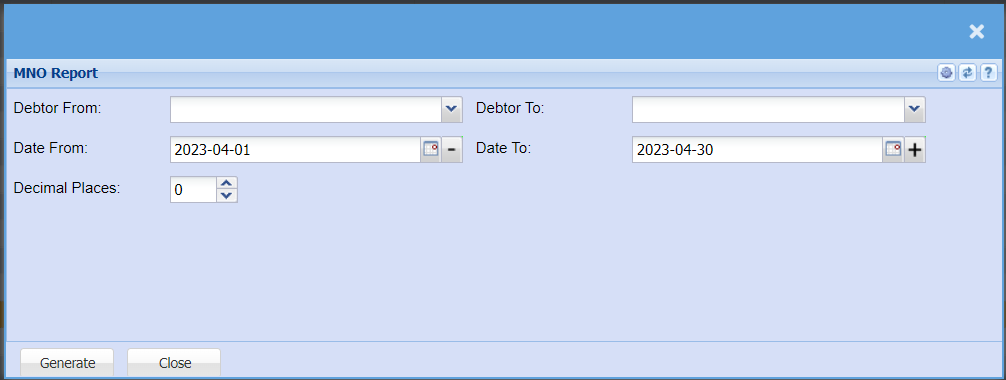
| Debtor From / Debtor To | Select a Customer/Debtor you wish to view the report from. Select the Customer/Debtor you wish to see up to in the report. |
| Date From / Date To | Choose the date range for which you want to view the report from / Select a date range of when you want to see up to on the report. |
| Decimal Places | It is advisable to set decimals to two places. | You
places. |