Debtors Statements
The Debtors/ Customer statements allow the company to send out statements to customers via print out, emails or sms.
This is found in Debtors Module > Reports > Statements
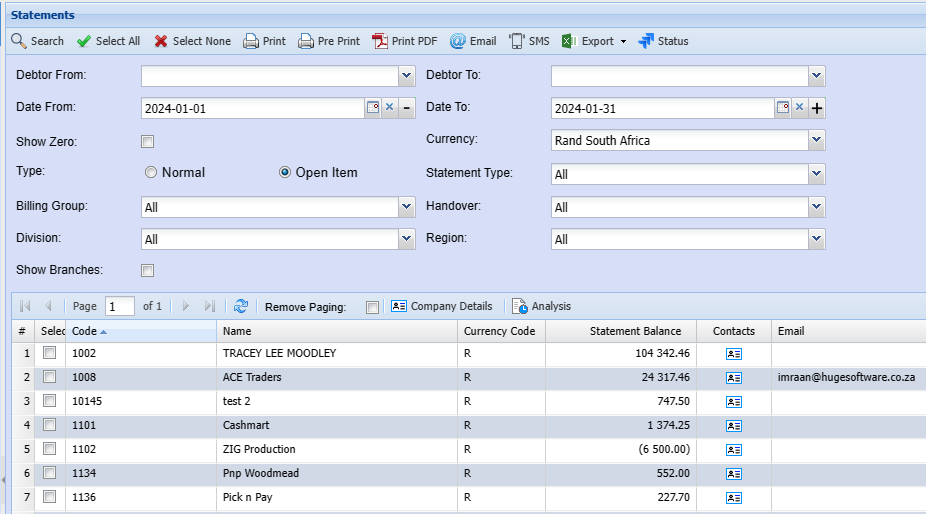
Debtor From and Debtor To enter a specific debtor to run the statement or alternatively leave blank to see all debtors
| Select all | |
| Select None | Select none removes the selected list |
| Prints to screen the statement details | |
| Pre-Print | |
| Print Pdf | |
| SMS | |
| Export | XML or CSV - export the statement in either a CSV or XML format |
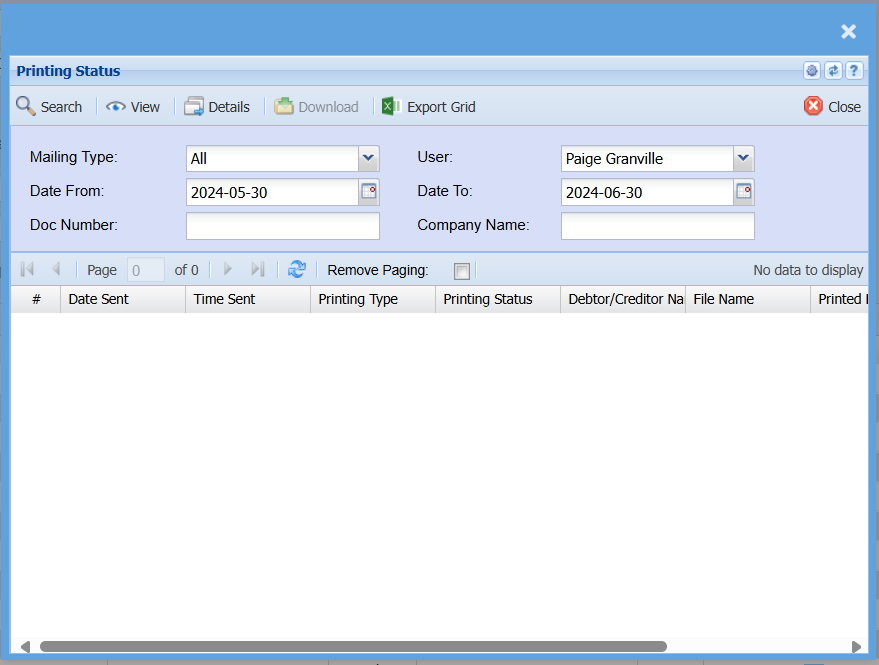
| Status | |
| Show Zero | |
| Normal | Shows all transactions between date range |
| Open statement | Shows outstanding un allocated transactions with opening balance |
| Billing Group | Filter statements by Billing Group |
Email statements with attachments
When sending out debtors / customer statements, one can attach invoices to the emailed statements.
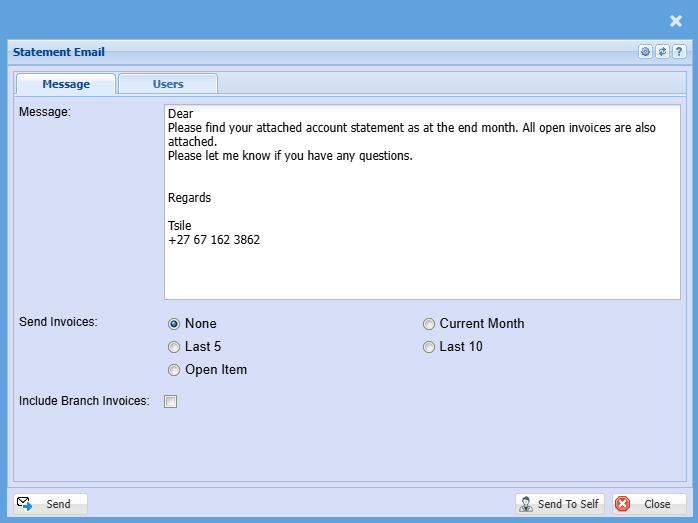
The Send Invoices options allow for the following:
.png)
| None | Does not attach any open invoices to the |
| Last 5 | Takes the last five invoices of the customer irrelevant of the date of invoice and attaches these to the statement. |
| Open Item | Takes the invoices that are unpaid or fully allocated and attaches these to the email statement. |
| Current Month |
The Current invoices when sending out statements work off of It also depends on if the Debtor / Customer is set to Date of Statement or Date of Invoice. |
| Last 10 | Takes the last ten invoices of the customer irrelevant of the date of invoice and attaches these to the statement. |
.png)
Consolidated statements or branch statements
Video training manual 2016 - Click Here
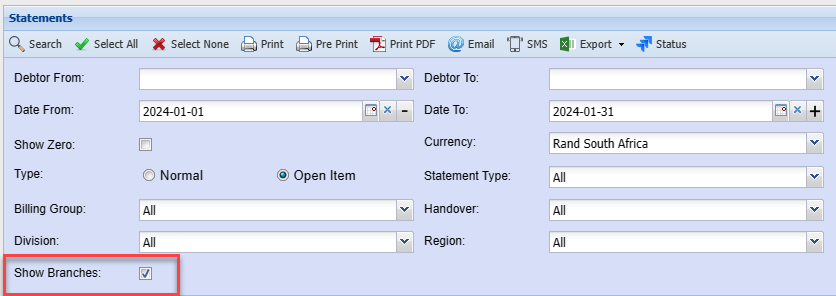
Consolidated statements are where you link up head office and branches together.
You will print one statement and within the statement you will show multiple branch sub statements.
Status