
Customer Listing
Debtors> Reports> Report List
Report on all debtors that have been added to the debtors setup
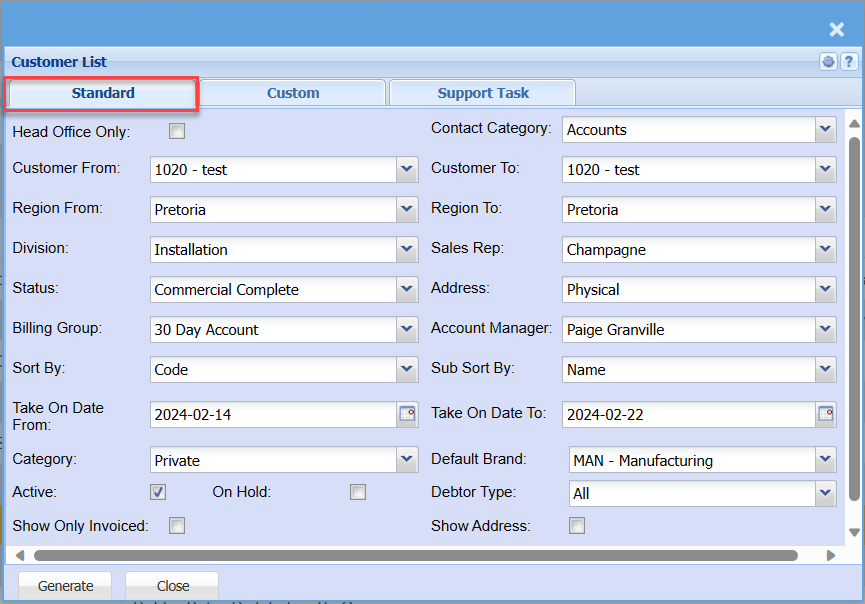
| Head Office Only Tick | If you have multiple offices with a Head office, by putting this tick on will pull he head offices only. |
| Customer From / Customer To | You can select which customer you want to pull the report from and to. |
| Region From / Region To | If you have Regions, this will add Regions to the report. |
| Division | If you have multiple Divisions, by selecting this will add this column to your report. |
| Status | If you select all the report will pull all statuses. If you want to view report by status, select the status on the drop-down menu |
| Billing Group | |
| Sort By | Select a sort criteria on the drop-down menu |
| Take On Date From | |
| Category | To generate the report, the user has to select the category from the drop-down menu |
| Active Tick | By having the active tick on will eliminate the inactive customers form your report |
| Show Only Invoiced Tick | By having the Show Invoiced Only tick on .... |
| On Hold Tick | By having the On Hold tick on will only pull the report for customers that have there account on hold. |
| Contact Category | |
| Sales Rep | If you want to run a report by a specific sales rep, then you will need to select the sales rep on the drop-down menu. If you leave the sales rep on all the report will run by all sales rep. |
| Address | You can choose to have the customers Physical address, Postal address or Delivery address added to your report. |
| Account Manager | You can pull a report that is specifically for one Account Manager or all account managers. |
| Sub Sort By | Sub Sort the report by selecting one option from the drop-down menu allows the user to pull a report with a secondary criteria that will be sorted by either, Code, Description, Warehouse or Bin location. |
| Take On Date To | |
| Default Brand | |
| Debtor Type | |
| Show Address Tick |
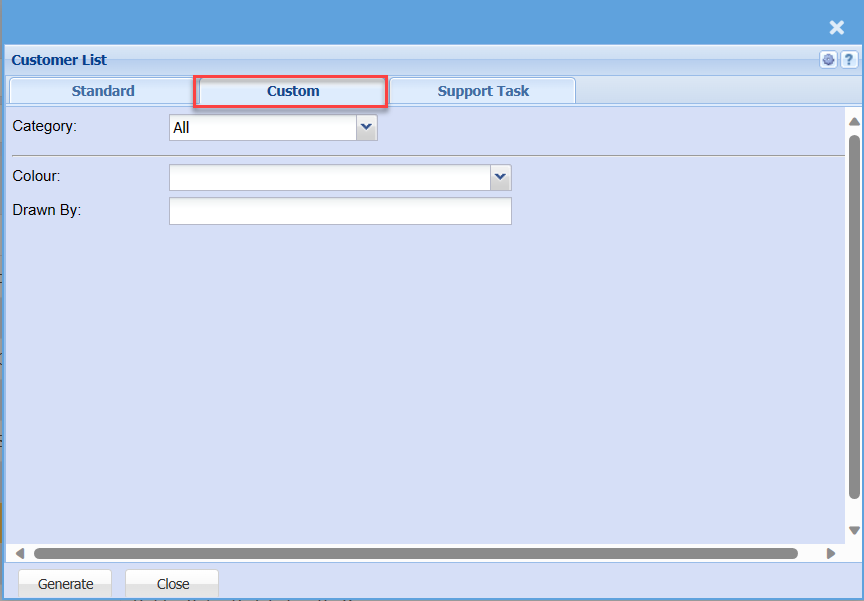
| Category | To generate the report, the user has to select the category from the drop-down menu |
| Colour | |
| Drawn By |
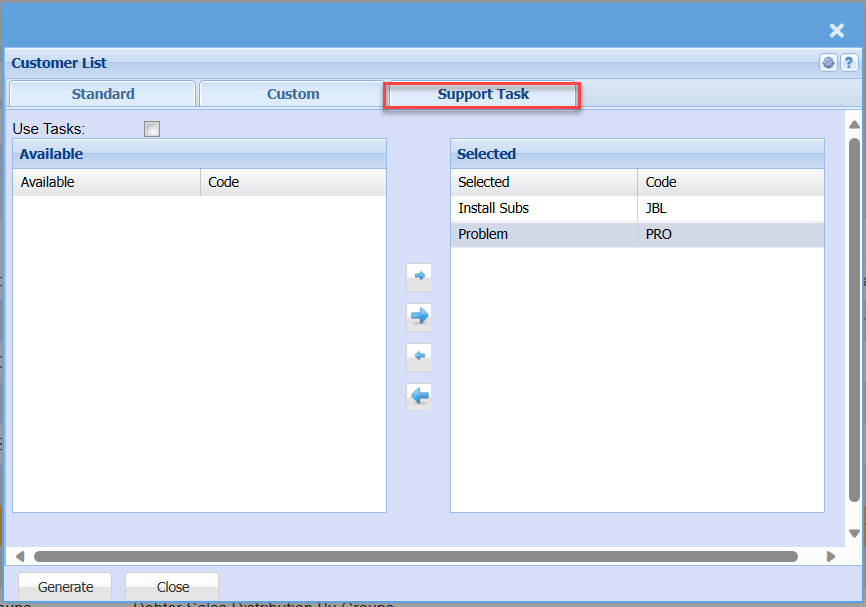
| Use Tasks Tick | |
| Available and Selected |