Supplier Listing
Creditors >Reports > Report List
Report on all Creditors which have being added to the Creditors Setup. Custom Fields can also be us... Report that compiles a list of creditors added onto the system
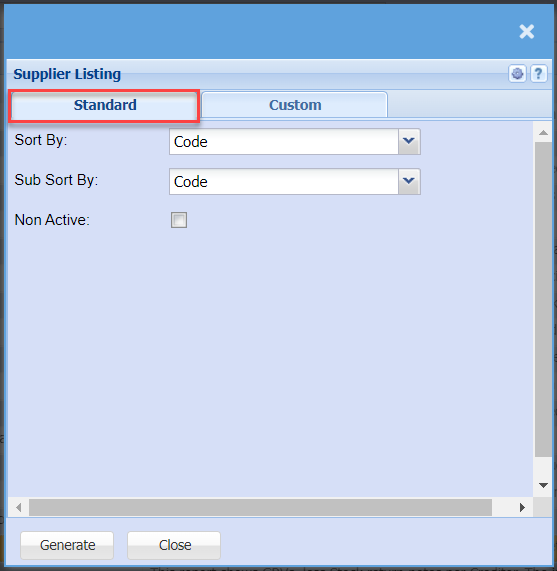
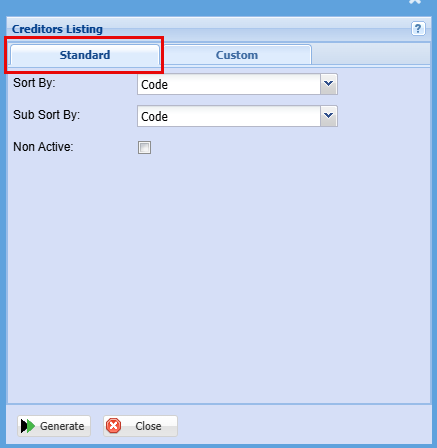
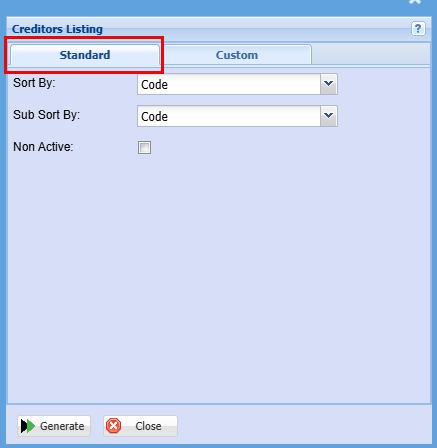
| Sort By |
to sort supplier listing report by selectingChoose from the drop drop-down arrowmenu how you would like your report sorted, your options are by Code, Name or Contact person |
| Sub Sort By |
toSub select eitherSort the namereport by selecting one option from the drop-down menu allows the user to pull a report with a secondary criteria that will be sorted by either, Code, Name or contactContact person form the drop down arrow |
| Non-Active Tick |
tickTick the box in order to include non-active suppliers on the report |
| Generate |
Click the "Generate" button to runopen the report. You will have options to copy, email, or print the report. To view the report in an Excel document, copy the report and paste it into an Excel file. |
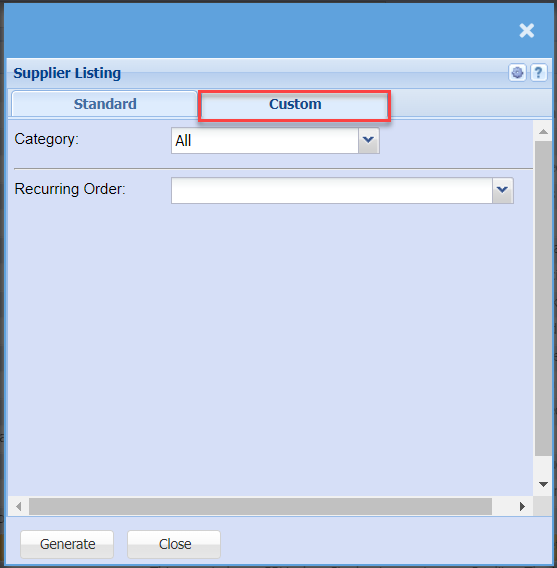
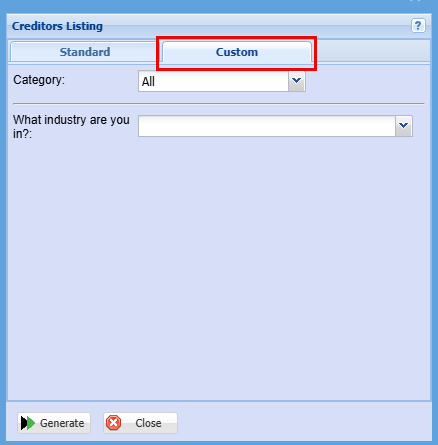
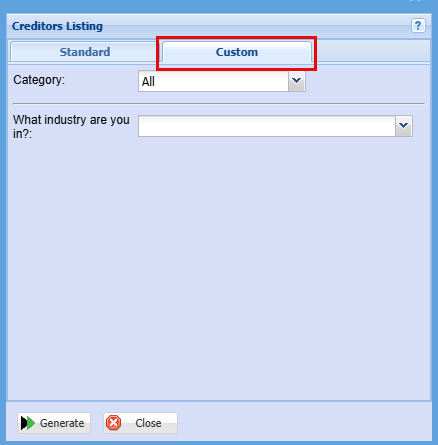
| Category |
To generate the report, the user has to select the category from the drop-down menu |
RecurringWhat Orderindustry are you in? |
Select an industry from the drop down menu |