
Creditors Journal Report
Creditors >Reports > Report List
Shows posted creditor journals, who created them and who posted them
This is a report on creditor’s posted journal
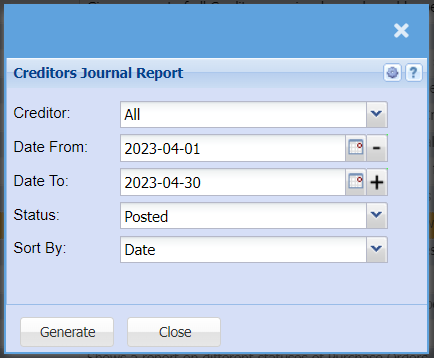
| Creditor | |
| Date From | |
| Date To | |
| Status | If you select all the report will pull all statuses. If you want to view report by status, select the status on the drop-down menu |
| Sort By | |
| Generate | Click the "Generate" button to open the report. You will have options to copy, email, or print the report. To view the report in an Excel document, copy the report and paste it into an Excel file. |