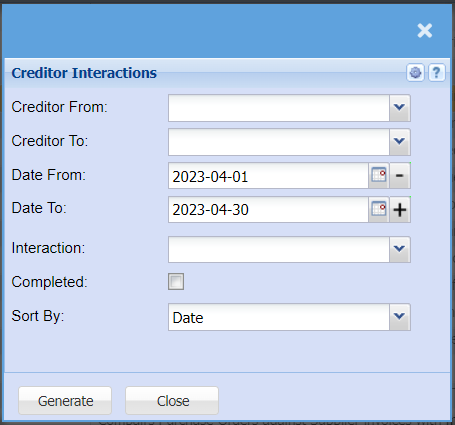
Creditor Interactions
Creditors >Reports > Report List
This report shows all notes captured against creditors. A single Creditor can be selected to view all notes captured.
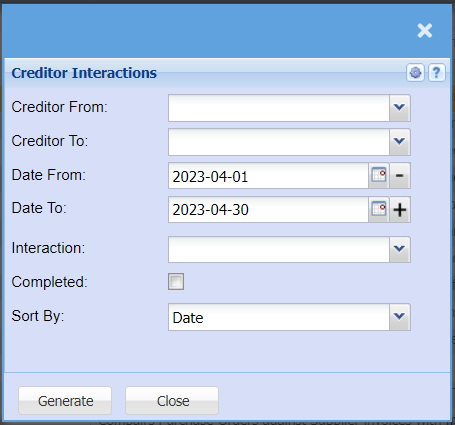
| Creditor From | to/ select the creditor from which the report will run from |
CreditorCreditors To |
Select a Suppliers/Creditors you wish to limitview the report byfrom. selectingSelect the creditorSuppliers/Creditors you wish to see up to in the report. |
| Date From | to/ select the date from which the report will run from |
Date To |
Choose the date range for which you want to limitview the report byfrom selecting/ Select a date range of when you want to see up to on the date toreport. |
| Interaction Type |
to selectSelect the interaction type from the drop drop-down arrow |
| Show complete |
allowAllow the user to tick the box in order to see completed interactions on the report |
| Sort By |
to sort the report by selecting sort by,Choose from the drop drop-down arrowmenu how you would like your report sorted, your options are by date, Captured By or Subject |
| Generate button |
Click the "Generate" button to runopen the report. You will have options to copy, email, or print the report. To view the report in an Excel document, copy the report and paste it into an Excel file. |