
Creditor Interactions
Creditors >Reports > Report List
This report shows all notes captured against creditors. A single Creditor can be selected to view all notes captured.
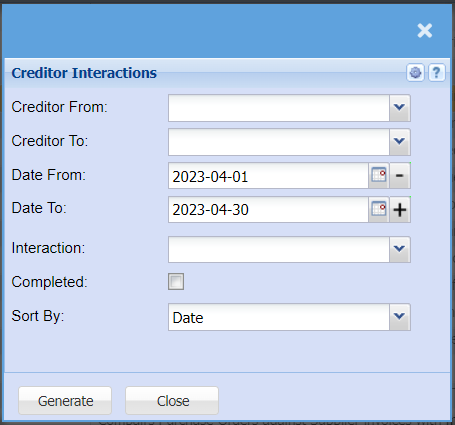
Creditor From – to select the creditor from which the report will run from
Creditor To – to limit the report by selecting the creditor to
Date From – to select the date from which the report will run from
Date To – to limit the report by selecting the date to
Interaction Type - to select the interaction type from the drop down arrow
Show complete – allow the user to tick the box in order to see completed interactions on the report
Sort By – to sort the report by selecting sort by, from the drop down arrow
Generate button – to run the report
Close button – to close the report