
Approved Purchase Order Detail
Creditors >Reports > Report List
Shows a report on approved Purchase Orders.
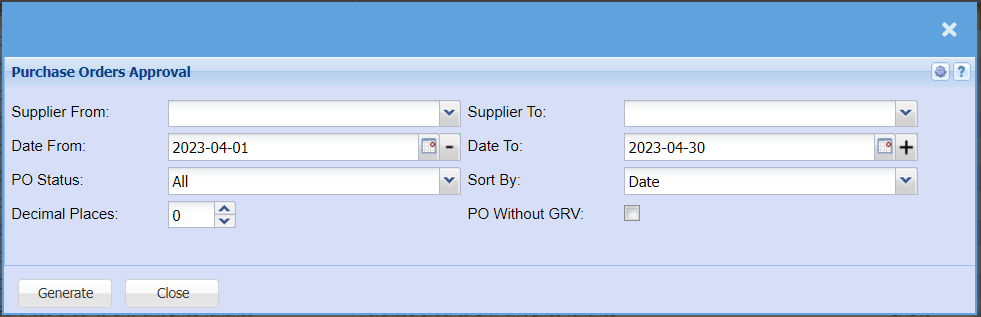
It’s a report on approved purchase orders
| Supplier From | to select the supplier to run a report |
| Supplier To | to limit the report by selecting the supplier to |
| Date From | to select the date on which the report will from |
| Date To | to limit the purchase order approval report by selecting the date to |
| PO Status | Select from the drop-down menu if you want a report for all Approved Purchase orders or you can filter for Completed, Cancelled, Closed, partially completed orders etc. |
| Sort BY | Select from the drop-down menu if you would like your report sorted by Date or Purchase Order Number. |
| Decimal Places | It is advisable to set decimals to two places. You can View the report with any number of decimal places. |
| PO Without GRV | Tick this box if you would like to include purchase orders that do not have GRVs |
| Generate button | to run the report |