
User Password – Set Password Help
Video training manual 2016 - Click Here
System Configuration> General> Set Password
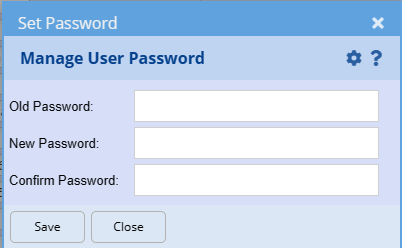
Passwords are a minimum of 8 characters with at least one capital letter and one number.
A user with Supervisor password tick on, can change a password without knowing what the existing password is.
Changing a password: Enter the new password in the “New password” and “Confirm Password” fields.