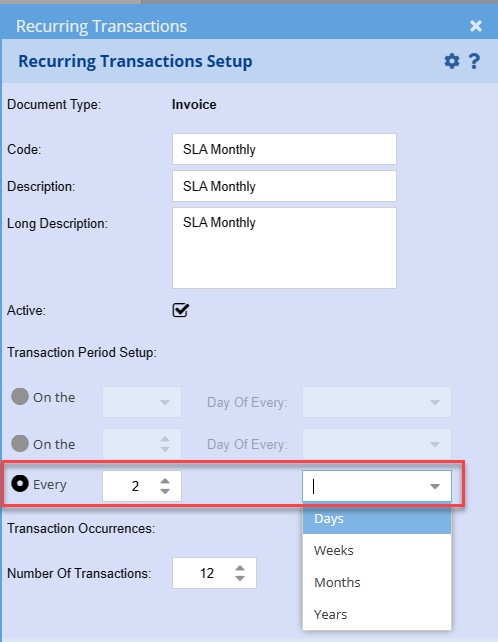
Recurring invoices Setup
Go to system configuration > general menu group > recurring transactions
In this area you are going to be setting up the contract terms, which means you'll define which period the recurring is going to be running, example for a 12-month cycle and at which day you're going to be running the recurring
Enter code and put a description and a define when you want the recurring to run.
I suggest setting up a yearly recurring contracts for 12 months. so that would be one for 2019 and another one for 2020. The reason behind this is that you cannot use the same contract for the same customer.
.png)
Transaction Period setup
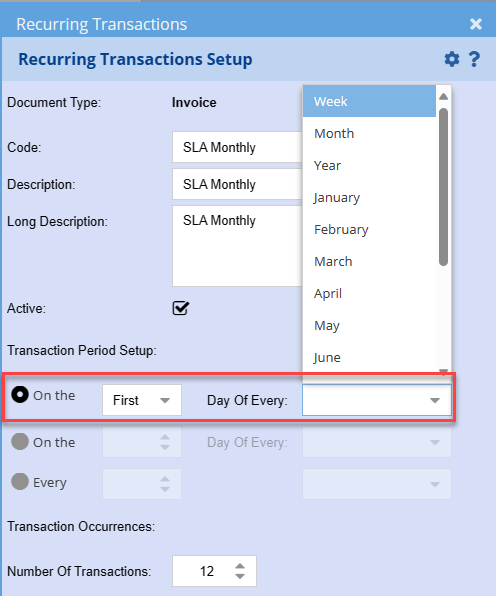
On the First or Last Day of each period entity e.g. Week, Month, Year etc.
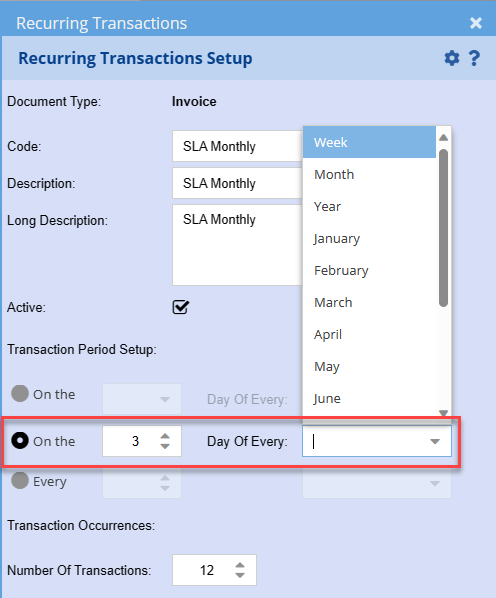
On the 3rd Day of every period entity e.g. Week, Month, Year etc.
Monday is day 1.
Every 2nd Day, Every 2nd Week (Monday), Every 2nd Month – 1st day of the Month
and Every 2nd Year – 1st day of the Year