Job Statuses
Jobs come in various statuses
| Status | Details |
| NotStarted | Job is unmanaged and not started |
| Started | Job has managed lines or has been started |
| Completed |
Job is completed and closed A final invoice produces a completed job |
| Closed |
|
| Cancelled |
|
| JobBOM |
Job was used to produce Bill of Material end result items Job acts as a big recipe |
| InProcessing |
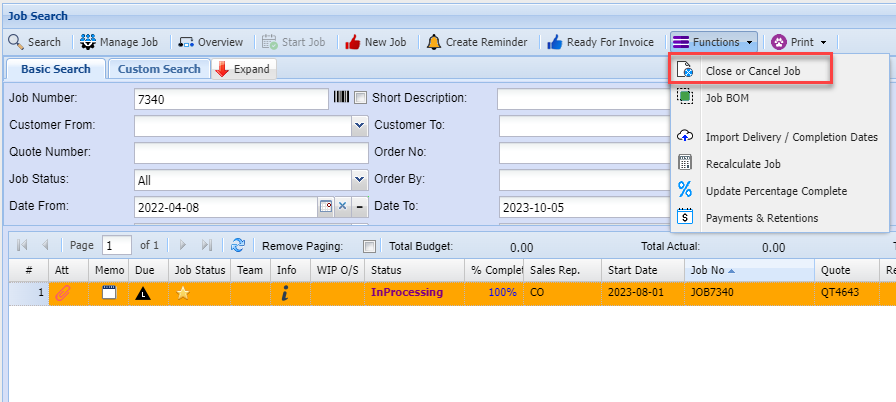
Error occurred while completing the job Close the job to change status from InProcessing to completed, closed or cancelled One should not have any In Processing jobs |
When running reports one can look at Started and completed jobs for reporting.
Started jobs are active jobs
.png)
_______________________________________________________________________________________________________
Correcting a wrong status after closing
Toogle between closed or completed
Go to Job History
.png)
InProcessing Status change
This occurs when invoicing and the Job was not able to be completed.
Failed in the final stage of invoice (Invoice most likely processed correctly, but job not completed.
Correct by Closing the job and marking it as completed.