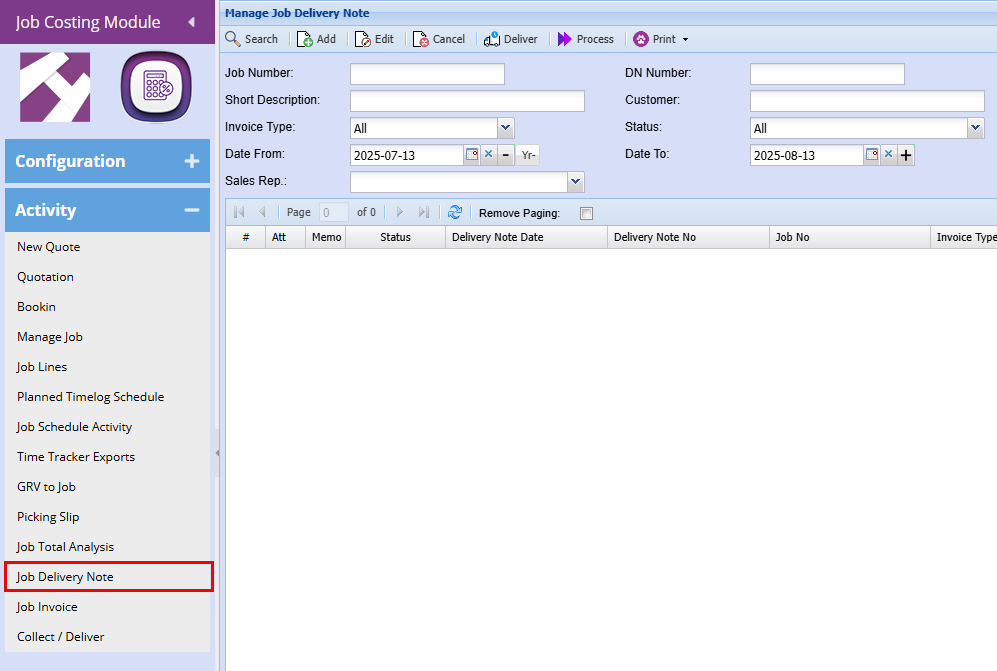
Job Delivery Note Search
.png)
Basic Search Tab allows the user to search for existing job deliveryDelivery note by entering the job number, DN number or customer name.
number,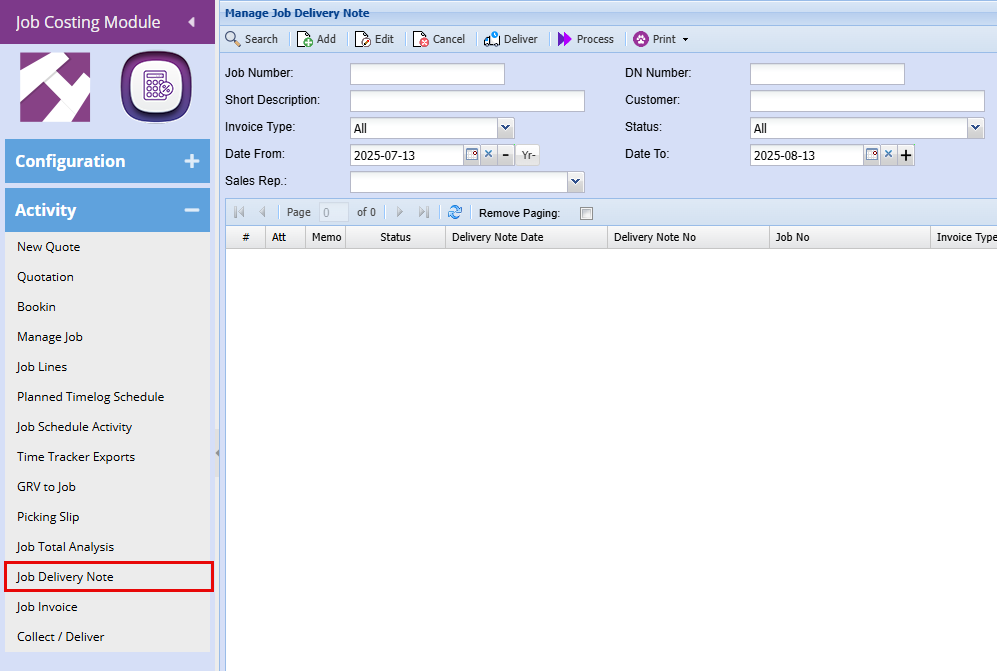
selecting
| Search |
Clicking Search will bring up all the date.Job Delivery Notes unless a Filter is added eg: job number, DN number Advanced Search Tab allows the user to search by selecting the invoice type from the drop down arrow,
search byor customer andname
|
by
the
date.Add |
Insert button – InsertAdd a new Job Delivery Note |
Item.
| Edit |
Amend button – View/Edit the currently selected Delivery Note Item. |
| Cancel |
Cancel Del Note button– Cancels the currently selected Delivery Note Item. |
| Deliver |
|
| Process |
Process button– Processes the currently selected Delivery Note Item.Item to Delivered. |
| Print |
You can print the Delivery note or the Cut sheet |
Print
button – Prints the currently selected Delivery Note Item.