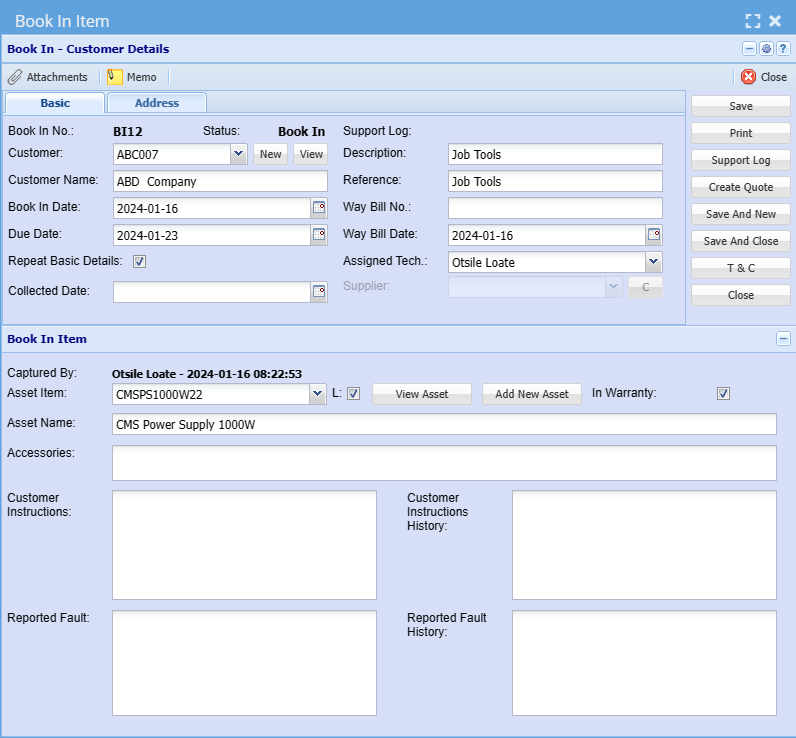
BookIn integration with Asset Tracker
Bookin Integration with asset tracker allows you to book assets within the job costing feature. Whether you're reserving equipment or scheduling resources, this feature streamlines the process for you.
Job Costing module > Activity > Bookin
- Open the Job Costing module to find the integrated booking feature.
- Within Job Costing, locate the option to book assets.
- Choose the specific asset you want to book. Ensure accuracy in asset identification.
- Depending on your activity (entry or exit), select the appropriate action:
- Book In: Use this when bringing an asset into the system.
- Book Out: Choose this when removing an asset from the system.