Capturing the quantities of the stock take
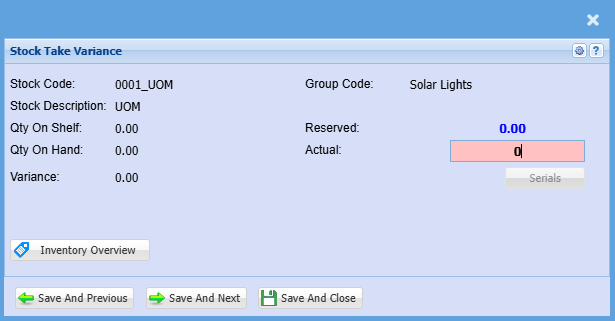
High light the stock take line and click on the Variance button.
Details Tab
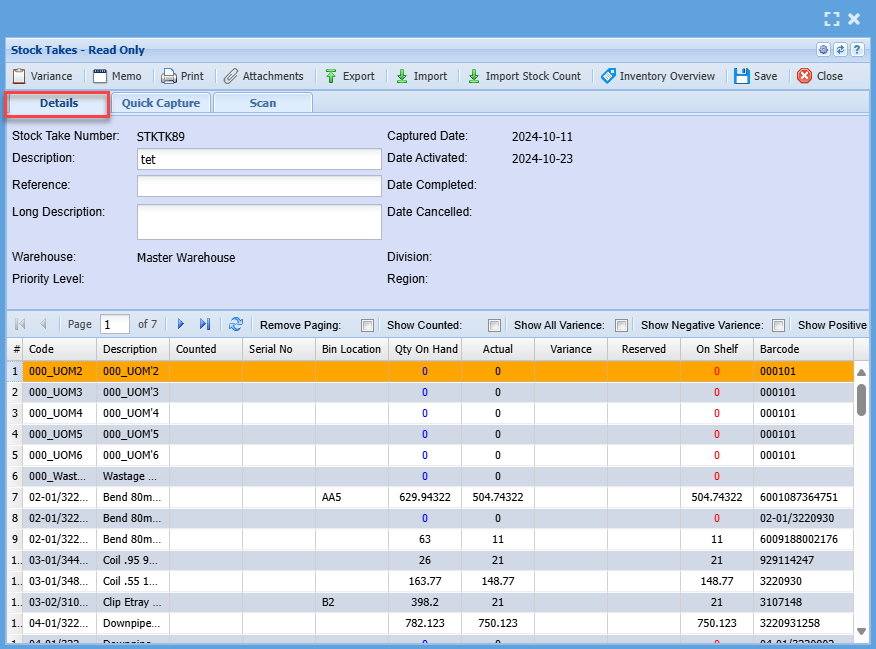
There are various ways of inputting the stock variance
1.Find the item and click on the variance button and enter the amount.
a.Multiple people can capture in one stock take batch
b.WARNING: if the person overrides the same stock code with a new value, this means the quantity entered by the last person who made the change on that stock code will be kept.
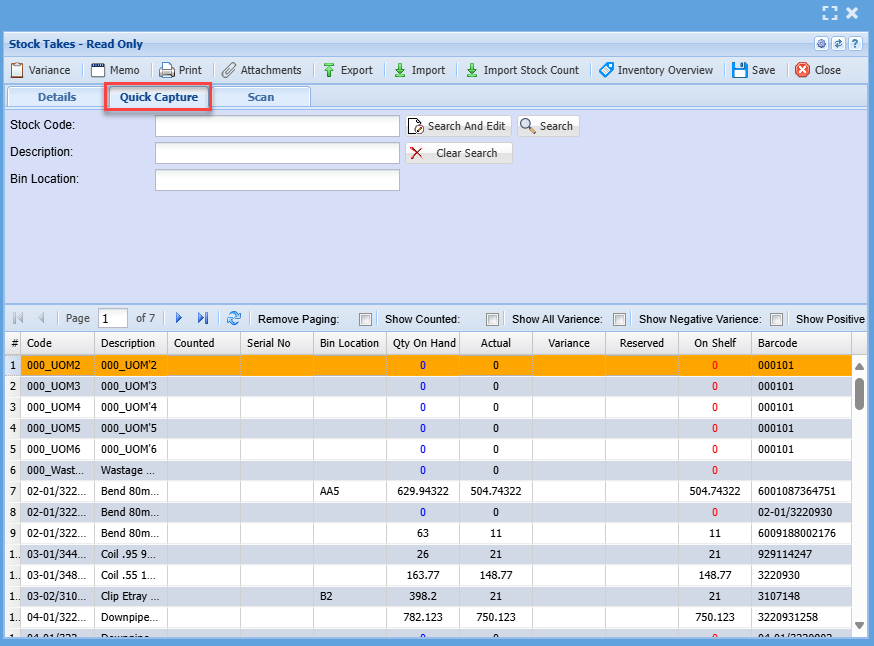
1.Go to the Quick Capture tab, enter the matching stock code (must be the exact number not part) and enter the amount.
2.Export the stock take batch to Excel using the export button, capture in Excel and Import the variance changes. (important note to take into account is that the export file is only relevant to the stock take batch you exported from) Should you cancel the stock take and create a new one you will have to export a new Excel file.
Quick Capture Tab
Scan Tab

Variance Button

Print Button


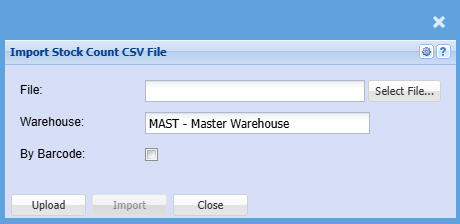
Import Stock Count