Shopify
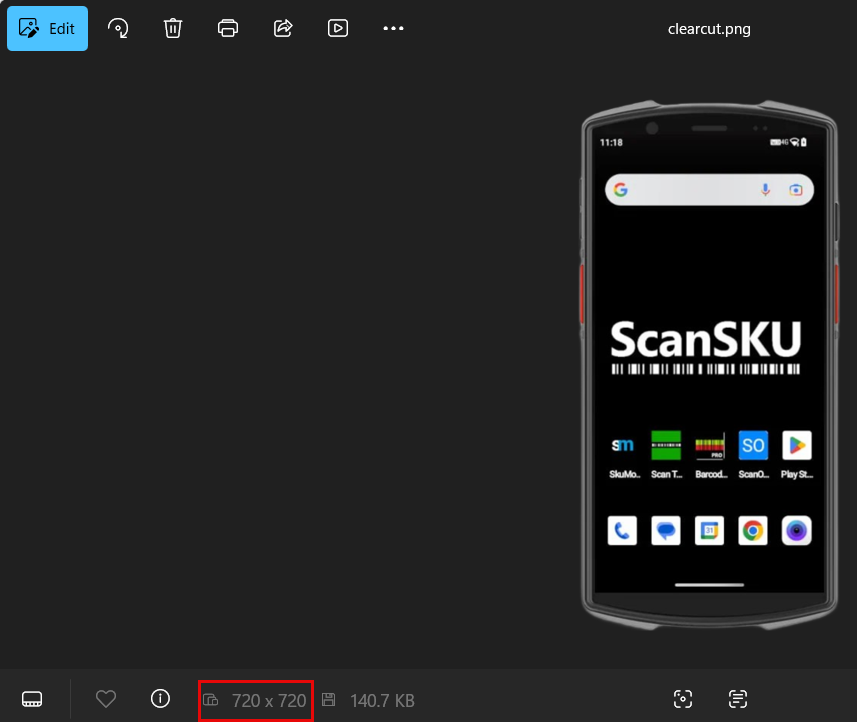
Resize your Primary image in Huge ERP to 720 x 720
This will have the image appear a normal
Selecting Your Theme
First you need to choose the theme for your page.
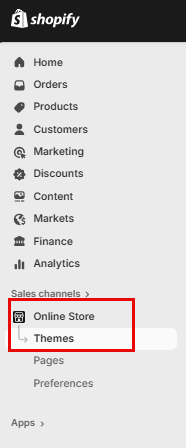
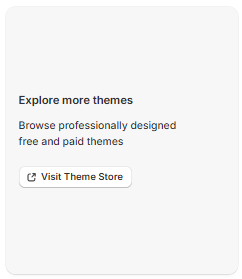
Click on "Online Store" and then "Themes" The Dawn Theme will automatically be installed by default, however if you want to change the Theme, scroll down and click on "Visit Theme Store"
Customize your Store
To customize your store, click on "Customize" this will take you into the store editor.

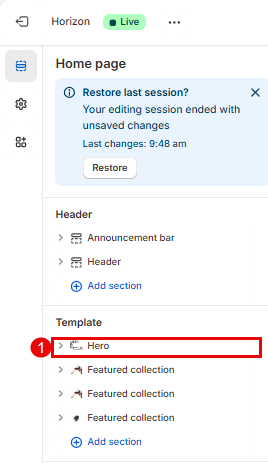
Add your Hero Image by clicking on "Hero"