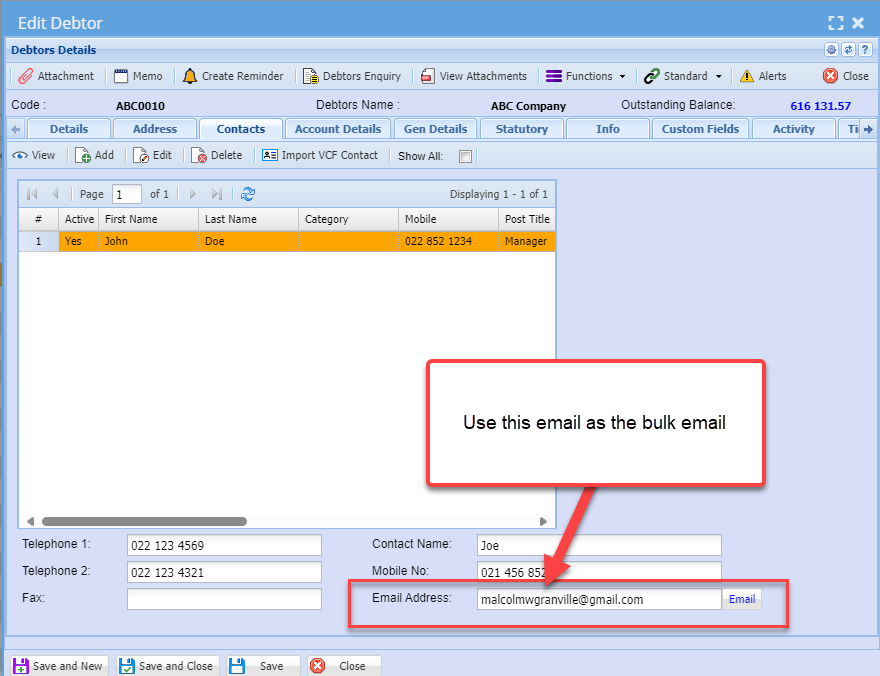
Invoices - Bulk Email
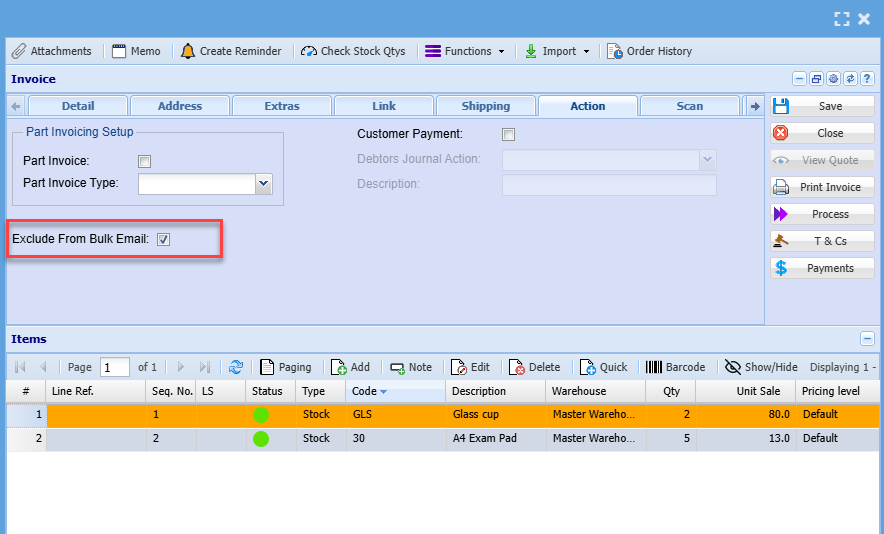
We have added an option to exclude invoices from bulk mail
Add an option on invoices to exclude them from bulk email. By default, this checkbox is not selected on all invoices.
When the checkbox is selected, the choice is automatically saved without needing to click 'Save'
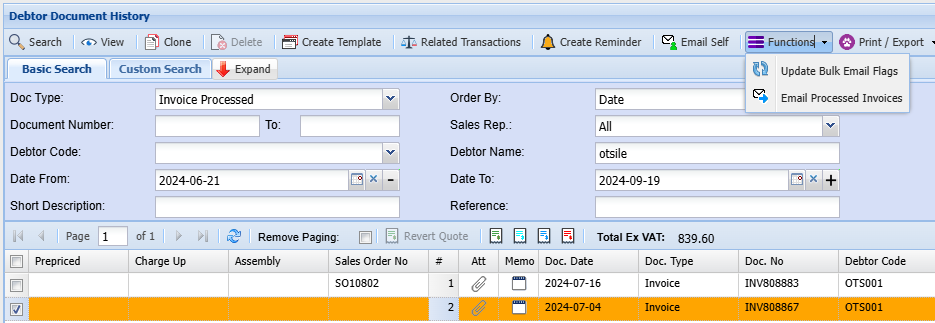
Once, the invoice has been processed. You can send it from the document history side if you want to exclude or include from bulk mail
To do this go to: Debtor Module> Analysis> Document history
Then search for the processed invoice
and click on functions drop down
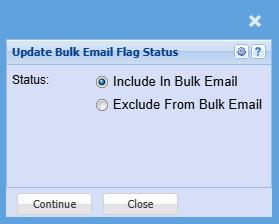
The pop up will show below
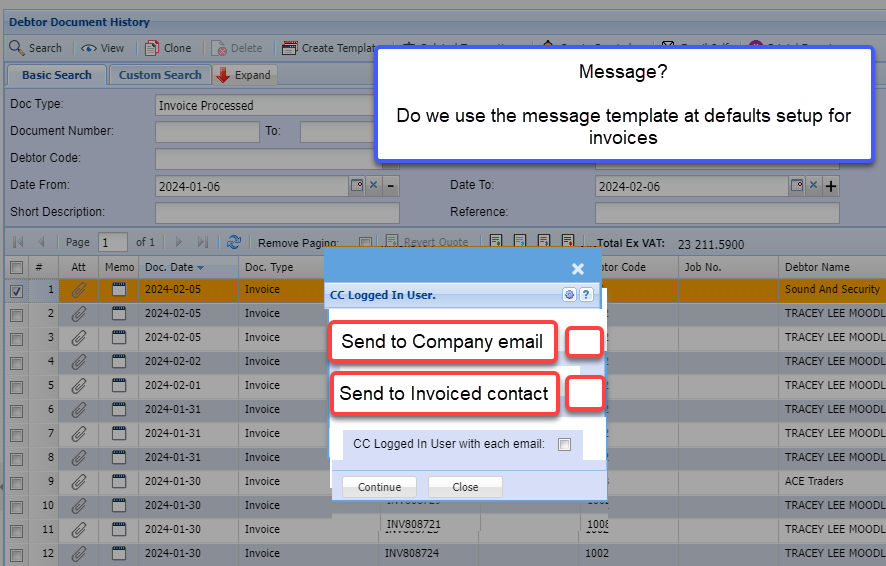
If the company email is blank and the send to Invoiced contact tick is OFF, skip invoice emailing and move to next to email.
If the company email is blank and the send to Invoiced contact tick is ON, use the contact person email to send email (like it is now).