
Barcode Count Line Comment
After Scanning items, one can add a batch number and comment to item lines.
This is indicated with an icon.
|
|
No |
|
|


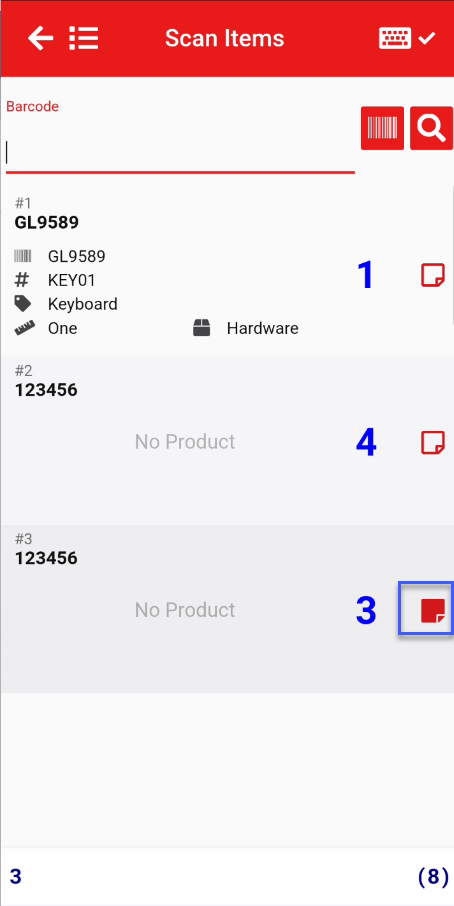
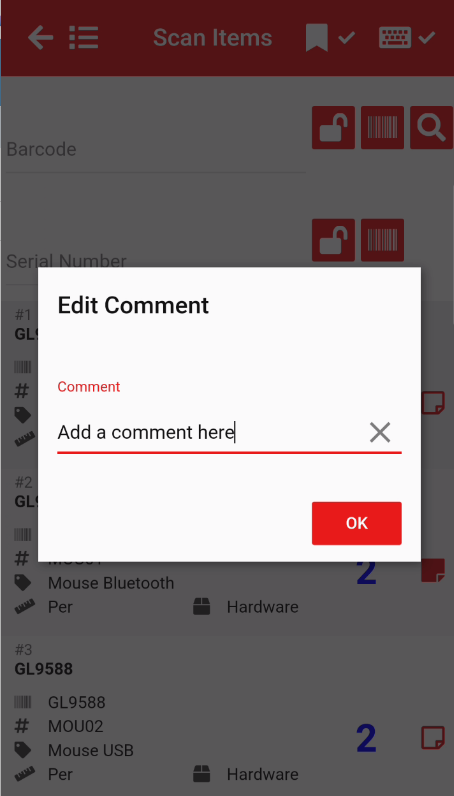
Batch and commentComment window
Enter a batch number and or comment
BatchSerial number makes the item scan unique.
When a batchserial number is added to an item, it makes the item unique.
So if you are scanning an item with the same barcode and the one item has a batchserial number, the count will start a new entry.
The item that has a batchserial number will be indicated with a solid icon.

Exporting data (Default)
The default export will export the Part Batch number and comment
