Barcode Count Install
An installation link for the Barcode Count app will be sent to the device via email.
When receiving the email, this will have a link to download the app.
This is an APK file.
After downloading the app, best to go to the file explorer on the device.
Some are called My File, File etc
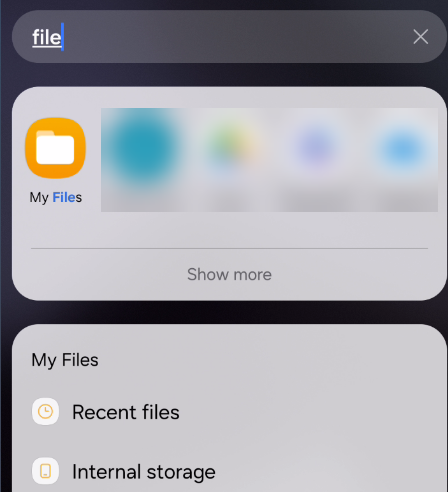
Find the file and click on to install
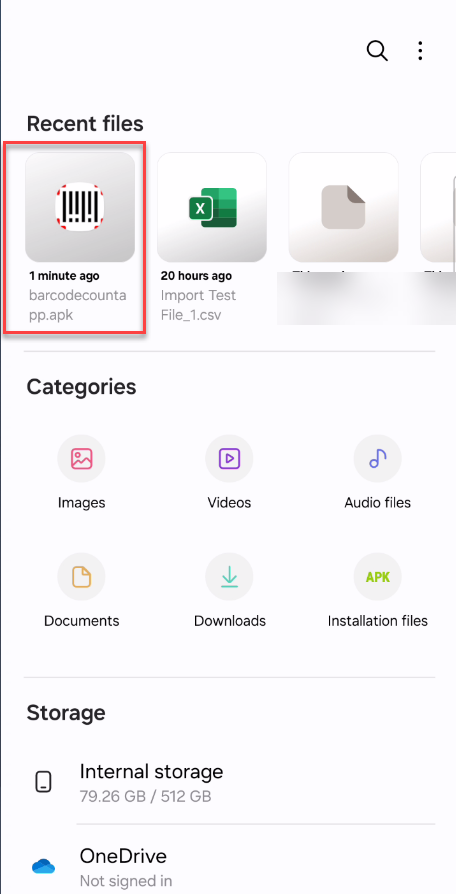
This will ask how you want to install, select Package Installer

Allow security to install the file
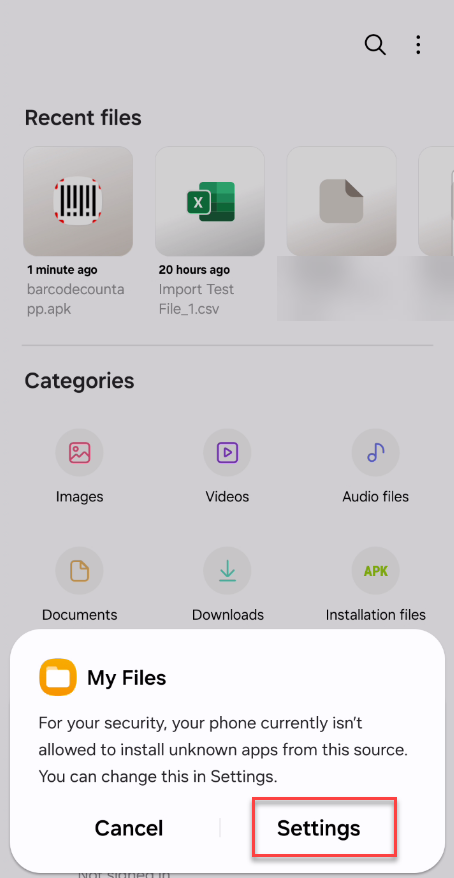
Set to allow Permission
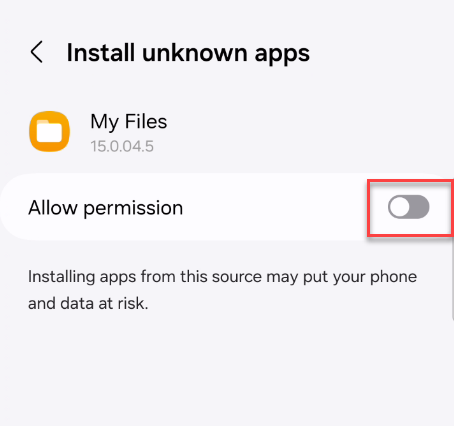
Continue to install or go back to the install file and install
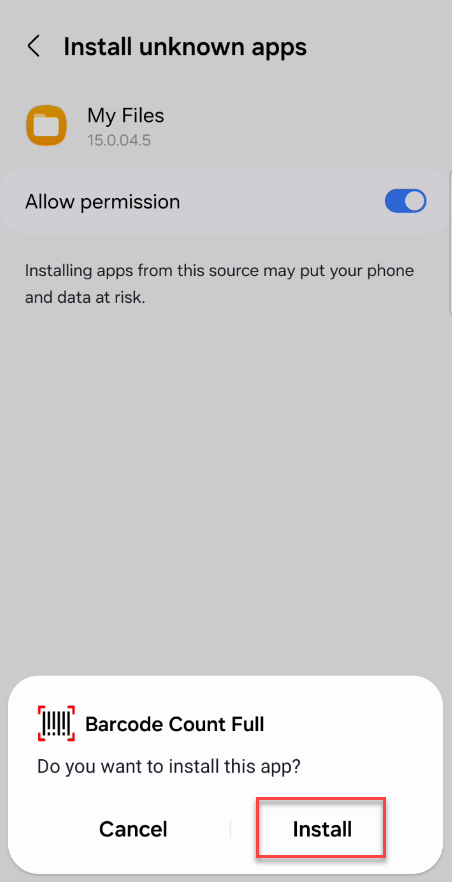
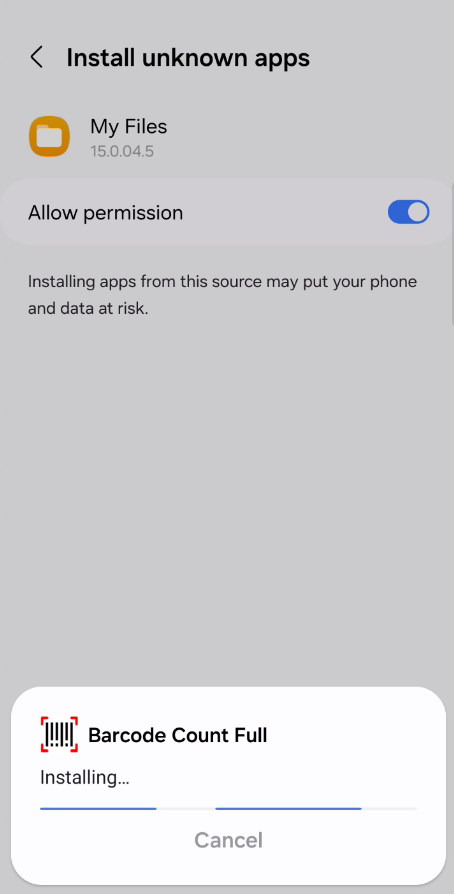
Program will install
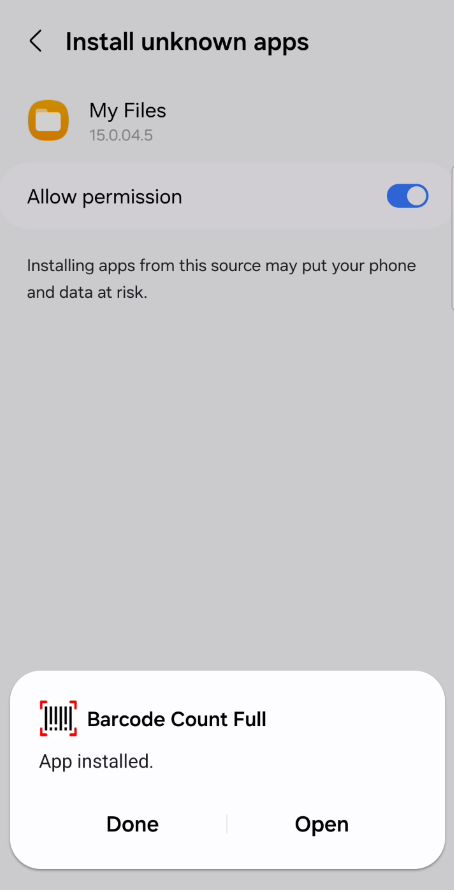
Once installation is done, click on Open
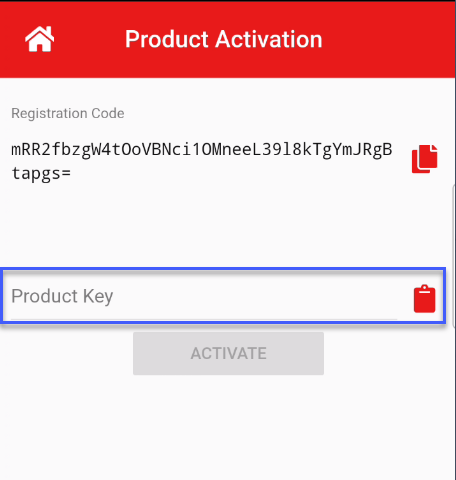
Go into app on home menu, click on activation
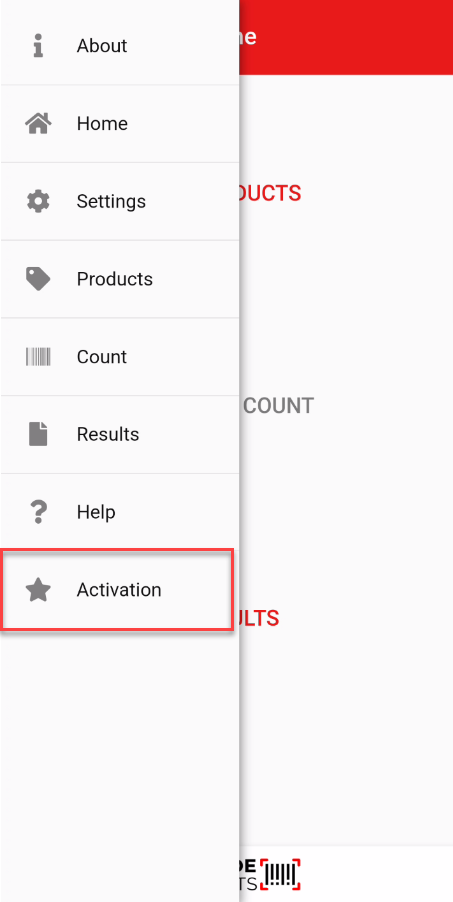
Click on the copy button to copy registration code.
Open up an email, copy the registration code in the body of the email and send to service@barcodeproducts.co.nz
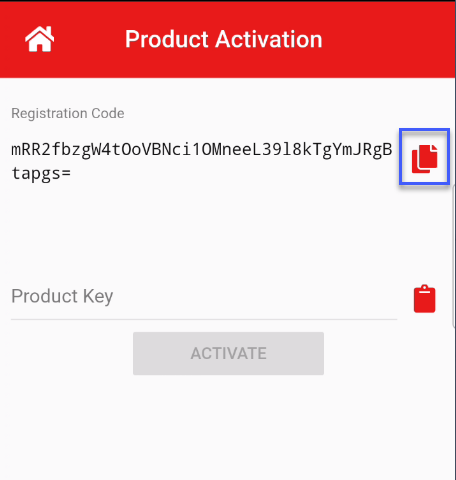
Once you have received the product key from Barcode Products.
Copy from your email and paste into the Product Key
The app will become active this that device