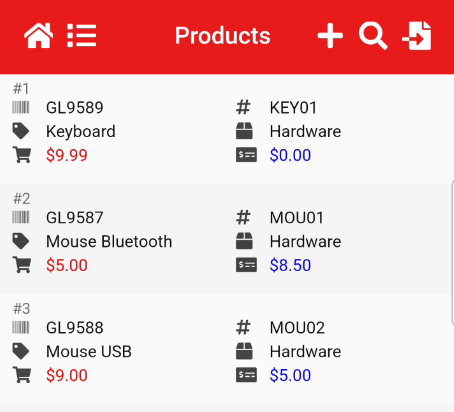
Barcode Count App Import file
Create an import from accounting system.
Go to accounting system and export inventory file
Open up file in Excel and prepare the import file
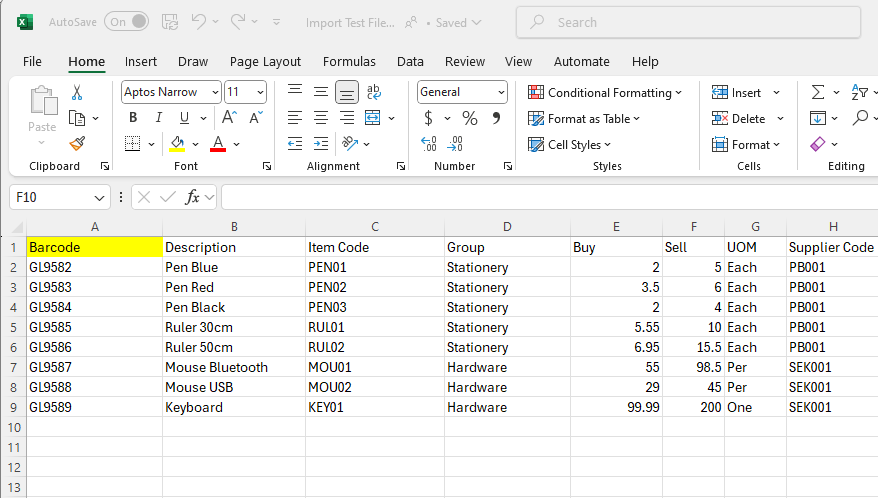
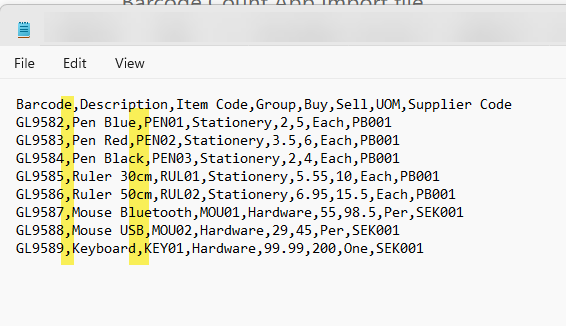
Below is the basic layout for the import file

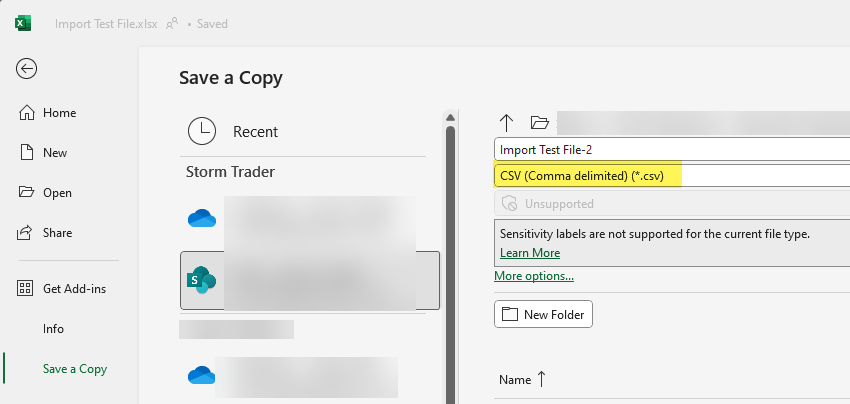
Save the Excel file as a CSV file
Close the Excel file without saving the CSV format as it has already saved.
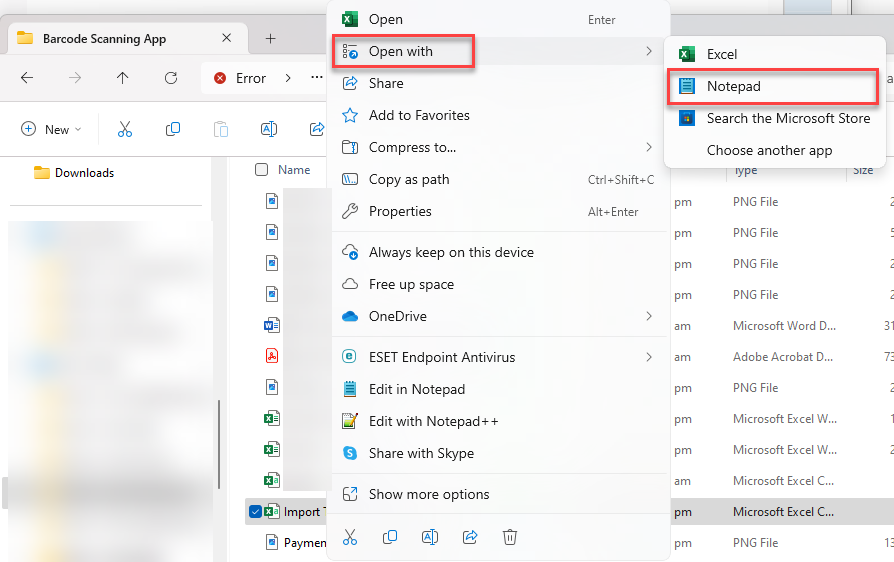
Go to file explorer to open the CSV file in Notepad
Right click on file and go to Open with - Notepad
The reason we do this is to check the separator
This file is comma separator which is correct for the default import
Click to download video on how to import your inventory list - Here
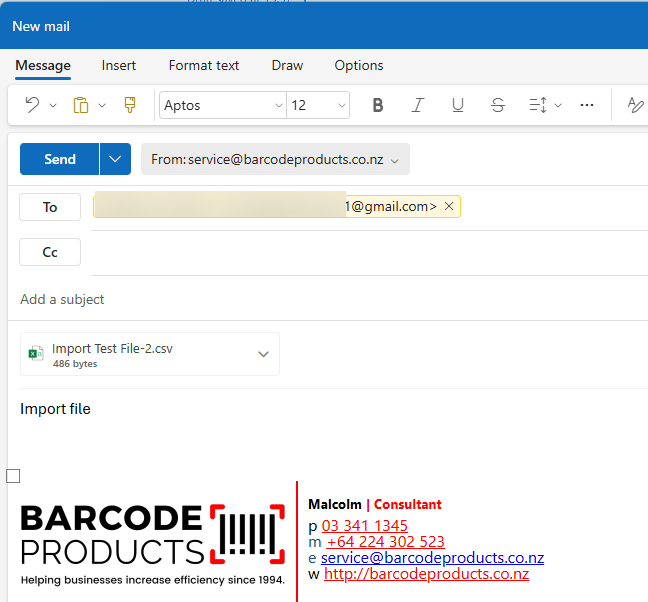
Email the file to the scanner gmailGmail account
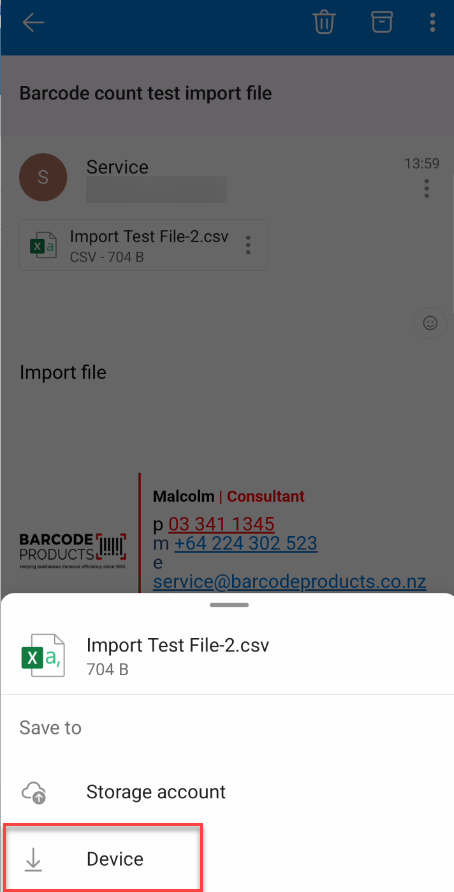
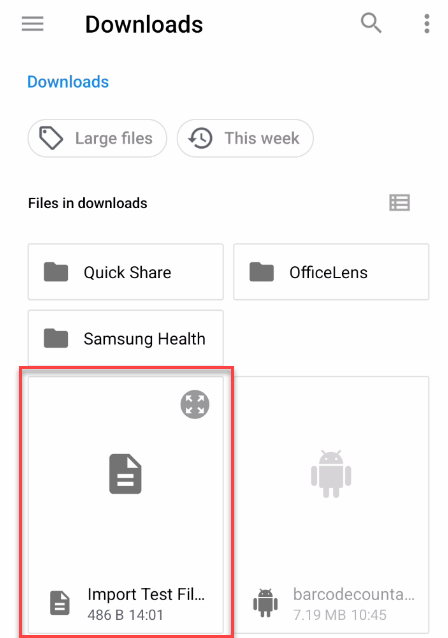
Save the file to the device
Go to Products and click on File Import
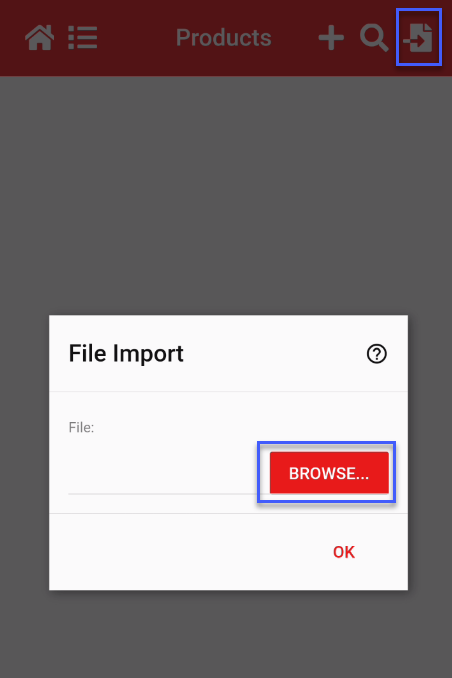
Find the file that was saved to the device
Click on OK to import the data
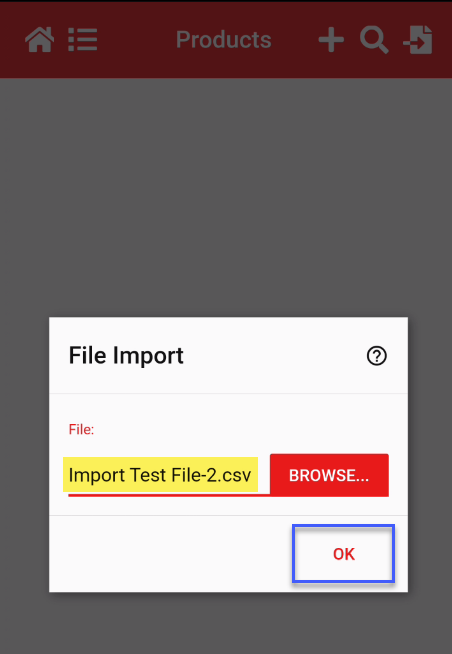
File data will be imported