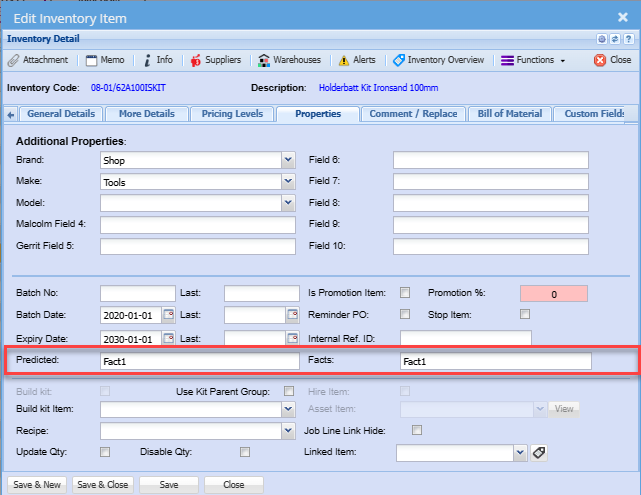
Facts Endophyte Type
Facts is also know as Endophytes
Setup the various facts / Endophytes
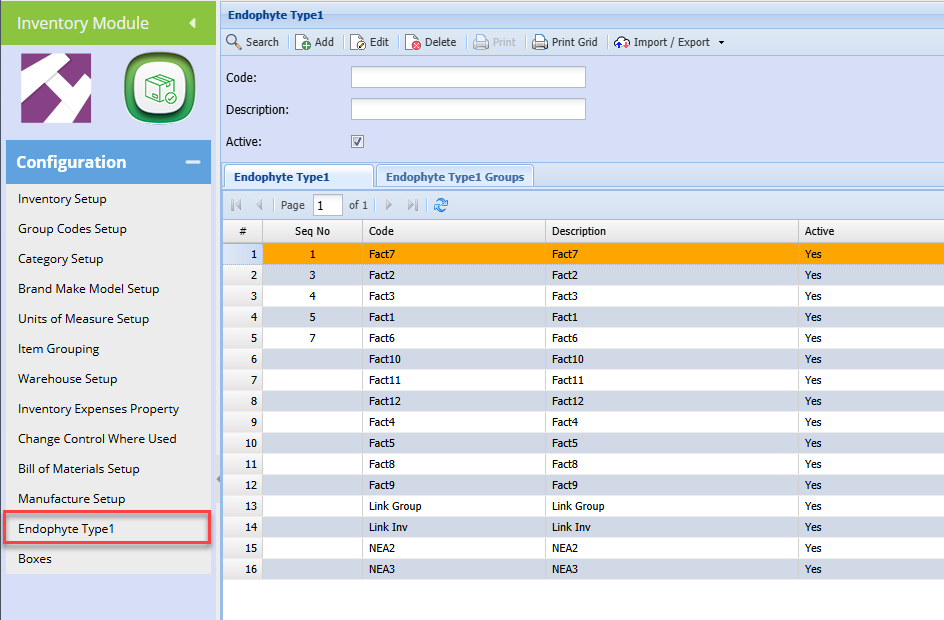
Inventory setup Fact / Endophyte link
Link Facts / Endophytes to the inventory item
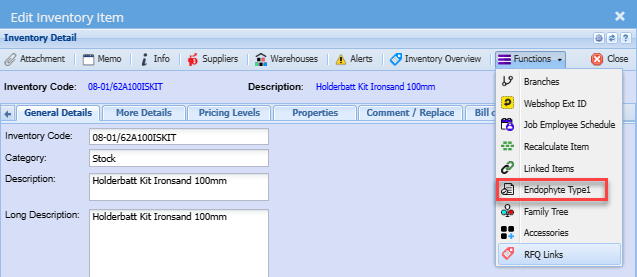
Add the facts / Endophytes
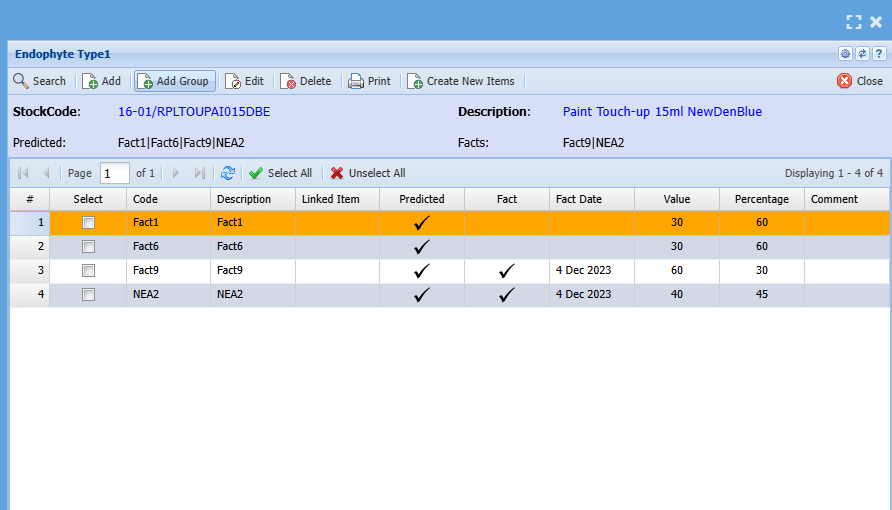
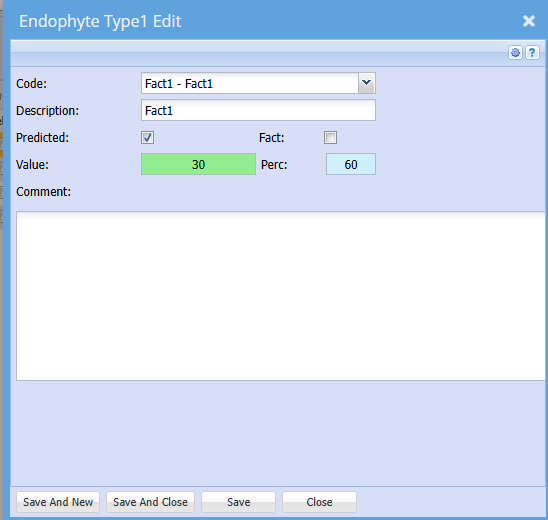
Add Fact items
Click on Add to add new Facts to list and link to item
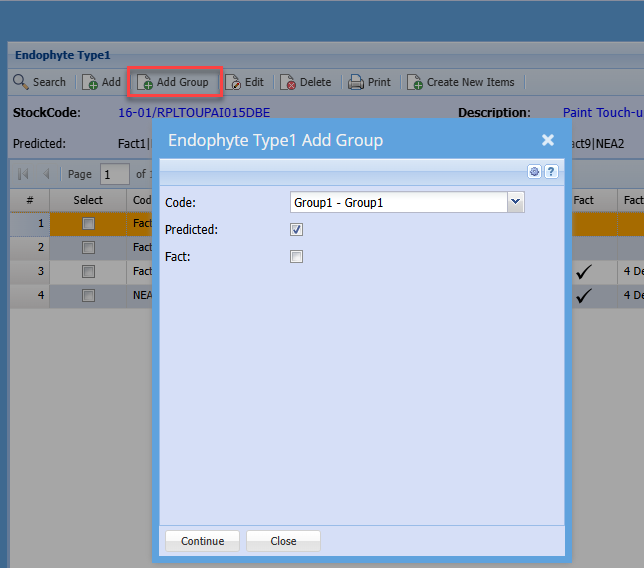
Adding a Group of Facts
This makes it easier to add multiple facts to the item and grid
Create new Items
When Facts / Endophytes move from predicted to factual.
Create new items based on Result
Tick the fact lines, then click on Create new items
This will clone the item, and append the code with a - Fact1 after the new item code
The Linked Item column on the grid will display a link to the item created.
This is in place so that duplicate items cannot be created
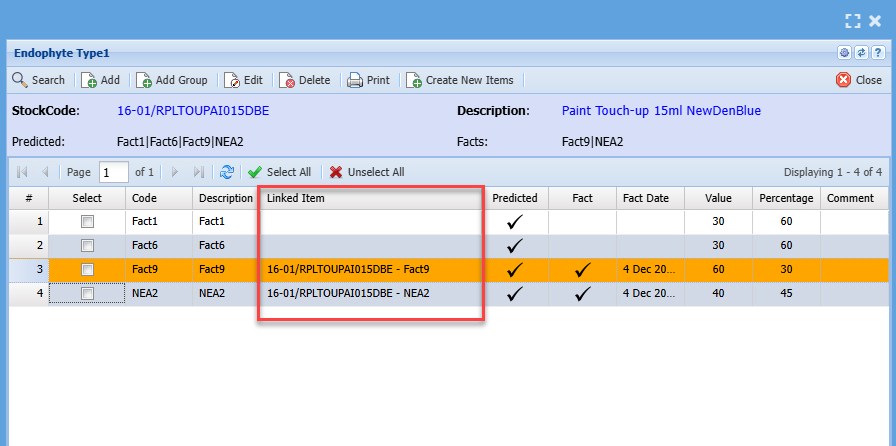
Facts and Predicted Endophytes show up on grid and item setup