Boxes
Setup boxes that will be linked to a location which in turn is linked to a warehouse
Boxes numbers are unique
The box is always linked to a location
Boxes can be moved between locations, and the contents are then moved to the new location.
Record of the movement of the items to the new location is recorded
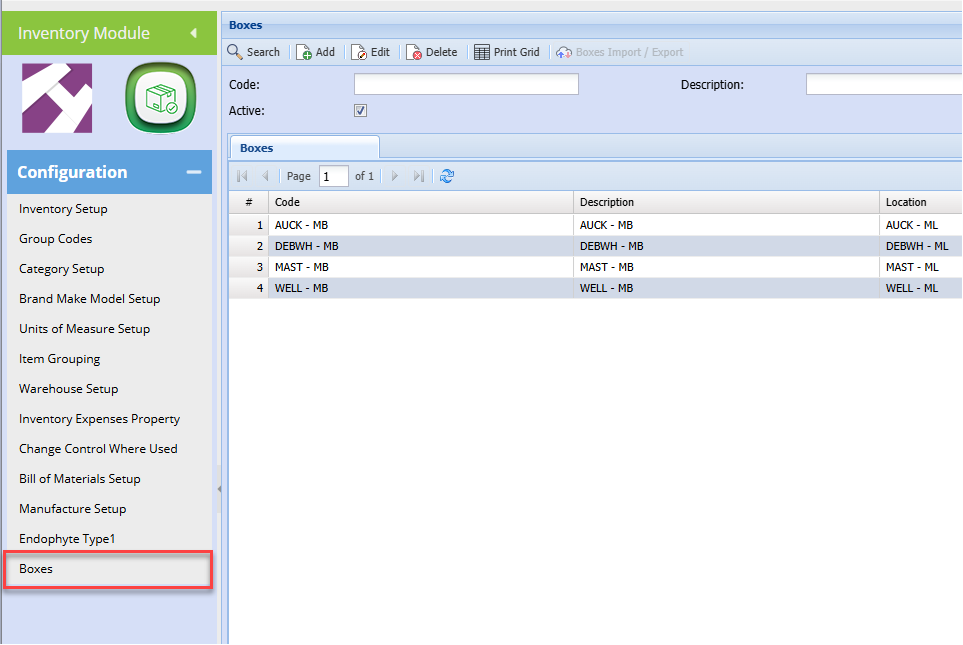
To add a new box click add
When you click add the screen below will be displayed
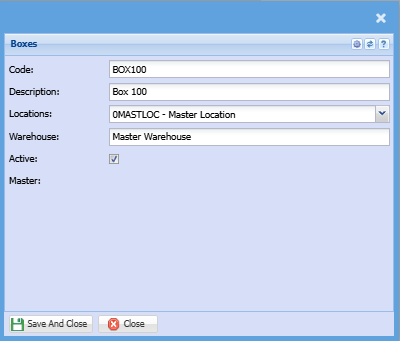
Add the following information
| Code | Enter box code |
| Description | Enter the box description |
| Locations |
Select the box location on the drop down menu This location will determine the warehouse |
| Warehouse | This will be automatically populated based on the location |
You can have multiple boxes linked to one location
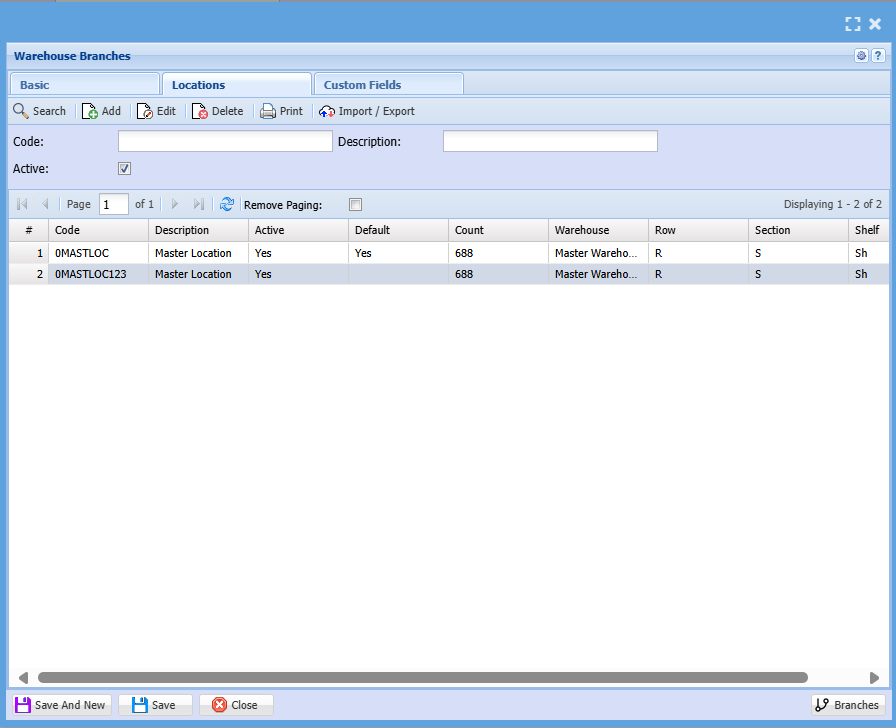
To see the boxes linked
Go to Inventory Module> Configuration> Warehouse setup
Click search, then double-click on the warehouse linked to the box you want to see
Click on the locations tab and the boxes will display as shown below: