
Support Form Search
Webatar > Configuration > Website Support Forms
Video training manual - Click Here
(1).png)
This is where the user creates a new Website Support Form or search for an existing one.
Search button allows a user to search using filter options.
If noThis filteris options are selected all Website Support Form records are displayed onwhere the gird.
At the top of the screen on the navigation ribbon, there are 5 buttons
Add button: to createcreates a new Website Support Form.Form or search for an existing one.
EditWebatar button:> toConfiguration make changes to an existing> Website Support Form.Forms
DeleteVideo button:training tomanual delete- anClick existing Website Support Form.Here
Print button: print all the Website Support Form display on the gird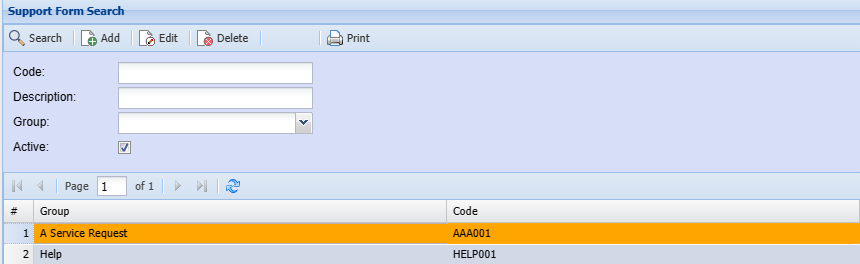
| Code | |
| Description | |
| Group | |
| Active |