
Check list Questions
Webatar > Configuration > Check List Questions
(1).png)
The function of this application is to enable a standard list of questions to be defined which will be used in the Check Sheet Templates where there are more than one selection options available. These options will be listed on the check sheet and the person using the check sheet can mark which option they used.
BasicWebatar Search> buttonConfiguration pulls out all> Check SheetList QuestionQuestions
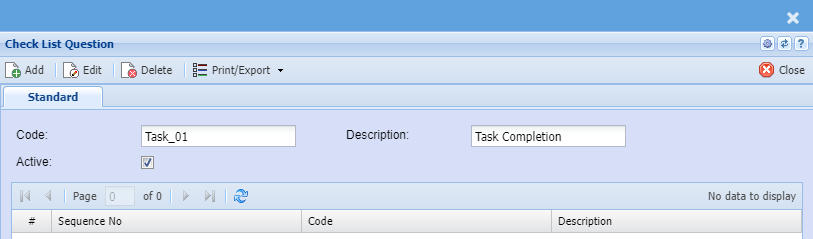
| Code | Add the code for the check list question |
| Description | Enter the description for check list of question |
| Active | Put a tick on if the |
Print/Export Dropdown button: option the Print Grid which prints the contents of the grid displayed
Code: Check Sheet Question Code
Description: Description of the Check Sheet Question Code
Active: Tick the tick box to flag Check Sheet Question Code as Active if tick box is un-ticked the Check Sheet Group code is inactive