
Additional Creditor Properties
Creditors Module>Configuration > Add Creditor Properties
Additional Creditors Properties Help
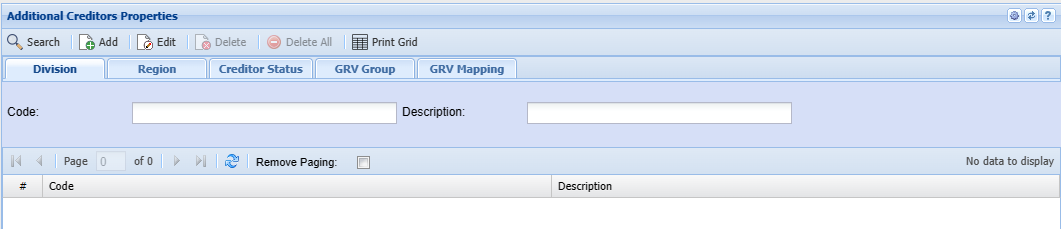
This form allows the user to set up Divisions, Regions, Creditor Statuses as well as GRV Groups and Mappings.
| Add | Depending on the selected tab, this will allow the user to add divisions, regions, Creditor Statuses, GRV Groups and GRV Mappings |
| Edit | Depending on the selected tab, this will allow the user to edit divisions, regions, Creditor Statuses, GRV Groups and GRV Mappings |
| Delete | Depending on the selected tab, this will allow the user to delete divisions, regions, Creditor Statuses, GRV Groups and GRV Mappings |
| Delete All | this will allow the user to delete all the GRV Mapping items |
Print Grid Button
Print the creditors additional property grid
Enabled on the GRV Mapping tab
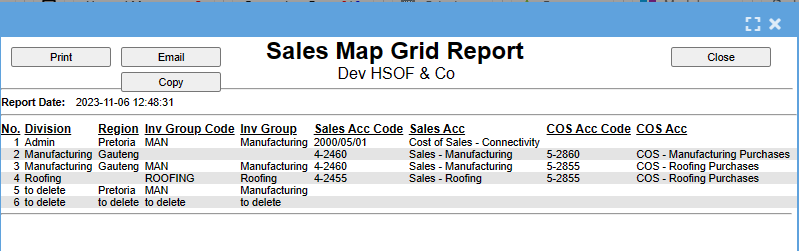
Division Tab
Search by entering the Code or the description
Click Add to add new Division

| Code | |
| Description | |
| Active | |
| Charge Up Job Time |
Region Tab
Search by entering the Code or the description
Click Add to add a new Region
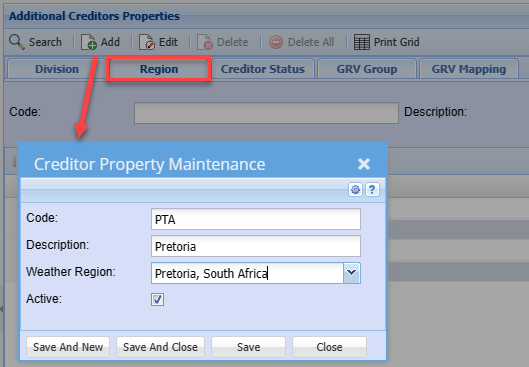
| Code | |
| Description | |
| Weather Region | |
| Active Tick |
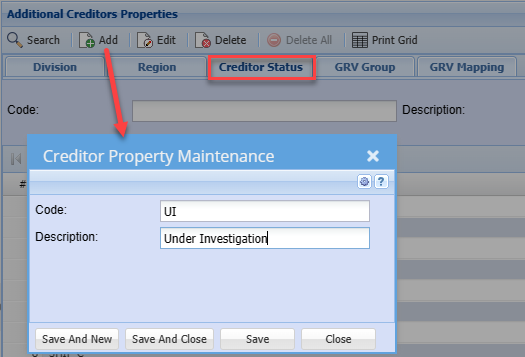
Creditor Status Tab
Search by entering the Code or the description
Click Add to add a new Creditor Status
GRV Group Tab
Search by entering the Code or the description
Click Add to add a new GRV Group
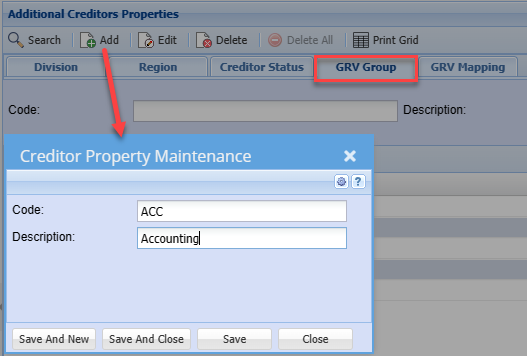
GRV Mapping Tab
Allows the user to search by selecting Division, Region and GRV Group from the drop-down arrow.
Click Add to add a new GRV Mapping
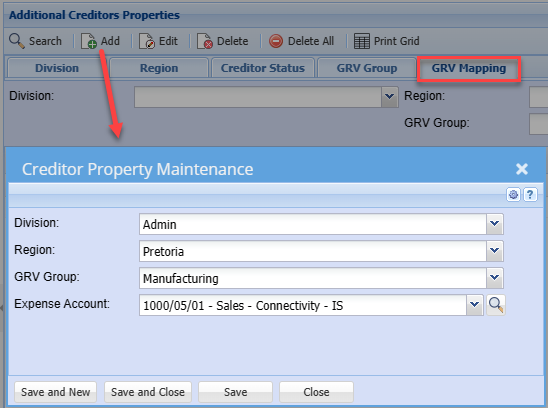
| Division | |
| Region | |
| GRV Group | |
| Expense Account |