Asset and Actions setup
Settings for the following areas need to be setup in order for the email to go out.
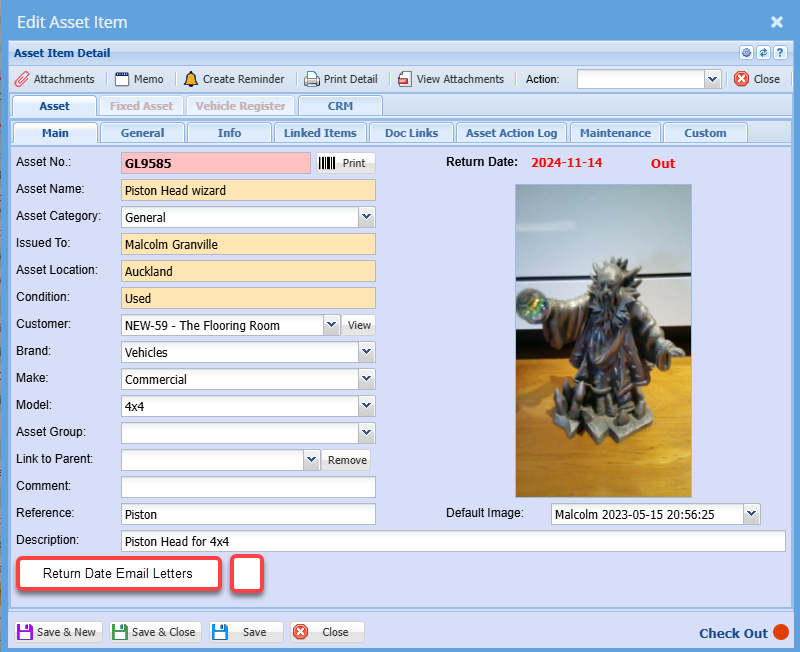
Asset Setup
| Return Date Email Letters | Enable this function for this asset to activate Return Date email letters |
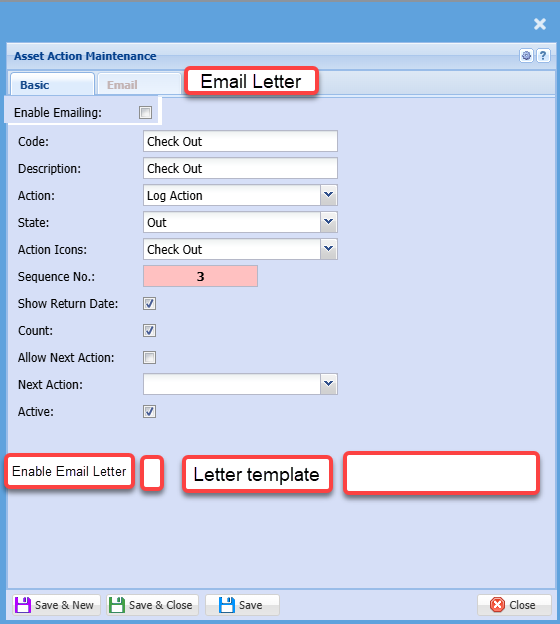
Action setup
When the Enable Email letter is active, then send out an email to the customer contact with the specific letter template.
If an internal user is set to also receive the email, then copy the internal user.
If the company does not have a contact or the contact does not have an email, then no email goes out to customer or internal user.
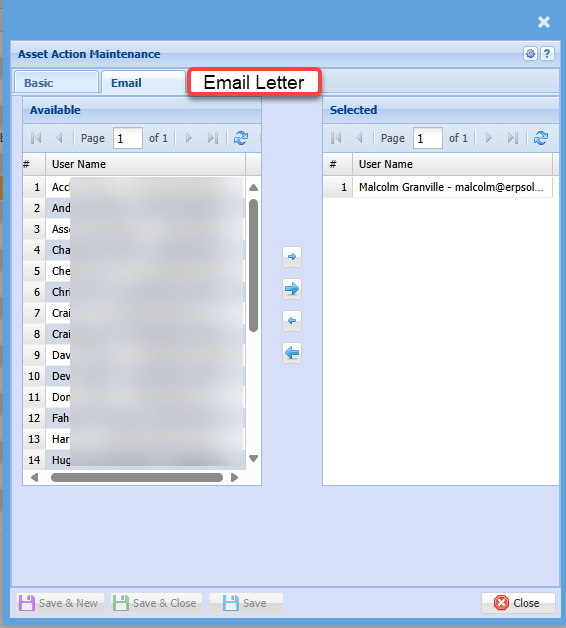
Email letter tab
Email letter tab becomes active if the Enable email letter is ticked / active.
This lists all internal users