# Inventory Enquiry
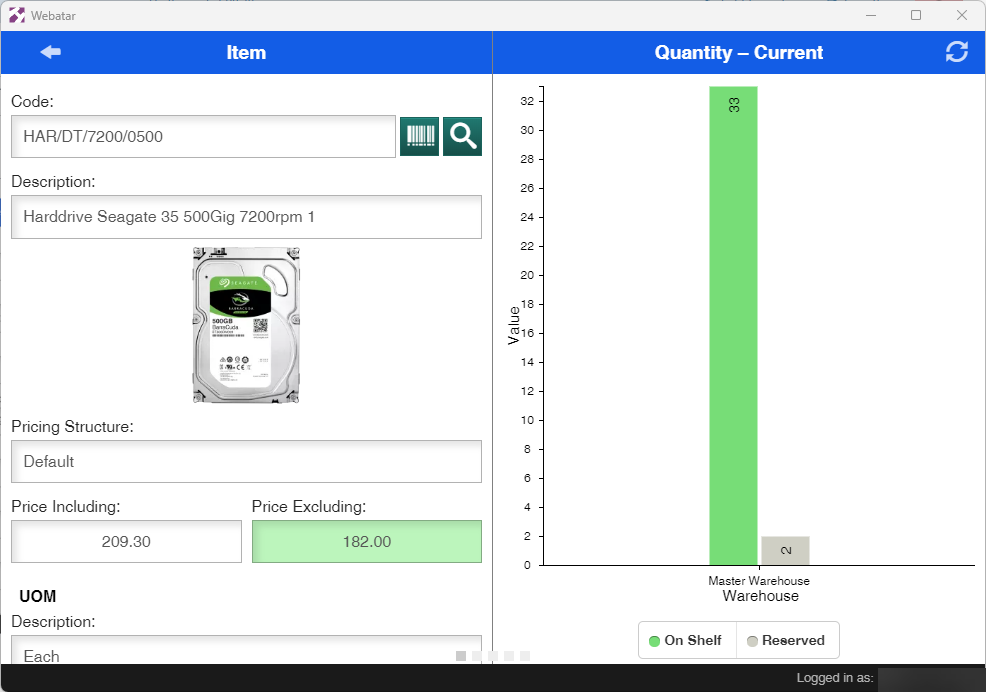
The inventory enquiry gives information about an item
Video training 202402 - [Webatar\_inventory\_enquiry.mp4](https://hugeerp10.co.za/hsofmanual/attachments/59)
1. Price
2. Location
3. Brand, Make and Model
4. Quantity on Hand
5. Multiple pricing levels
6. Stock Movement by a specific period
7. Images and photos
8. Item Accessories
#### Item Information
[](https://hugeerp10.co.za/hsofmanual/uploads/images/gallery/2024-02/44Qimage.png)
---
#### Taking a Photo
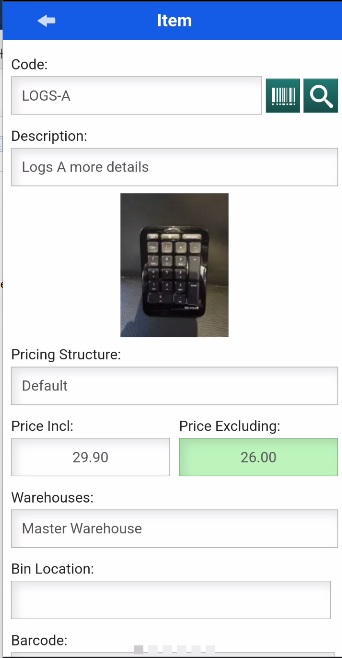
Taking a Photo on your device to upload to the system
Video Training 202402 - [Inventory\_Photo.mp4](https://hugeerp10.co.za/hsofmanual/attachments/60)
[](https://hugeerp10.co.za/hsofmanual/uploads/images/gallery/2024-02/dykimage.png)