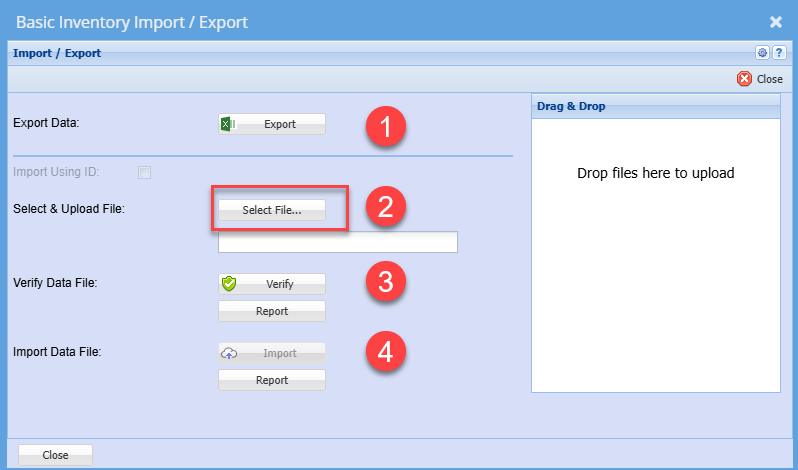
New Seeds upload
Seeds must exist in the database before submitting samples
Prepare Import file for Seed/Stock items
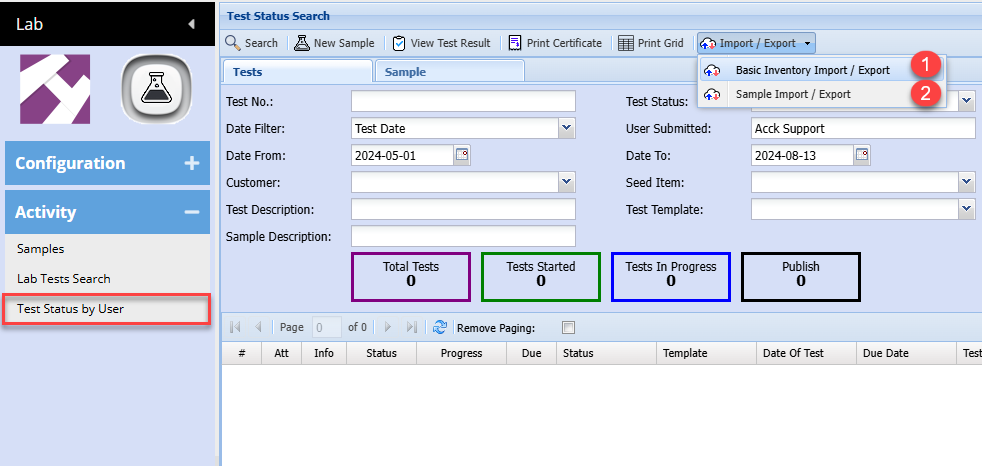
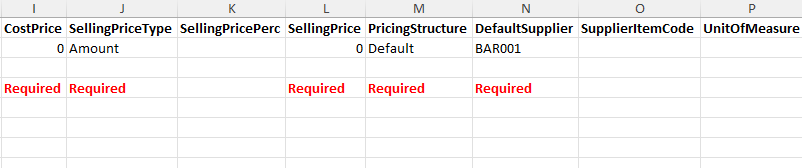
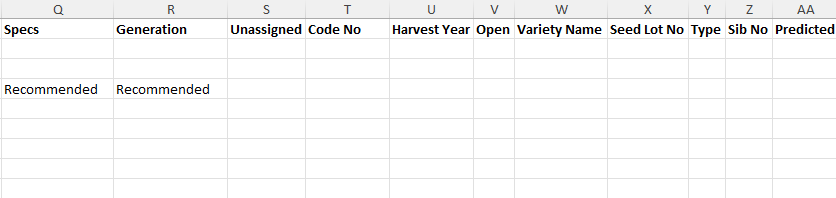
Export file layout for header information
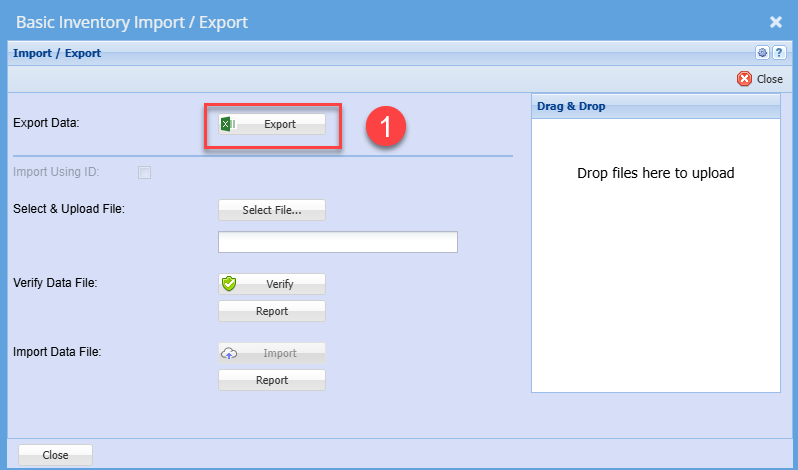
See example of file layout - Basic Inventory Import Seed.xlsx
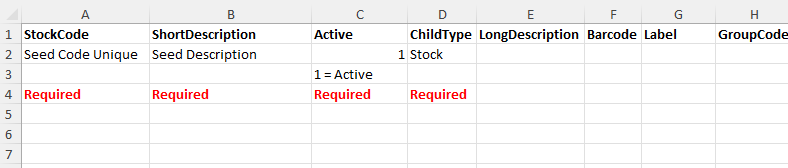
Once you have prepared the import file, save as an Excel document and close.
Importing will do the following:
- New items will be added if it does not exist
- Existing items will be updated
Follow steps 2 to 4 to upload new and existing items