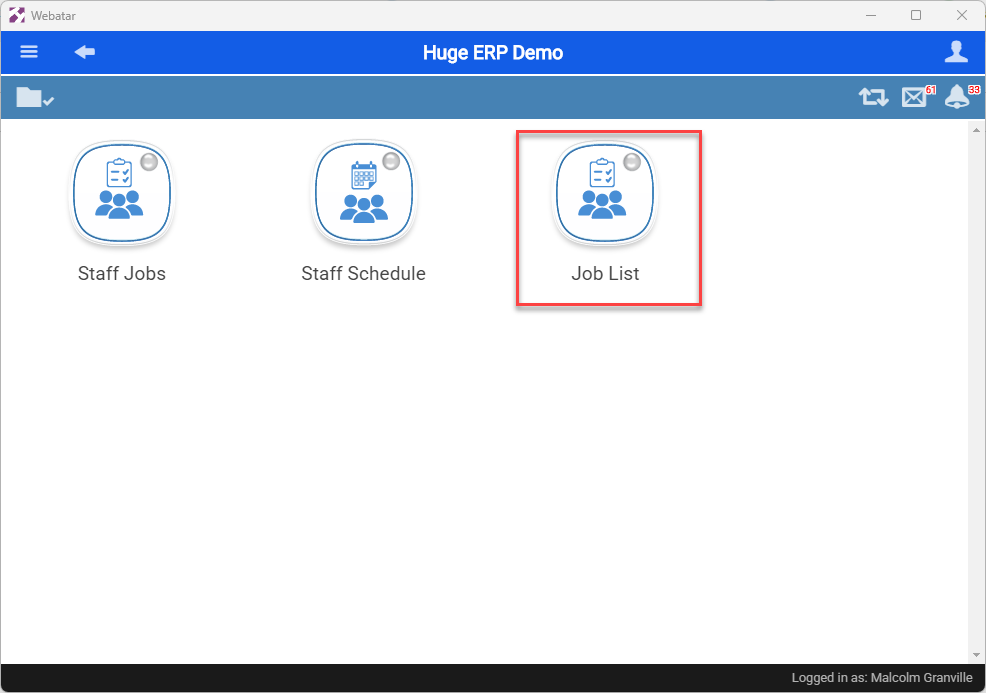
Job List
List of Jobs active
Job List
Job list gives the user view of open jobs and view of job lines.
It is part of the Job Group
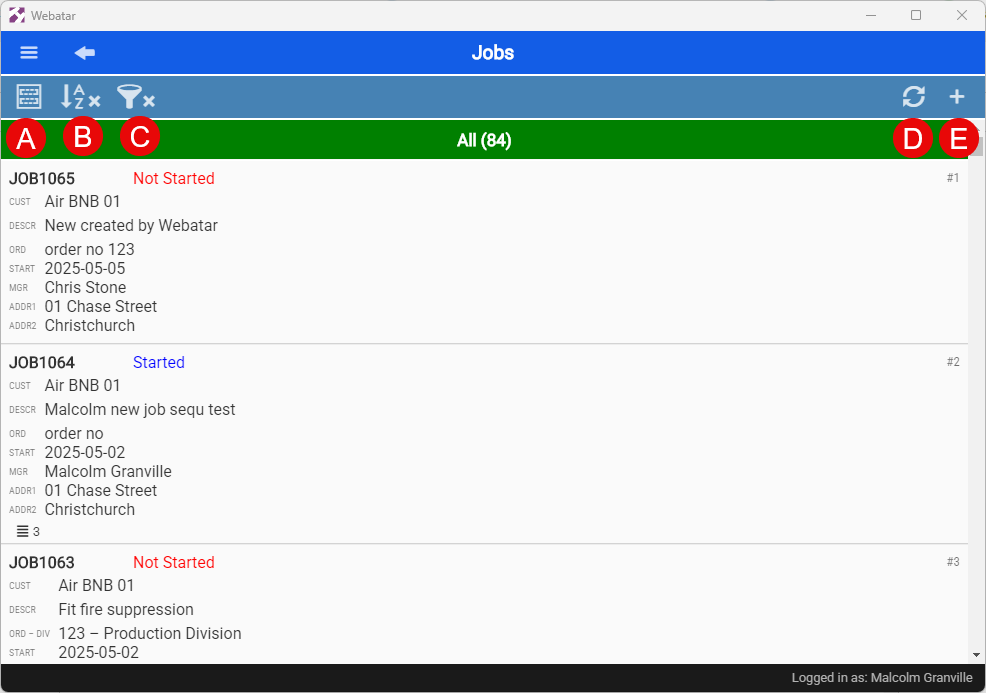
Searching for Jobs
| A | Compac view or detail view |
| B | Grouping and sorting |
| C | Searching and filtering data |
| D | Refresh grid |
| E | Add new job (this is govern by security) |
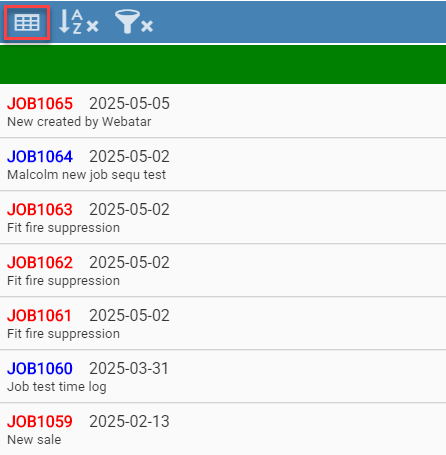
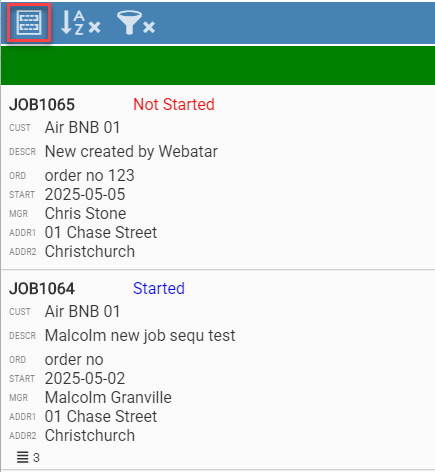
Compac View or detail view
| Compac View | Detail View |
|
|
|
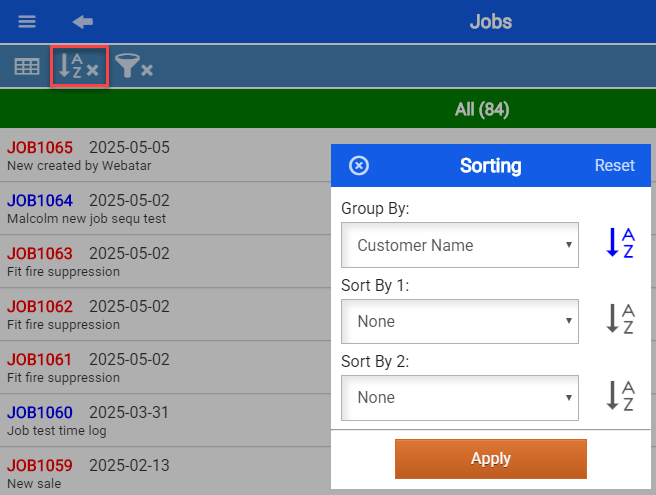
Grouping and sorting
When applying grouping, this will remember when next accessing the Job list.
This will be indicated with a tick if the grouping is active.
| Group By | None, Date Started, Job Status, Customer Name, Job Manager, Asset |
| Sort By 1 | None, Date Started, Job Status, Order No, Customer Name, Job Manager, Asset Name |
| Sort By 2 | None, Date Started, Job Status, Order No, Customer Name, Job Manager, Asset Name |
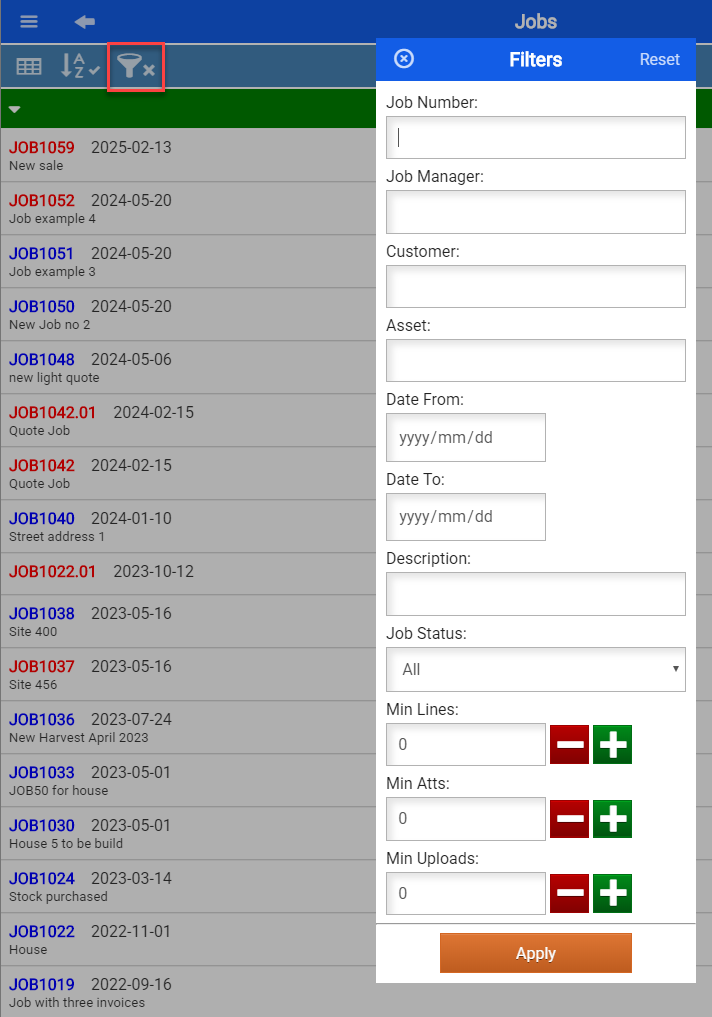
Searching and filtering data
When applying searching and filtering, this will remember when next accessing the Job list.
This will be indicated with a tick if the filter is active.
| Job Number | Search by a Job number |
| Job Manager | Filter by Job Manager |
| Customer | Search by customer name |
| Asset | Filter by Asset Name |
| Date from and Date to | Search by job date started |
| Description | Search by Description |
| Job Status | Filter by All, Started and Not Started Jobs |
| Min Lines | Search for jobs with minimum job lines |
| Min Atts | Search for jobs with minimum attachments |
| Min Uploads | Search for jobs with minimum uploads |
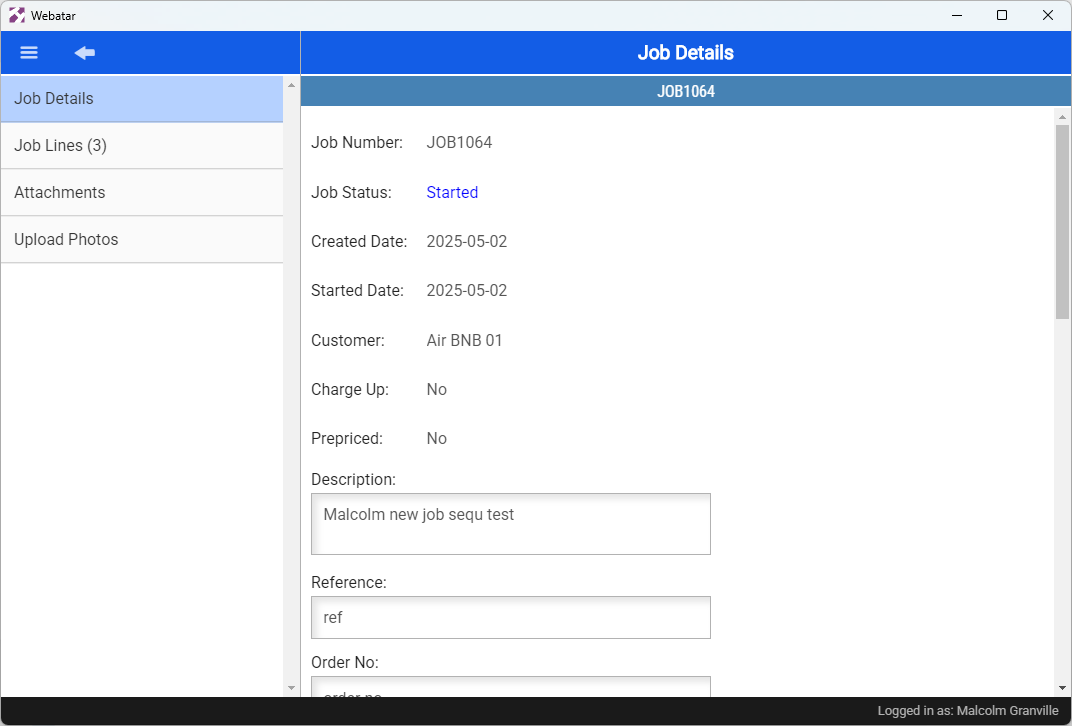
Job Detail
Viewing Job details