Using the Calculator Function
Calculator Access
For convenience, direct access to the Microsoft Windows Calculator is available from the toolbar at the top of every module within Huge ERP.
Selecting this option allows you to quickly perform calculations without leaving the current screen, making it easier to enter, verify, and reconcile figures while working within the system.

Using the Calculator Function
As Huge ERP is a browser-based application, it cannot directly launch Windows applications without your permission. This is part of Microsoft's security model, which prevents websites and browser applications from automatically running programs on your computer.
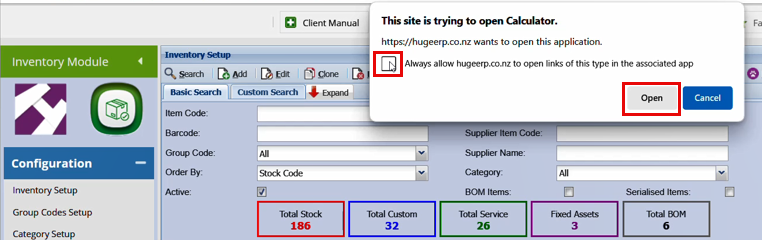
When you select the Calculator function, your browser may display a security prompt asking for permission to open the Windows Calculator. To avoid seeing this message each time, tick the Always allow option and then click Open.
Note: If your browser cache or site permissions are cleared, you may need to repeat this process the next time you use the Calculator function.
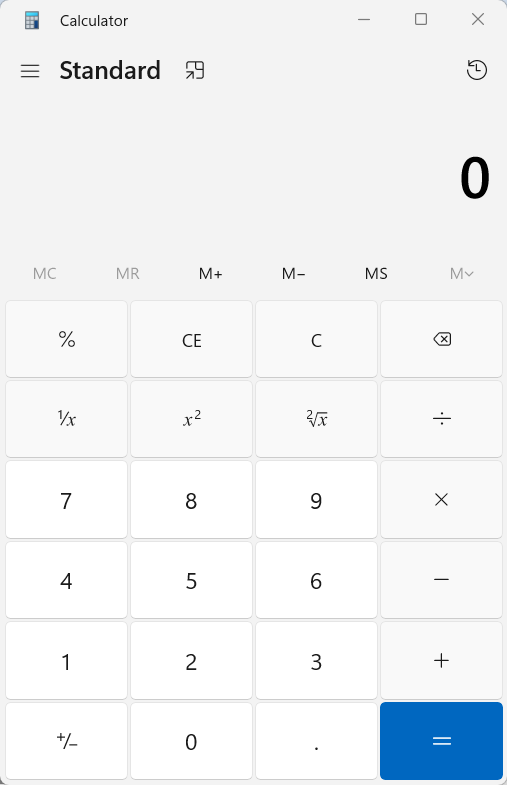
Once you click Open, you will see the Windows calculator pop up in a new window.