Purchase Order
Purchase Order
Capture a purchase order to order stock
.png)
.png)
Purchase orders refresh and add new
.png)
Purchase Order Window Search
The search window has three main sections
.png)
| Plus + button | Add a new purhcase order |
| Refresh button | Click on this button to see existing open purchase orders |
| Search button | Search for specific purchase order |
.png)
New Purchase Order
To capture a new purchase order, Click on the Plus + button
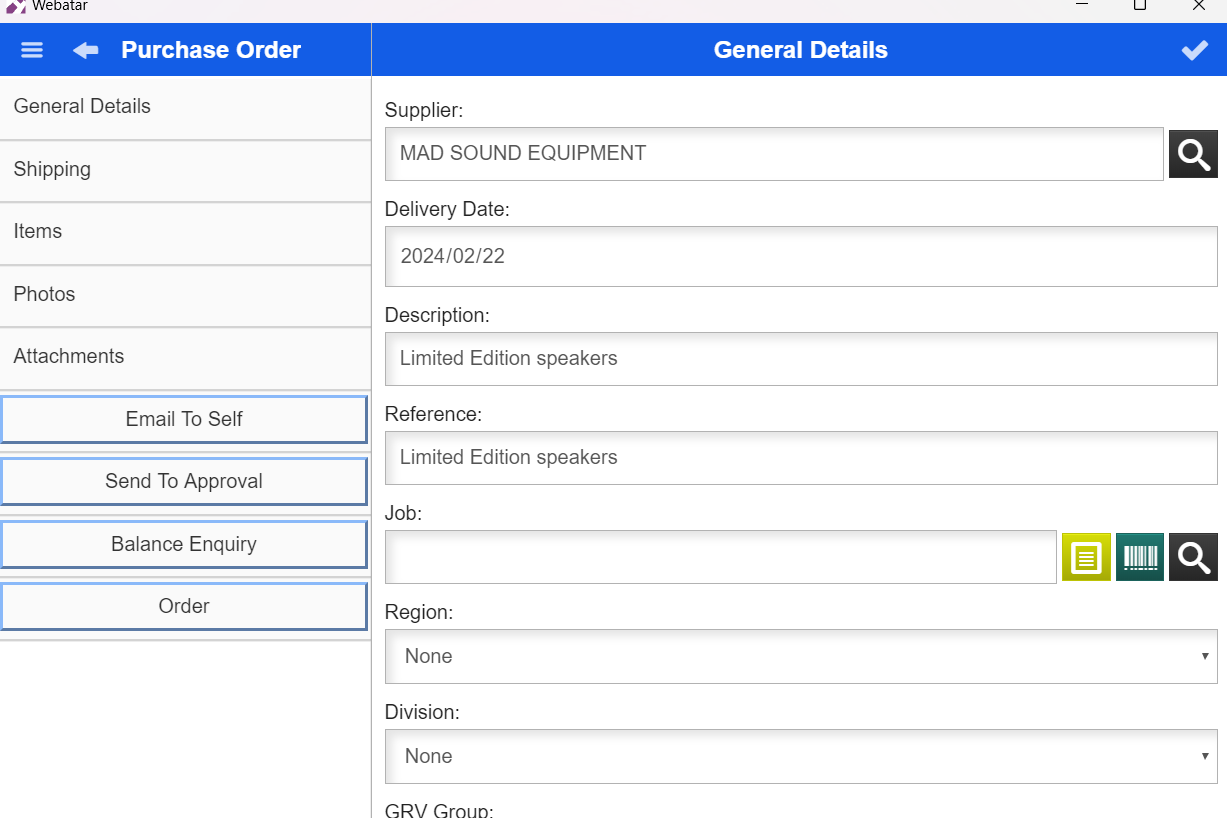
Then add general Details
| Supplier | Enter the supplier for the purchase order |
| Date | The date will show the current date and can also be changed |
| Description | Enter a description of the purchase order |
| Reference | Enter a reference |
Menus
.png)
| Attachments | Add attachments to the Purchase Order |
| Email to self | Send the copy of the purchase order to yourself |
| Send to approval | Send the purchase order for approval |
| Balance enquiry | Get a balance of the account |