Report List
- All Allocations Report (New)
- Birthday List
- Commission Document Detail Report
- Commission Document Summary Report
- Commission Inventory Report Document
- Commission Inventory Report Payment Basis
- Commission Inventory Report Points System
- Commission Report Document Payment Basis
- Commission Report Sales Rep. Group
- Commission Branch Report
- Custom Field Report
- Hive Import Report
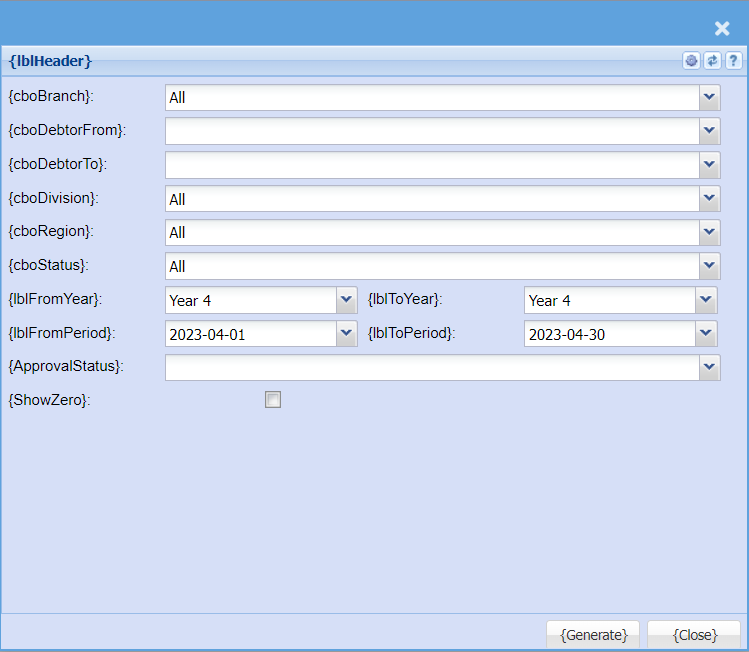
- Test Report
- User Leave Report
All Allocations Report (New)
System Configuration> Reports> Report List (General)
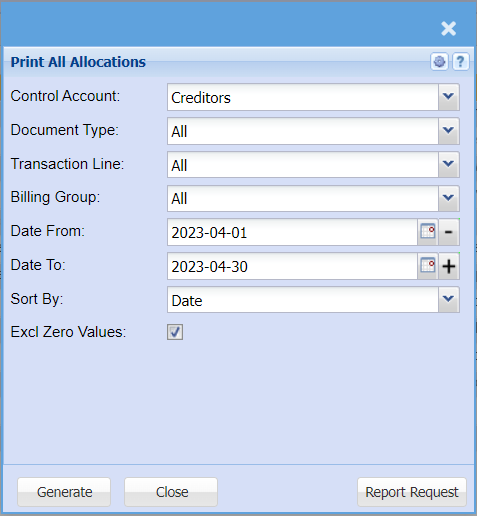
| Control Account | |
| Document Type | |
| Transaction Line | |
| Billing Group | |
| Date From / To | |
| Sort By | |
| Excl Zero Values |
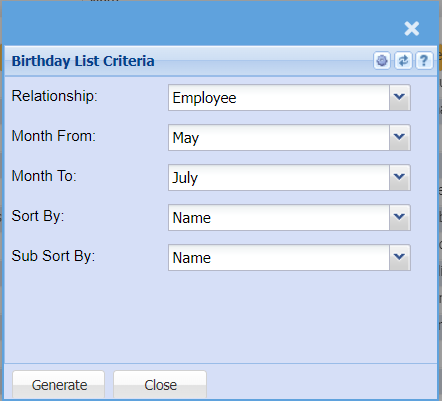
Birthday List
System Configuration> Reports> Report List (General)
The report picks up any birthdays entered in the system with the age and the date of birth. Select from month to month to show these dates irrespective of the year. Also sort or sub sorts the report.
Commission Document Detail Report
System Configuration> Reports> Report List (General)
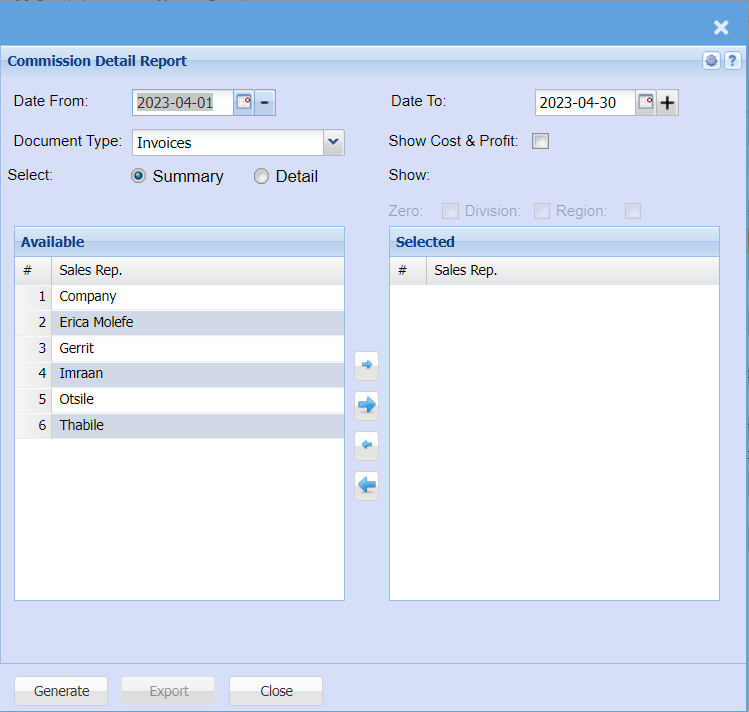
| Date From / To | |
| Document Type | |
| Show Cost & Profit | |
| Select | |
| Zero |
Commission Document Summary Report
System Configuration> Reports>Report List (General)
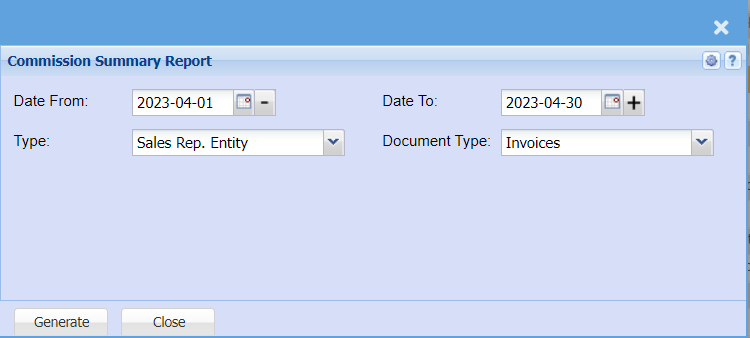
| Date From / To | |
| Type | |
| Document Type |
Commission Inventory Report Document
System Configuration> Reports> Report List (General)

| Date From / To | |
| Show Cost & Profit | when ticked will display the cost and profit column in the report. |
| Show Negative Profit | When unticked and the Sales Rep is setup to be paid commission on profit and the profit on the item is negative then the commissionable value is set to 0.00 and a flag Zero is displayed in the exclude column. When ticked and the Sales Rep is setup to be paid commission on profit and the profit on the item is negative then the commissionable value is displayed as a negative value. |
| Select | Select either summary or detail. |
| Decimal Places | |
| Print Comm. Notes |
Commission Inventory Report Payment Basis
System Configuration> Reports> Report List (General)
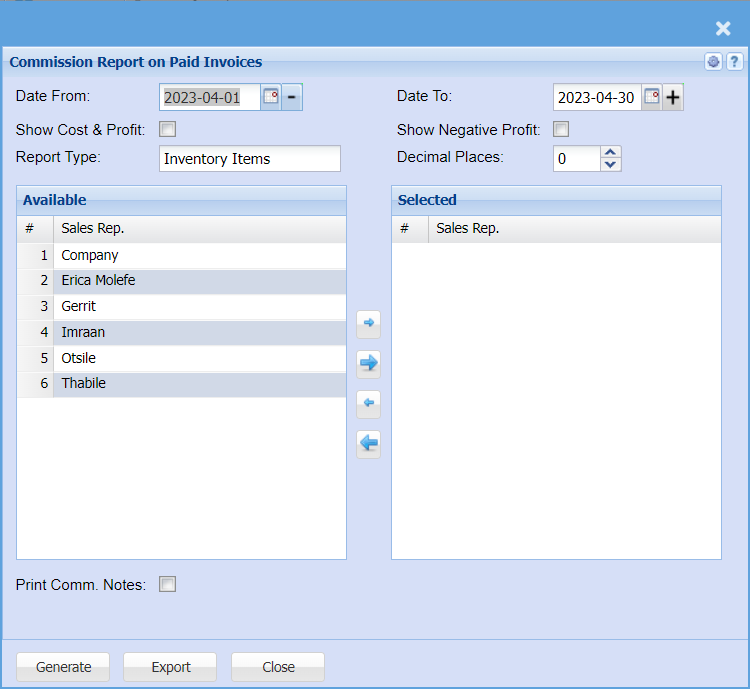
| Date From / To | |
| Show Cost & Profit | when ticked will display the cost and profit column in the report. |
| Show Negative Profit | When unticked and the Sales Rep is setup to be paid commission on profit and the profit on the item is negative then the commissionable value is set to 0.00 and a flag Zero is displayed in the exclude column. When ticked and the Sales Rep is setup to be paid commission on profit and the profit on the item is negative then the commissionable value is displayed as a negative value. |
| Decimal Places | |
| Print Comm. Notes |
Commission Inventory Report Points System
System Configuration> Reports> Report List (General)
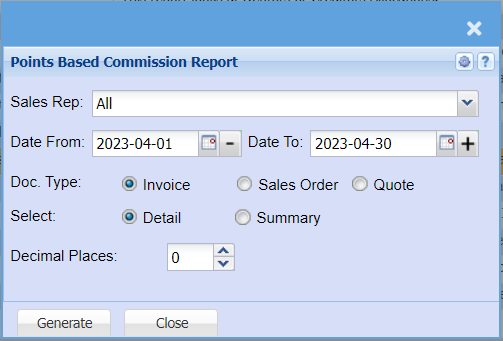
| Sales Rep | |
| Date From / To | |
| Doc. Type | |
| Select | |
| Decimal Places |
Commission Report Document Payment Basis
System Configuration> Reports> Report List (General)
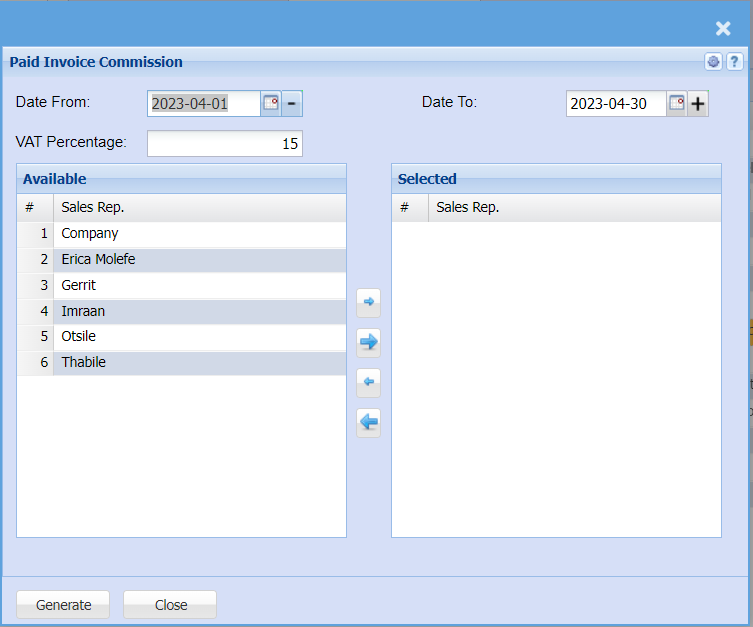
| Date From / To | |
| VAT Percentage |
Commission Report Sales Rep. Group
System Configuration> Reports> Report List (General)
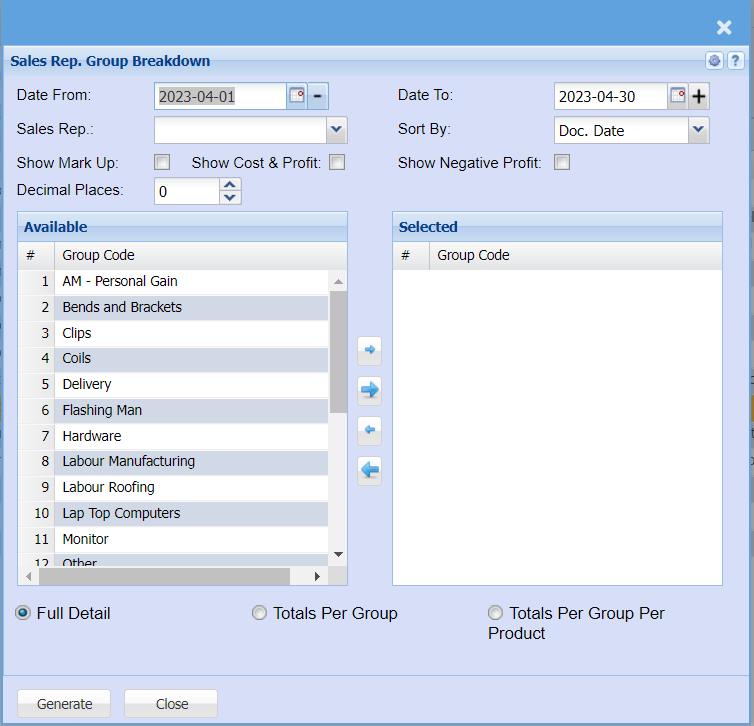
| Date From / To | |
| Sales Rep | |
| Sort By | |
| Show Mark Up | |
| Show Cost & Profit | |
| Show Negative Profit | |
| Decimal Places |
Commission Branch Report
System Configuration> Reports> Report List (General)
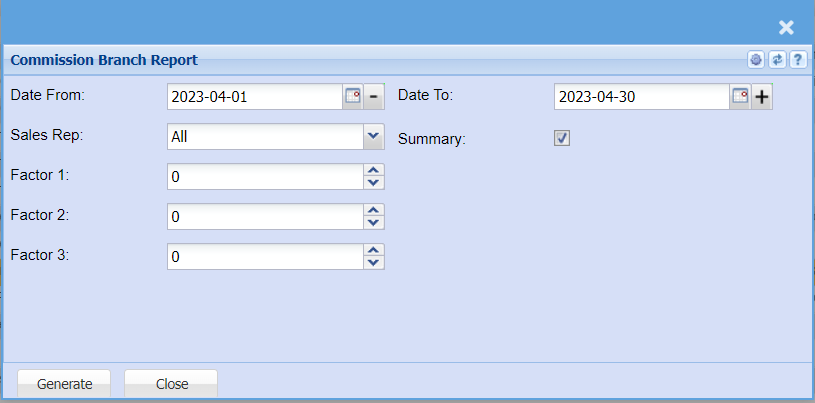
| Date From / To | |
| Sales Rep | |
| Summary | |
| Factor 1, 2, 3 |
Custom Field Report
System Configuration>Reports>Report List (General)
Gives a report on custom fields setup in different document types. This report can only be exported to Excel.
Select the Document type from the drop down arrow and the category after.
Generate the report then click on View Report button which allows the user to refresh the report, delete, download which opens it on excel sheet.
Hive Import Report
System Configuration> Reports> Report List (General)
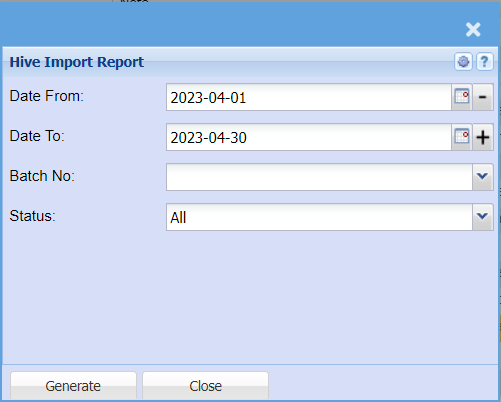
| Date From / To | |
| Batch No | |
| Status |
Test Report
System Configuration> Reports> Report List (General)
User Leave Report
System Configuration> Reports> Report List (General)
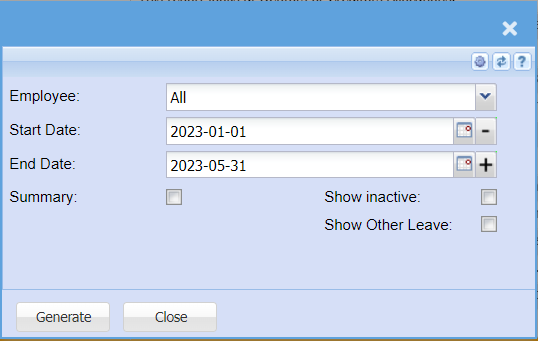
| Employee | |
| Start Date | |
| End Date | |
| Summary | |
| Show inactive | |
| Show Other Leave |