User Time Logging Search
Dashboard Tab
.png)
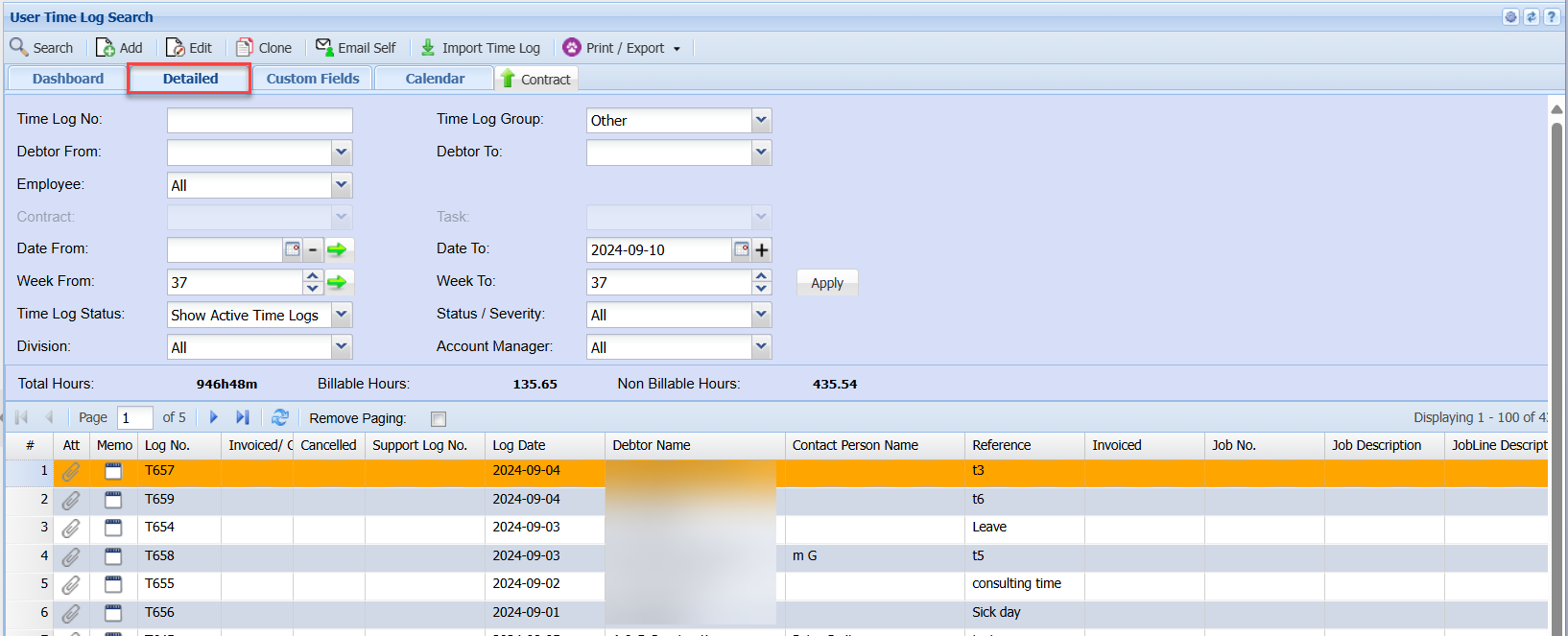
Detailed Tab
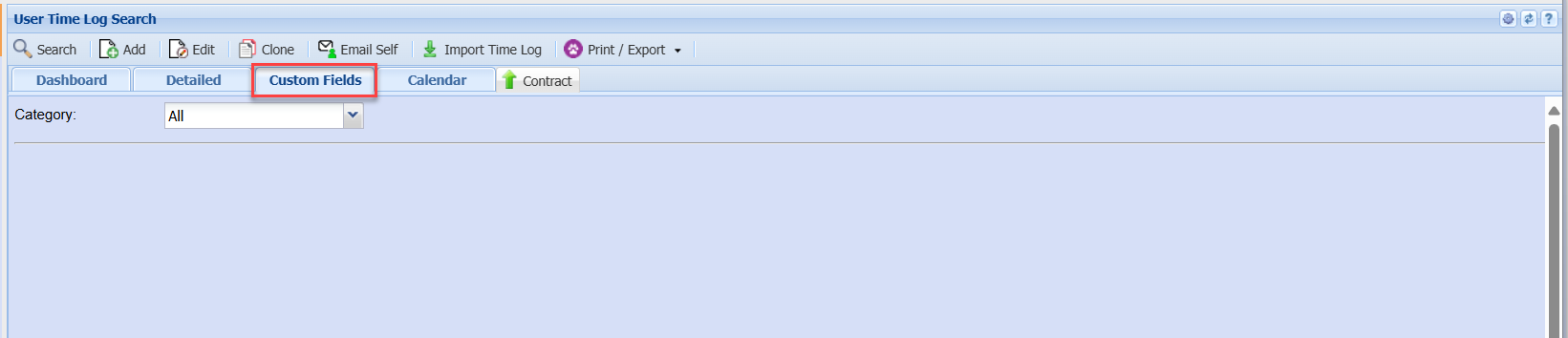
Custom Fields Tab
Calendar Tab
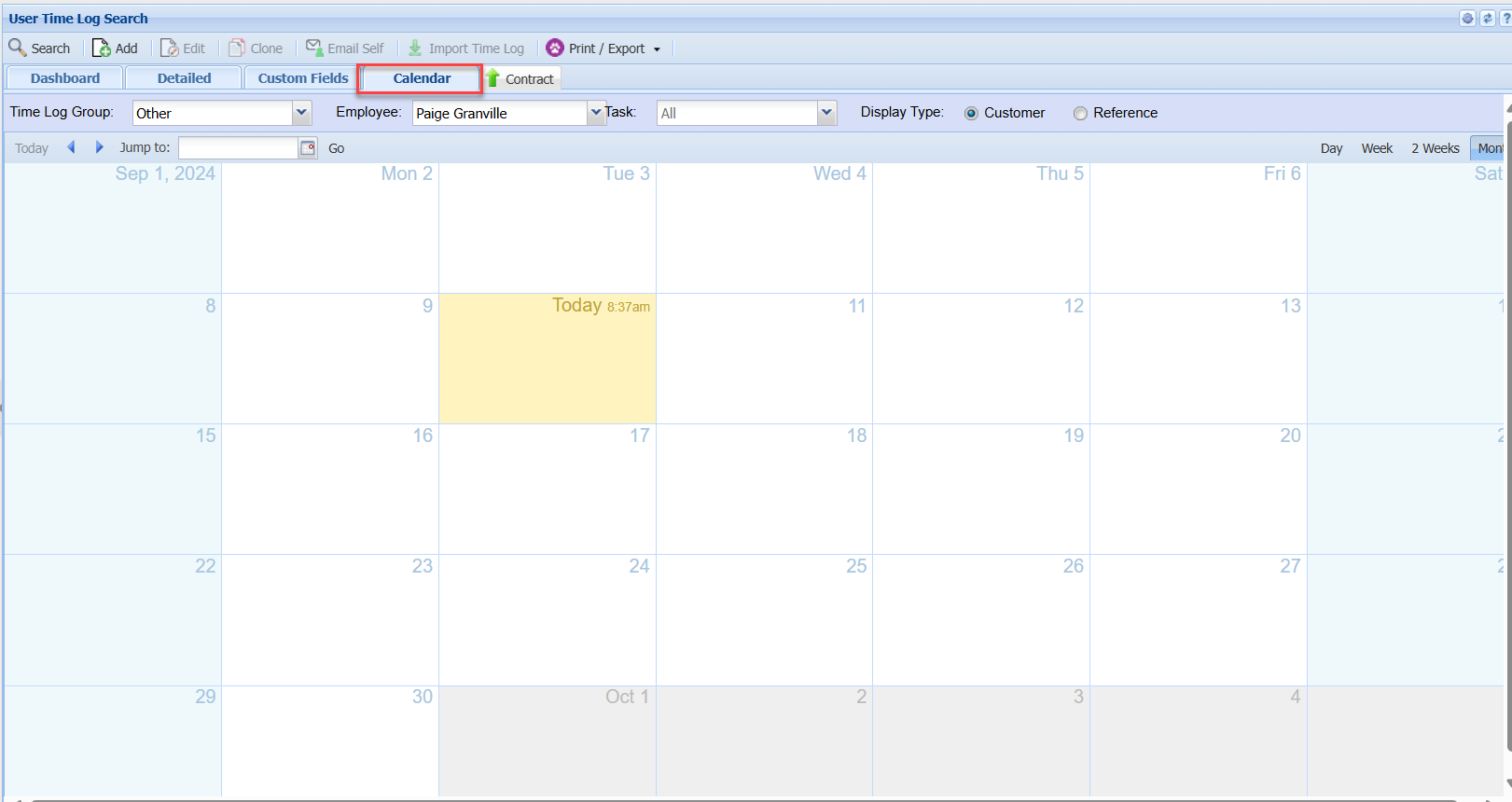
On the Calendar we have a few indicators define time logs captured:
** Indicates Time log was geo located at the client's location - Green
!! Indicates Time log was geolocated but not captured in the vicinity of the actual client. - Orange
## Time log was edited on a date different to the time log date - Yellow
none indicates Time log was not geolocated - Red