# Financial Position (Balance Sheet) Report
#### General Ledger>Reports>Financial Position
.png)
The statement of financial position (sometimes called the balance sheet) presents an entity’s assets, liabilities and equity as of a specific date—the end of the reporting period.
The statement of financial position can be searched and printed by using the Search button and the Print button.
To search for a certain statement of financial position, the user has to select from the drop down arrows necessary fields
The user must check that he/she is running the correct date range
The system defaults to Level 1, should the user wish to see more details on the statement of financial position, change this to higher levels.
Search button:
When searching, on the screen is a summary of statement of financial position.
Print button
Click on the Print button to view the statement of financial system
After printing to screen, one can print to a printer, email the document or copy to clipboard to take to Excel.
---
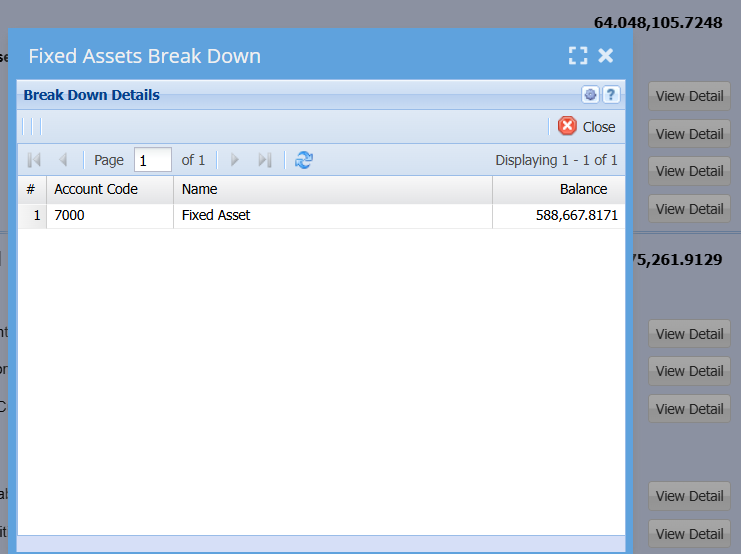
##### View Detail
[](https://hugeerp10.co.za/hsofmanual/uploads/images/gallery/2024-06/pDiimage.png)