Manage Job Line Edit and reassign
Double-click a Job to open it. Within the job, double-click a job line to edit or reassign it.
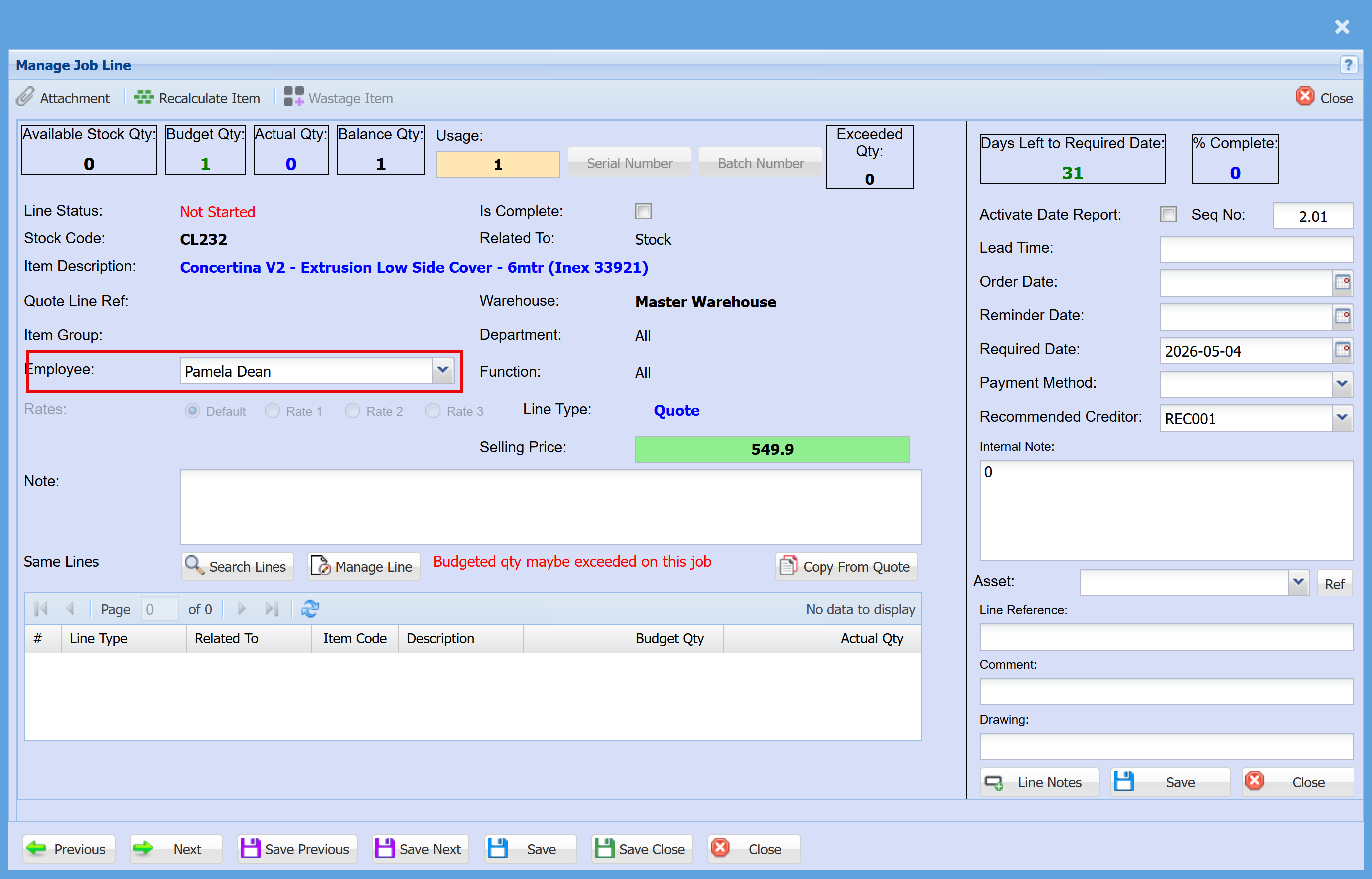
This is the main screen where a Job line is managed
Restrictions
You cannot edit the line if:
- The line is locked
- The item has been marked for invoice or delivery note
You cannot change cost or quantity if the item is a:
- Stock item
- Fixed asset
Reassignment Rules (Sell Price)
When reassigning to a new parent:
-
The line will adopt the sell price of the new parent
-
If the item is a stock category (SC) or quote line, it will use its own sell price
-
If the new parent is a Cost to Company (CTC) item, the sell price will be removed from the line