Change Control Menu
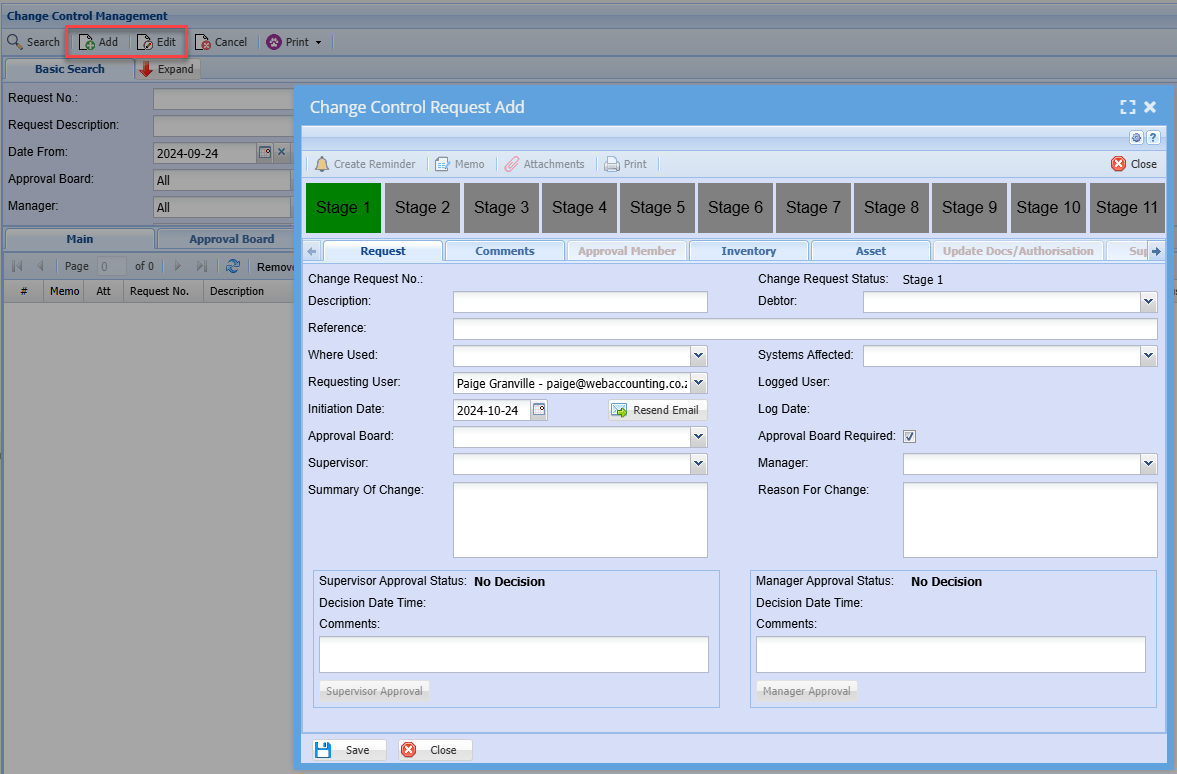
Change Control Add
|
Stages |
% Complete |
Action |
|
Stage 1
|
0% |
Creation of Change Request |
|
Stage 2
|
10% |
Supervisor Approval |
|
Stage 3
|
20% |
Manager Approval |
|
Stage 4
|
30% |
Without any of the board members approving the request |
|
Stage 5
|
40% |
Only when ALL board members have approved the request |
|
Stage 6
|
50% |
Meeting request has been actioned |
|
Stage 7
|
60% |
Update documentation |
|
Stage 8
|
70% |
Authorisation of request |
|
Stage 9
|
80% |
Authorisation and Close request |
|
Stage 10
|
90% |
Processing of tasks / support logs |
|
Stage 11
|
100% |
Once all tasks / support logs have been finalised and the manager has completed the change request |
Change Control Management Search
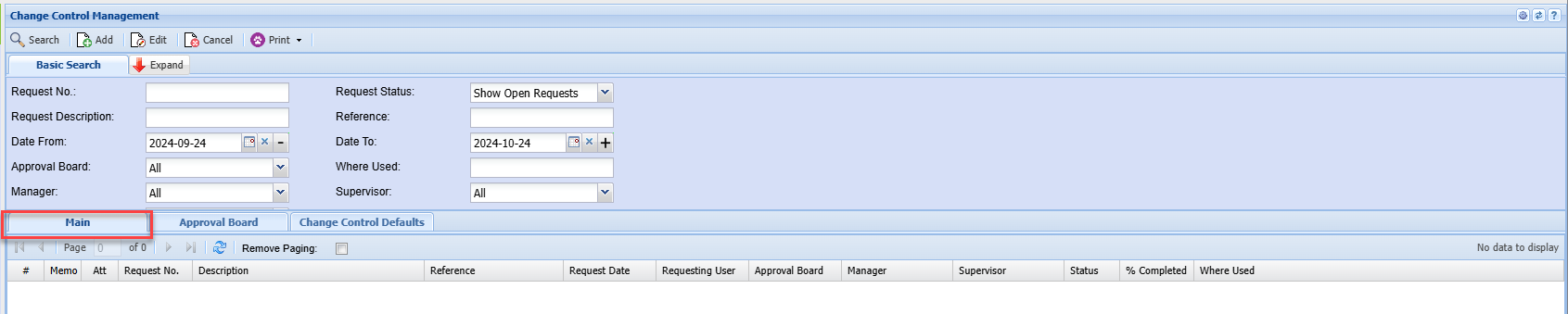
Main Tab
Approval Board Tab
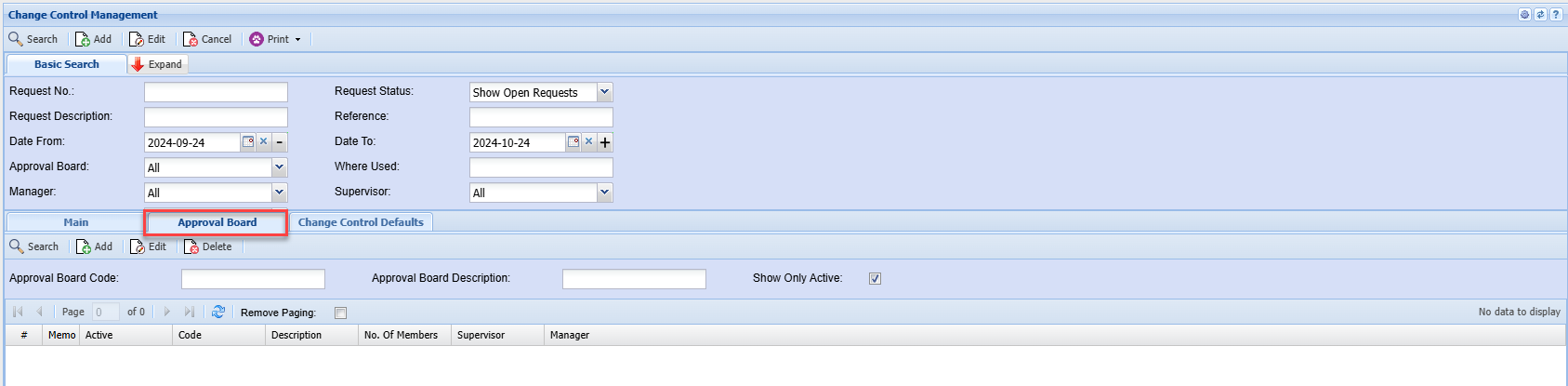
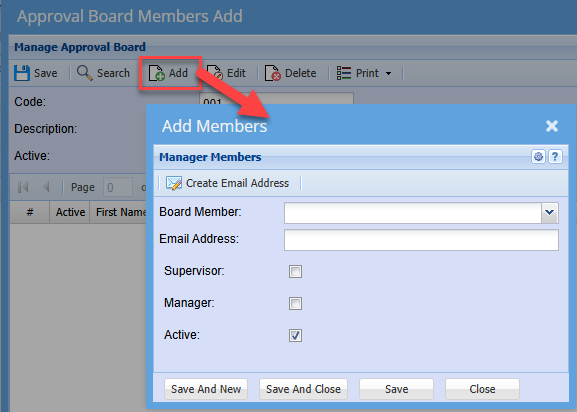
Clicking Add
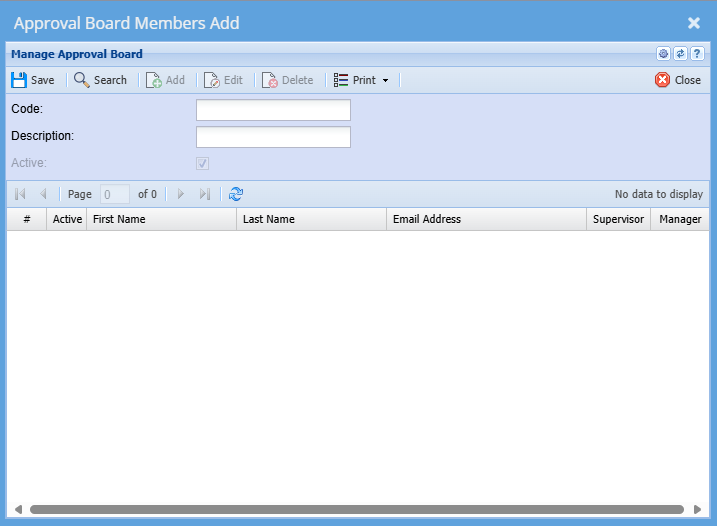
After adding in your code and description you can click add.
after clicking add you can add a Member
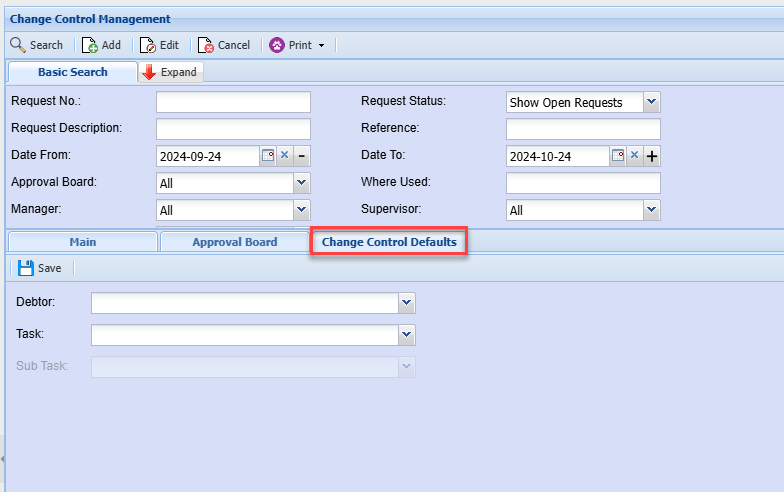
Change Control Defaults Tab