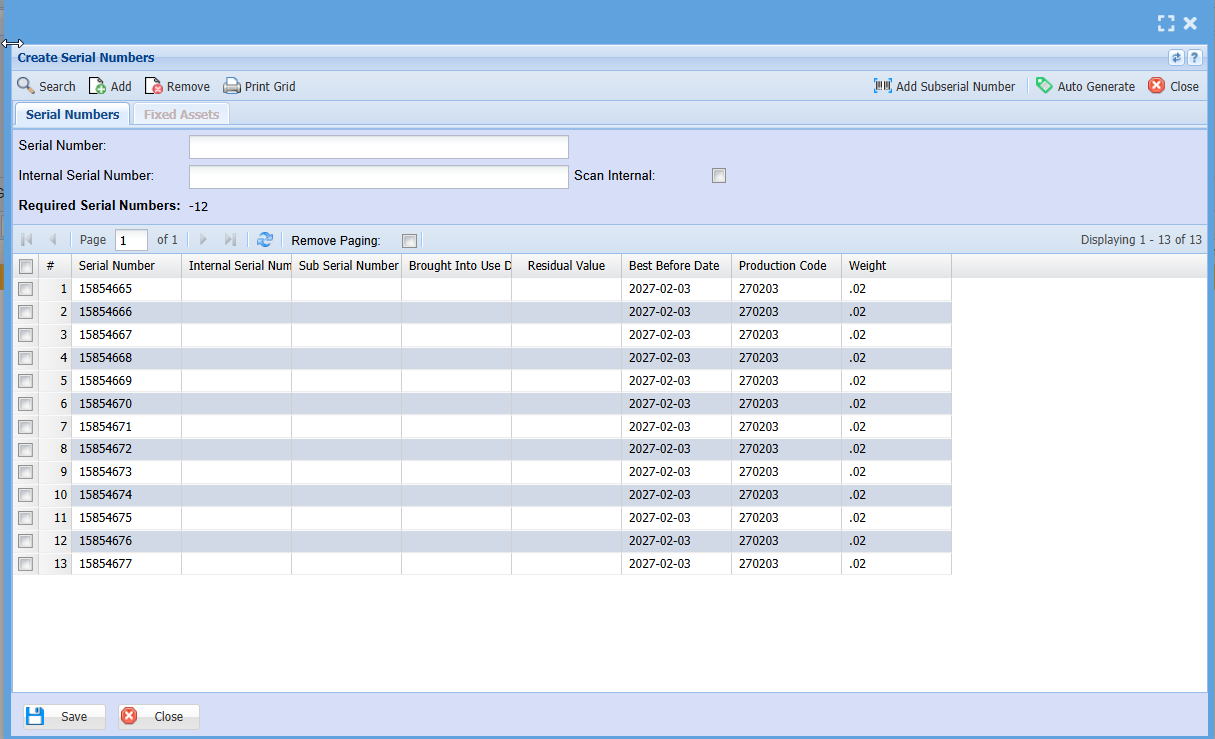
Serial Number Import (GRV)
Using the GRV import for serial numbers is appropriate when you do not have a purchase order and want to skip that step, going straight to creating the GRV.
Creditors Module > Activity > Goods Received Note (GRV)
- Search for your GRV
- Double Click on your GRV to open
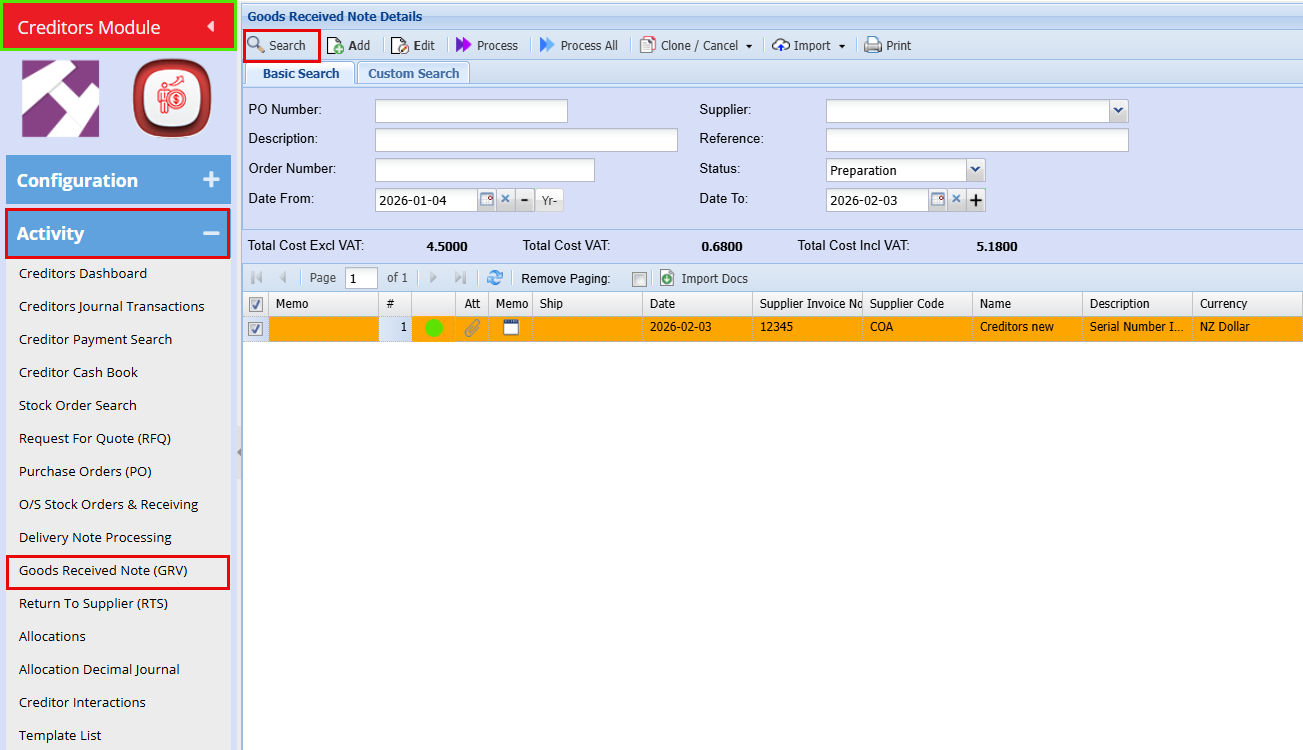
- Open the GRV by double‑clicking it
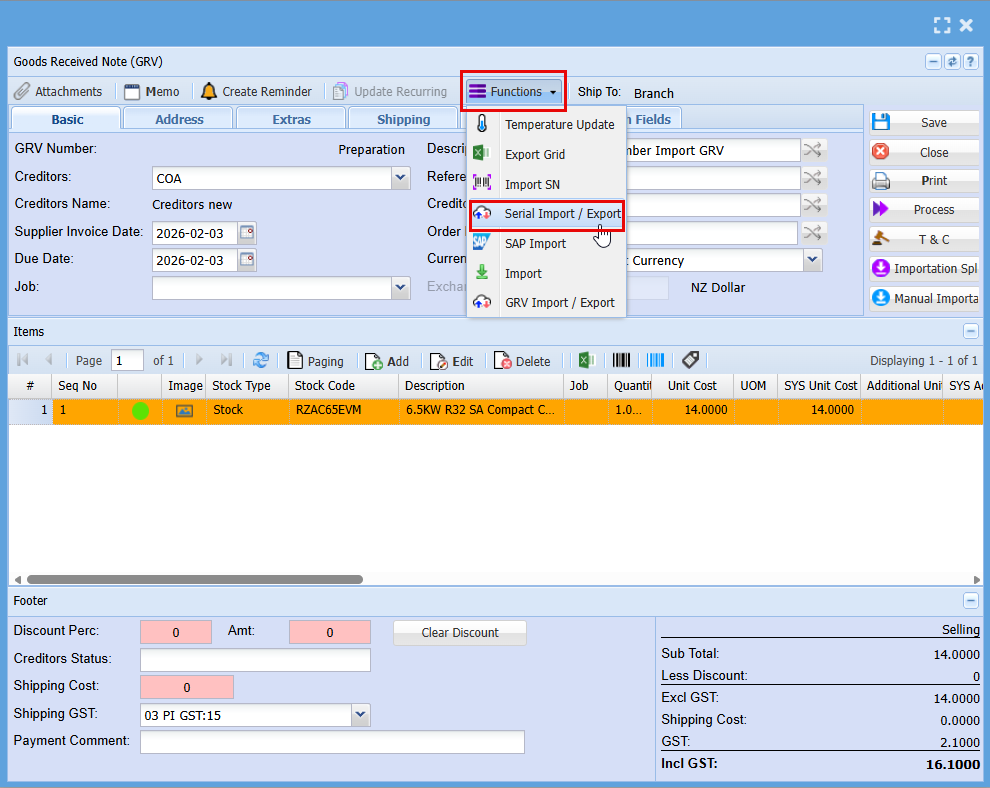
- Click on "Functions"
- Click on Serial Import/Export
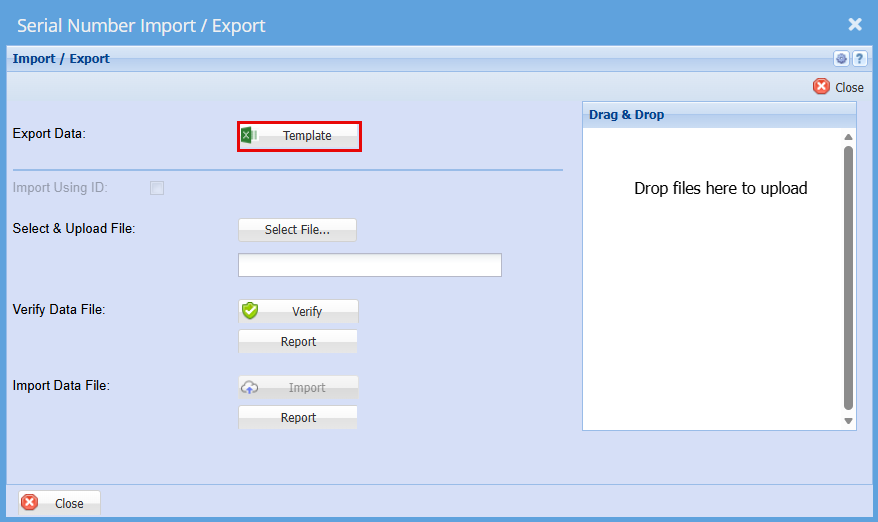
A window will appear allowing you to export a template that can be used for the import.
- Click on "Template" this will download an excel file
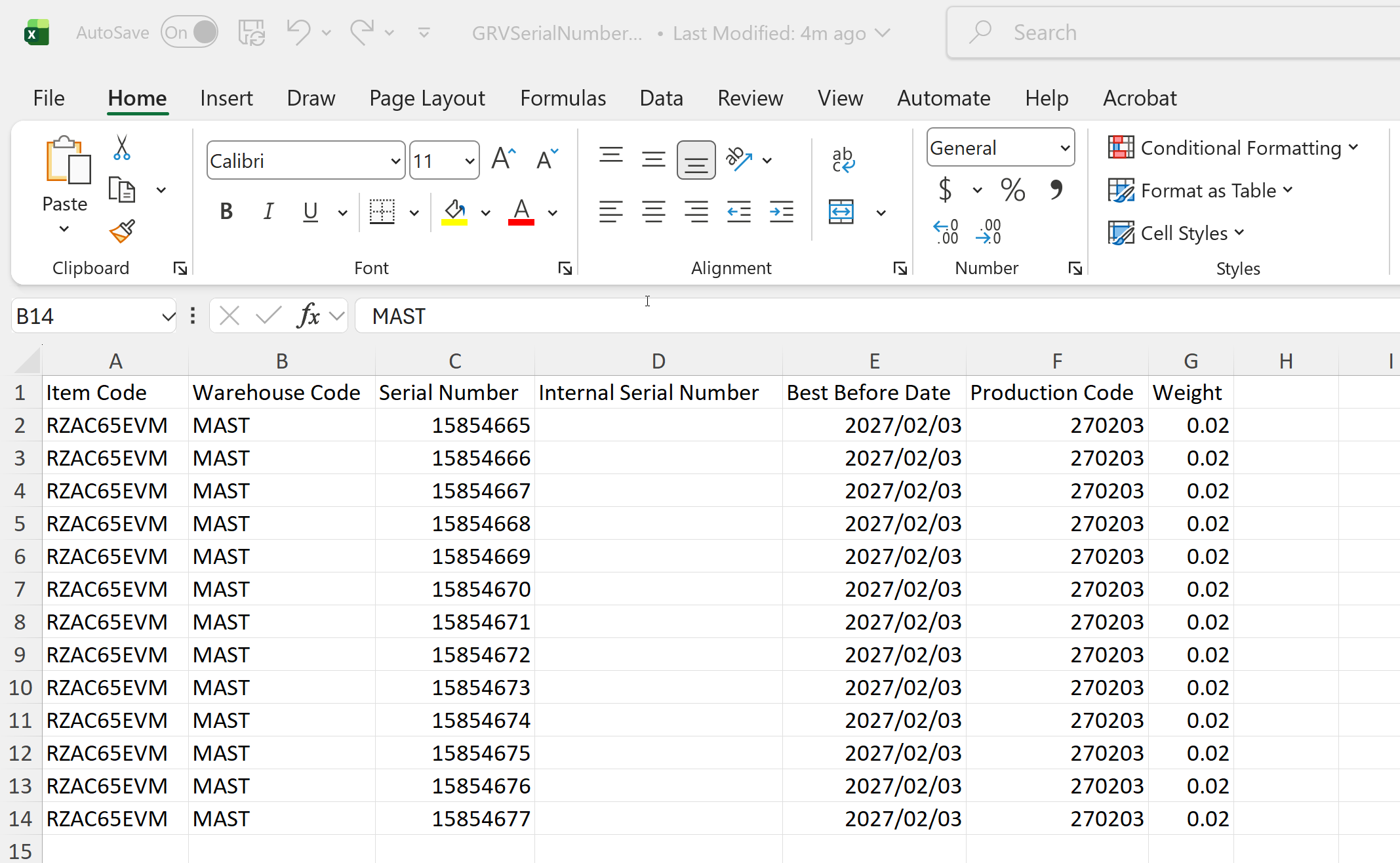
- Enter the serial numbers here, with each item listed on a separate line as shown below.
- Save the file to your computer.
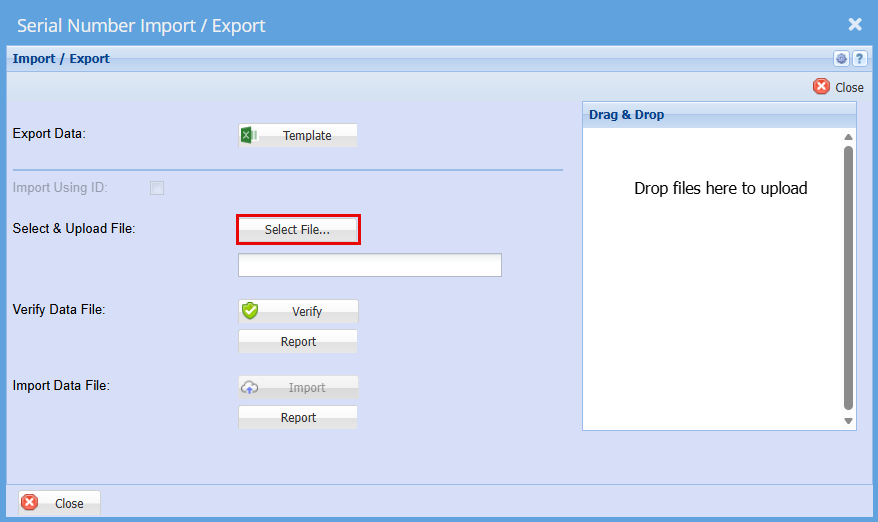
- Go back to the "Serial Number Import/Export" Screen
- Click "Select File"
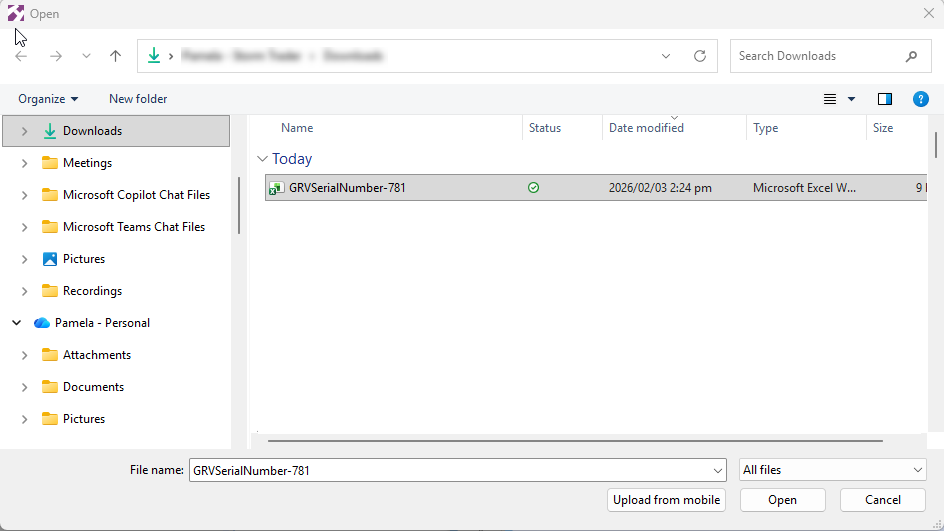
- Find the file you have saved.
- "Double Click" the file or click "Open"
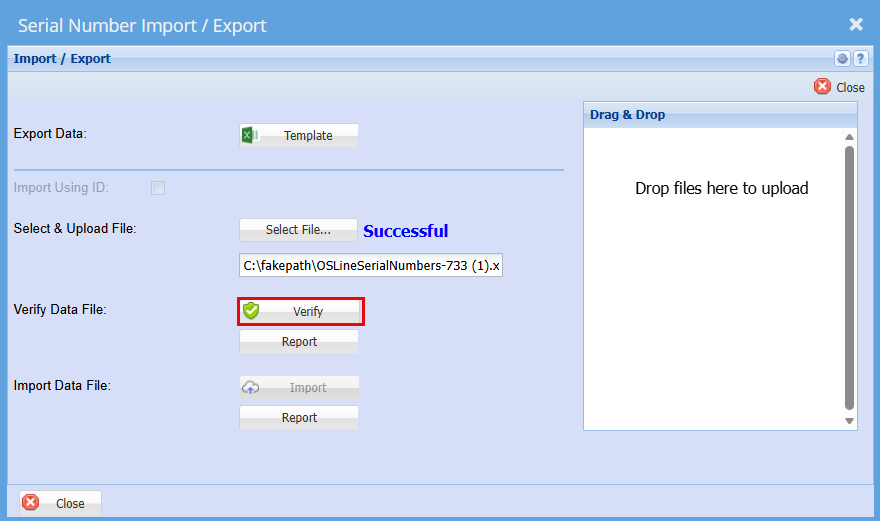
You should get a Successful Import
- Click "Verify"
You should again get a successful for verification
- Click "Import"
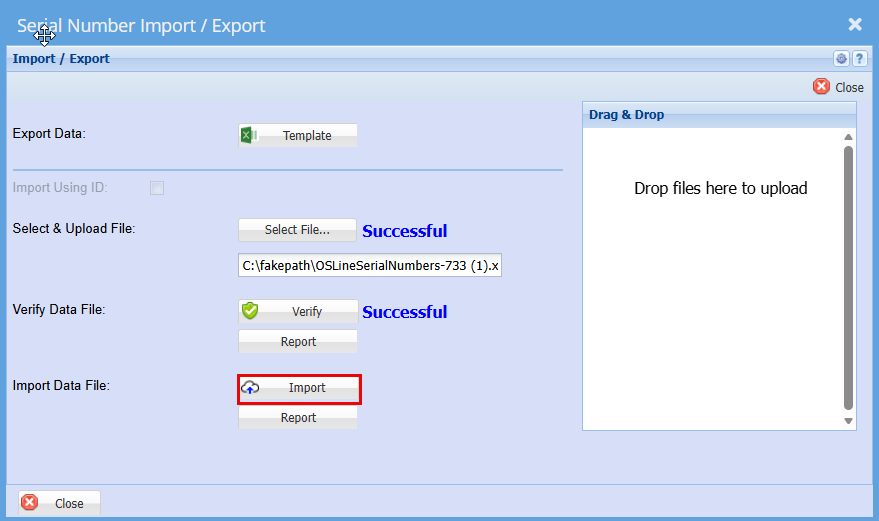
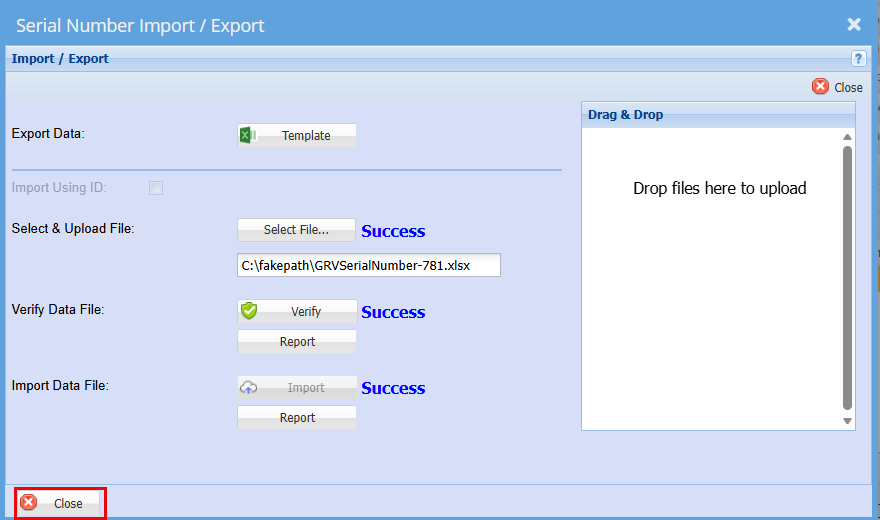
You should then get a Successful for Import.
Click "Close"
• Double‑click to open the line item.
• Click the “Serial Nos” button.
• Click the “Serial Nos” button.
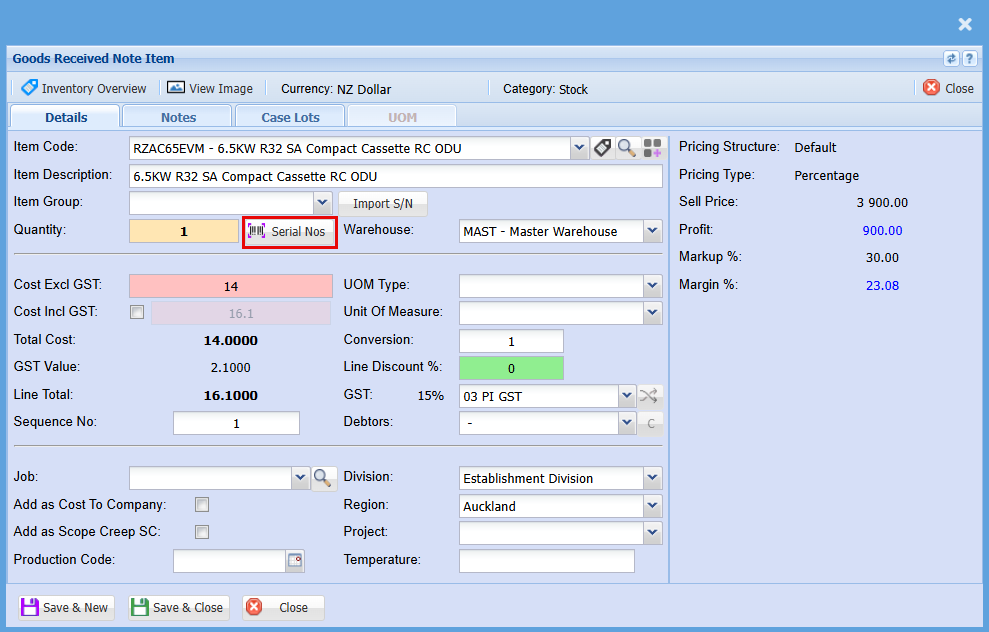
This will show you all your serial numbers per item