Additional GL Properties Menu
GL Properties
General Ledger> Configuration>Additional GL Properties
The form that allows the user to set up cost centres
Setup the following cost centres
| 1. |
Division |
| 2. |
Region |
| 3. |
Invoice Group |
This information will update Debtors and Creditors Additional Properties
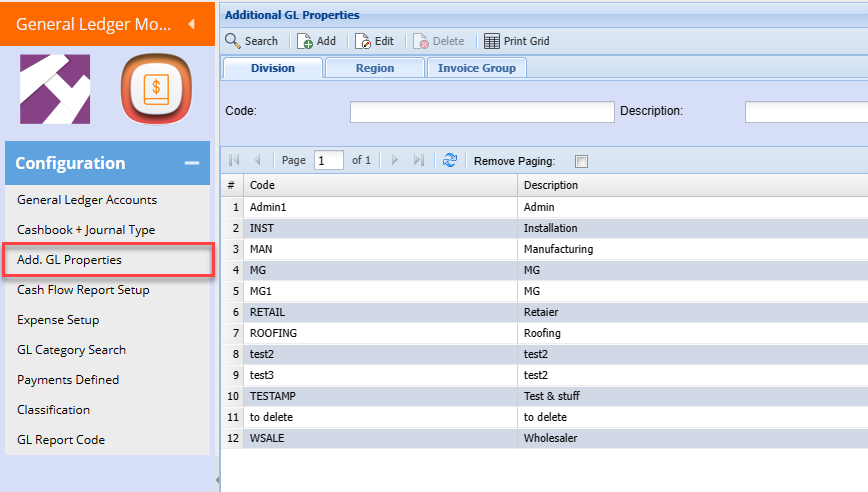
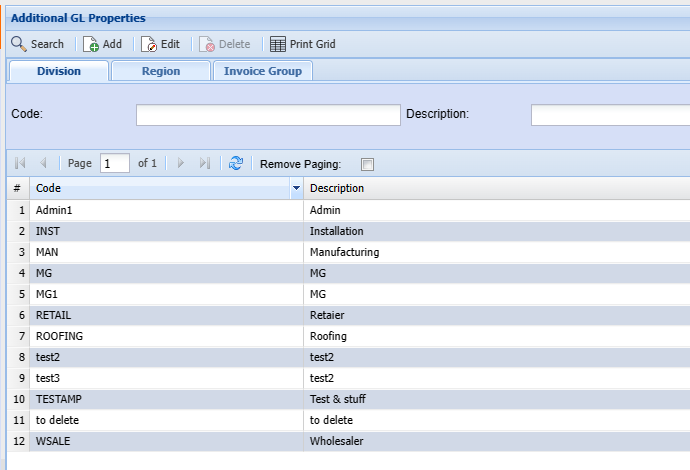
Division
Setup a division cost center
Add or edit a division
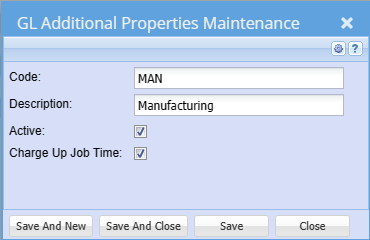
| Code | Enter a code that is unique |
| Description | Enter a description |
| Active | Active or inactive |
| Charge Up Job Time | Used in Job costing time logging to set that this group, charges time logs as Charge up |
Region
Setup region cost centers
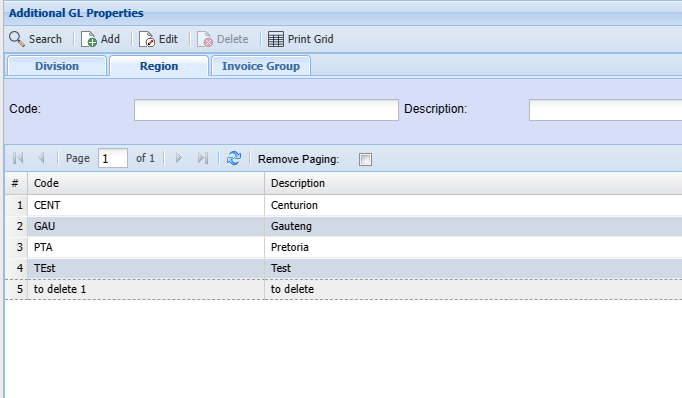
Add or edit a region
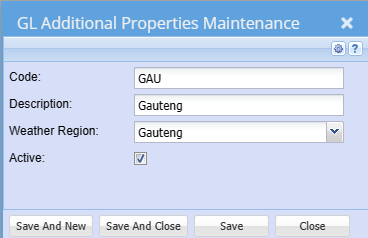
| Code | Enter a code that is unique |
| Description | Enter a description |
| Weather Region | Used in Job Costing to display the weather in that region |
| Active | Active or inactive |
Invoice Group
Setup an invoice group cost center
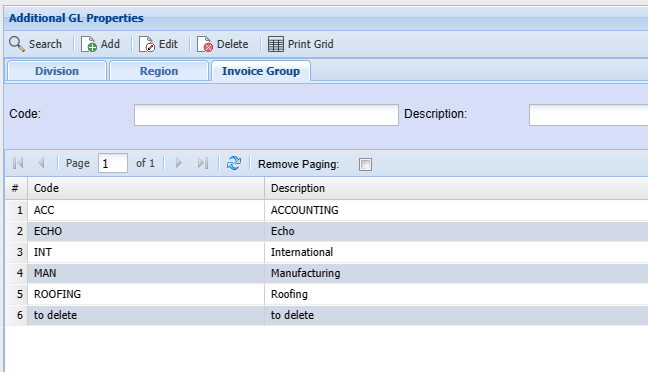
Add or edit an invoice group
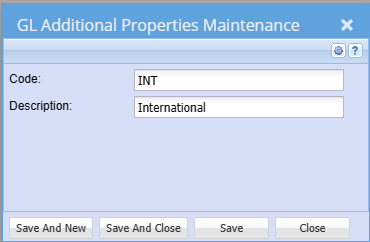
| Code | Enter a code that is unique |
| Description | Enter a description |
| Active | Active or inactive |
GL Properties Cost Centers
An example of setting up cost centres. Choose the General Ledger module and click on Administration and then Additional GL Properties. Click on search.
Observe the tabs at the top of the page. Under division, the four example cost centres have been added. Click on the GL Group tab at the top of the same page, the four main headings of the required general ledger have been added under this tab.
The Region tab could be used for areas, branches and cities nationally or internationally.
Still in the General Ledger, click on Activity and click on Cashbooks. Insert a cashbook and fill in the description, reference, choose a bank account and click on save. Click on INSERT SPLIT.
Choose the correct date, reference, and entry type e.g. deposit or payment. Insert a short description and click on save. Insert the split lines, this now gives the option to choose a cost centre to put the payments or deposits to.
Ensure that the split lines total corresponds with the bank statement line total exactly.
.png)
Cost center allocation
.png)