# Direct Debit
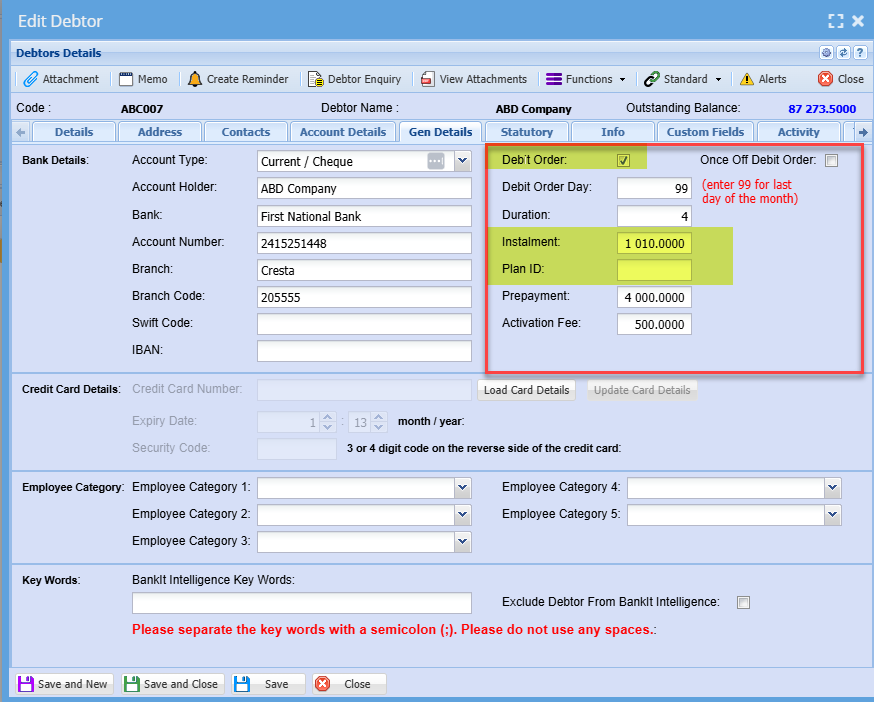
To setup customers with direct debit or direct order flag follow these two steps:
1. Mark Debtor/ Customer as debit order by adding a tick to the tick box
2. Input information all the necessary information required
**Debtors/ Customer Module> Configuration> Debtor/ Customer Setup> Gen Details Tab**
[](https://hugeerp10.co.za/hsofmanual/uploads/images/gallery/2024-05/n2eimage.png)
---
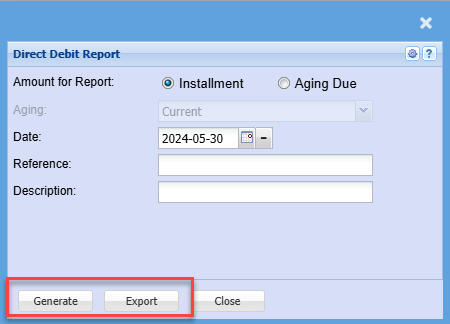
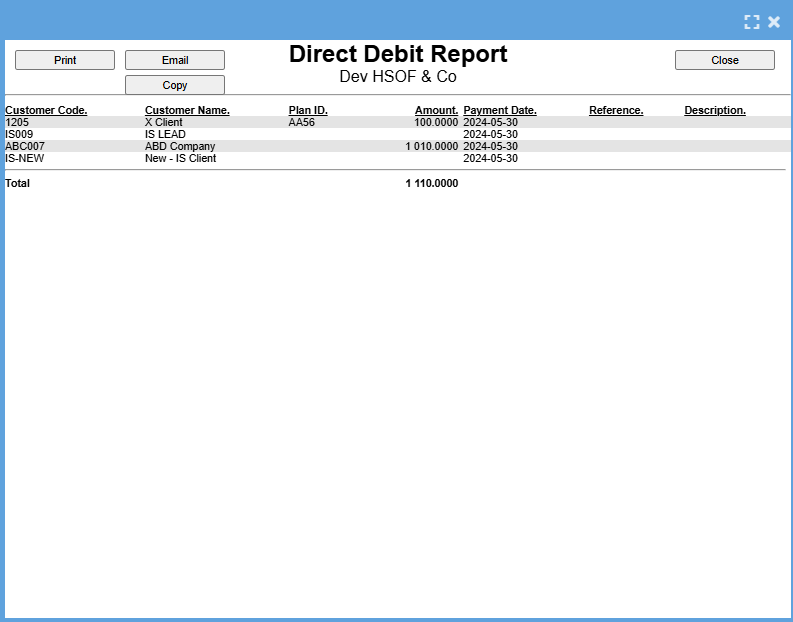
##### Print or export a report on Direct Debit
The export button creates a CSV file to upload to the bank
**Go to Debtors Module> Reports > Direct Debit Report**
[](https://hugeerp10.co.za/hsofmanual/uploads/images/gallery/2024-05/Gmzimage.png)
[](https://hugeerp10.co.za/hsofmanual/uploads/images/gallery/2024-05/zFPimage.png)