# Automatic Discount
Automatic Discount works differently in Webatar than in the main system.
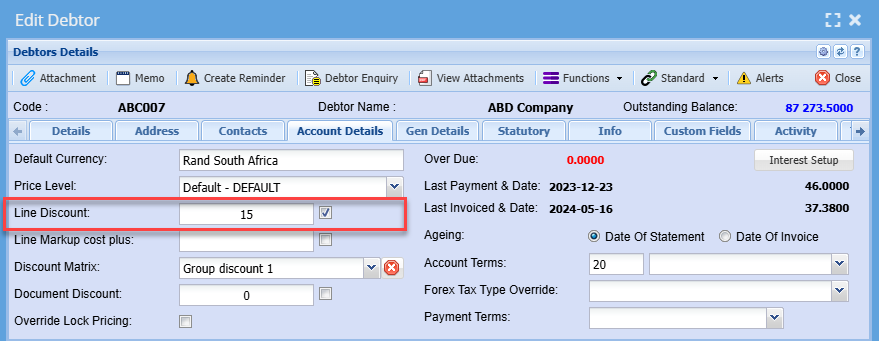
Setup automatic discount on customer setup
**Debtors Module> Configuration> Debtor Setup> Account Details Tab**
The tick indicates that this discount needs to be applied. If a tick is off, a discount is not applied to documents or line items
There are three types of Discounts namely:
1. Line Discount
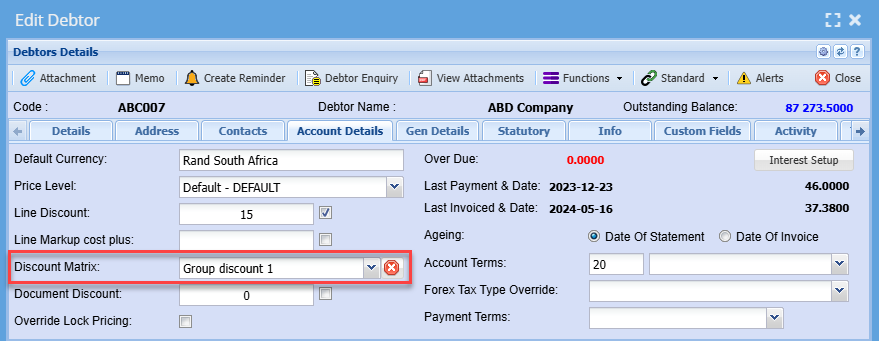
2. Discount Matrix
3. Document Discount
#### Line Discount
Line discount allows a user to put a discount on all items that have been marked to allow line discount.
If an item is not marked to allow line discount it will not add the discount to the line.
[](https://hugeerp10.co.za/hsofmanual/uploads/images/gallery/2024-05/ydoimage.png)
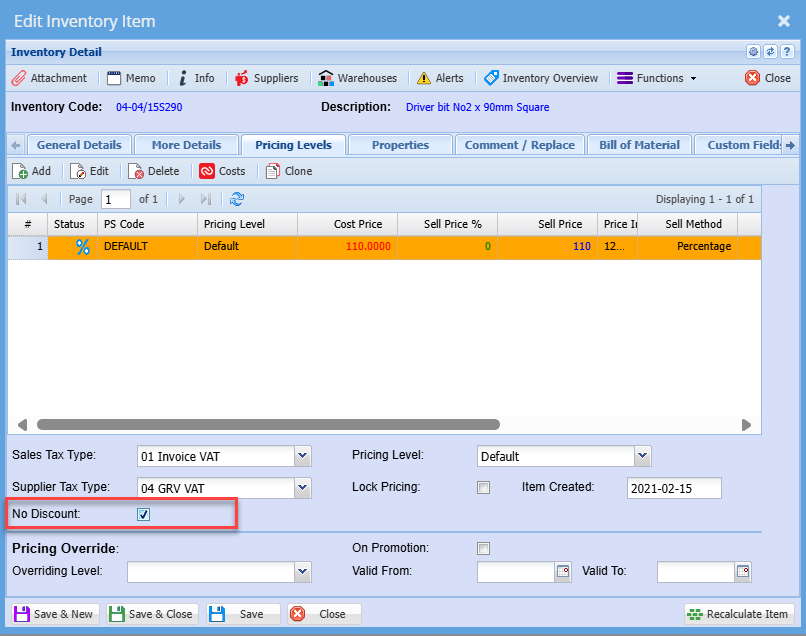
If you don't wish for a specific item to be included in the line discount you need to add a tick to No discount
Go to **Inventory module> Configuration> Inventory Setup> Pricing levels**
Them put a tick on the No Discount Tickbox
[](https://hugeerp10.co.za/hsofmanual/uploads/images/gallery/2024-06/P8Jimage.png)
---
#### Discount Matrix
[](https://hugeerp10.co.za/hsofmanual/uploads/images/gallery/2024-06/image.png)
---
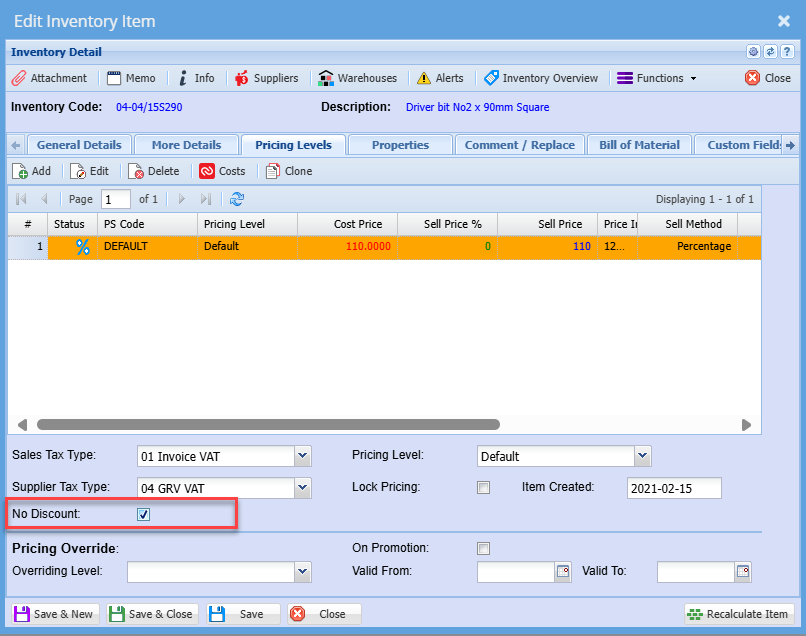
#### Document Discount
Document Discount will give a dis
[](https://hugeerp10.co.za/hsofmanual/uploads/images/gallery/2024-06/4Ncimage.png)
NOTE:
That when adding new items to the document in Webaccounting after a sync from Webatar.
There will be no discount applied to the new lines added.
This is because when you first open up the document in Webaccounting, discount is applied to the whole document.
.png)