Website Support Groups Menu
Website Support Groups
This is where the user creates a new Website Support Groups or search for an existing one.
CRM Module> Configuration> Website Support Groups.
If no filter options are selected all Website Support Groups records are displayed on the gird.
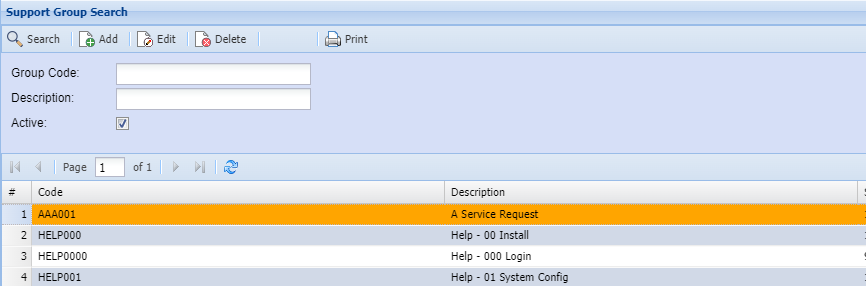
| Group Code | |
| Description | |
| Active | Searching for Active or Inactive Website Support Groups |
| Search | Search button allows a user to search using filter options. |
| Add | |
| Edit | to make changes to an existing Website Support Group. |
| Delete | to delete an existing Website Support Group. |
| print all the Website Support Group display on the gird |
Add Website Support Groups
This is where the user adds or edits a Website Support Group.
CRM Module> Configuration> Website Support Groups> Add/ Edit Button
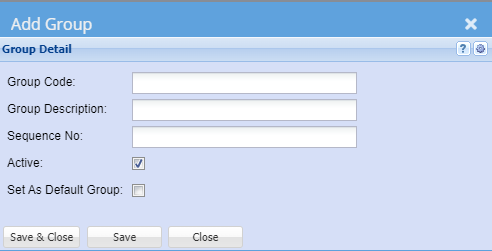
| Group Code | Enter Group Code |
| Group Description | Enter Group Description |
| Sequence No | Enter Sequence number of Group Detail |
| Active | Searching for Active or Inactive Website Support Groups |
| Set as Default Group |